Upgrading or choosing the right RAM (Random Access Memory) can feel confusing, especially if you’re new to PC hardware. RAM plays a big role in how fast your computer feels, how smoothly it runs apps, and how well it handles multitasking. This guide will break down everything you need to know in simple language—plus, you can explore POndesk’s Memory category range for all your RAM needs.
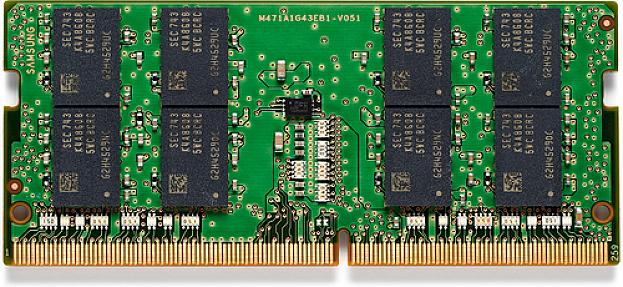
1. What Is RAM and Why Is It Important?
RAM is your computer’s short-term memory. Unlike storage (HDD or SSD) that keeps files permanently, RAM stores data temporarily while your computer is running.
-
More RAM = smoother multitasking.
-
Faster RAM = better performance, especially in demanding tasks.
If your PC feels slow with multiple tabs or apps open, upgrading RAM is often the easiest and most effective fix. Check Pondesk’s full Memory category for compatible RAM modules.
2. RAM Capacity – How Much Do You Need?
The right amount of RAM depends on what you do:
-
4GB – Basic tasks like emailing or light browsing.
-
8GB – Everyday use and light multitasking.
-
16GB – Ideal for gaming, office work, and students.
-
32GB+ – For heavy tasks like video editing, 3D design, or running virtual machines.
3. RAM Speed (MHz)
RAM speed is measured in MHz and tells how many cycles per second the RAM can handle. A higher MHz rating means faster data transfer, which improves system responsiveness, gaming, and multitasking.
|
Speed (MHz) |
Performance Level |
Best For |
Notes |
|
2400 MHz |
Entry-level |
Office work, web browsing, older PCs |
Budget-friendly but slower for modern gaming. |
|
3200 MHz |
Mid-range (most popular) |
Gaming, content creation, multitasking |
Balance of price and performance. |
|
3600 MHz |
High-performance |
Modern gaming, streaming, productivity |
Faster load times, smoother gameplay. |
|
4800–6000+ MHz (DDR5) |
Cutting-edge (premium) |
High-end gaming PCs, future-proof builds |
Very fast, but expensive and needs DDR5 support. |
4. RAM Type (DDR Generations)
|
DDR Type |
Details |
|
DDR3 |
Outdated and not cost-efficient for new builds. |
|
DDR4 |
Most popular, affordable, and widely compatible. |
|
DDR5 |
Latest and fastest, but more expensive. Ideal for next-gen systems. |
5. Form Factor – DIMM vs SO-DIMM
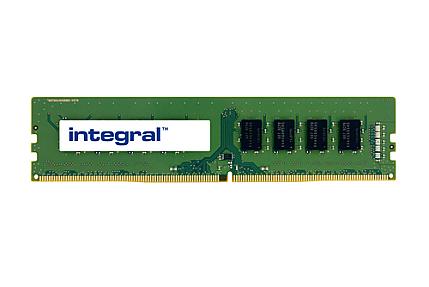
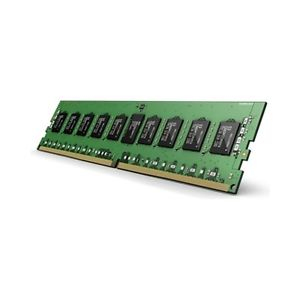
- DIMM modules are full-sized RAM sticks designed for desktops and servers, offering higher capacity.
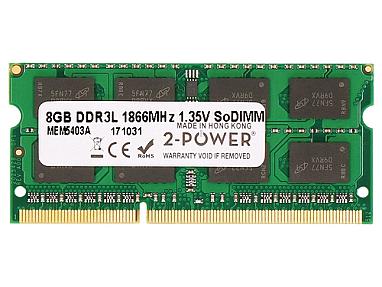
- SO-DIMM modules are smaller and compact, ideal for laptops and mini-PCs where space is limited.
DIMM
SO-DIMM
Pondesk Recommended RAM Modules
? Laptop & Mini PC RAM (SO-DIMM)
-
Integral (LCNB36L8GB-IN) 8GB DDR3 1600 MHz 204-pin SO-DIMM RAM — Best budget upgrade for older laptops.
-
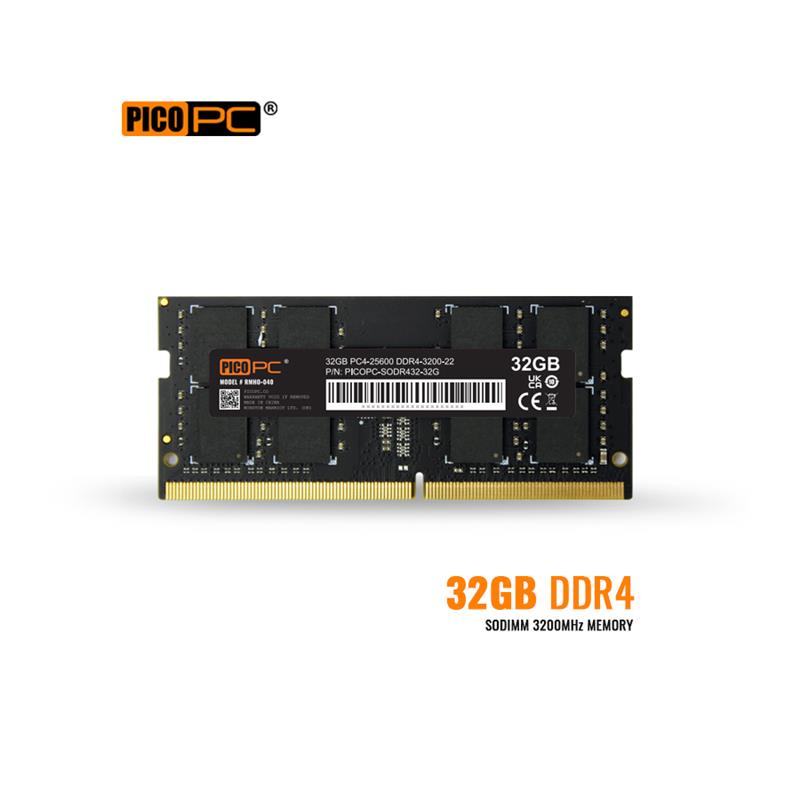
PicoPC 32GB DDR4 SO-DIMM Non-ECC 3200MHz Laptop Memory — Perfect for multitasking on modern laptops.
-
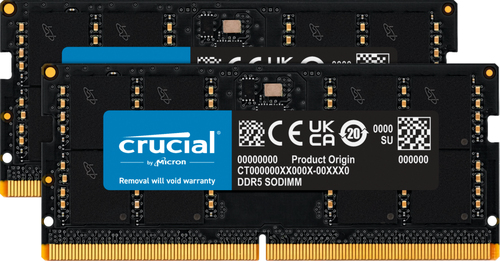
Crucial (CT2K64G56C46S5) 128GB DDR5 5600 MHz SO-DIMM RAM — Future-proof performance for high-end laptops.
-
V7 4GB DDR4 2400MHz 260-pin SO-DIMM Module — Ideal lightweight upgrade for basic laptop use.
-
V7 (V7K1490016GBS-LV) 16GB DDR3 1866MHz 204-pin SO-DIMM Module — Great compatibility and pickup performance for mid-generation laptops.
? Desktop & Server RAM (DIMM)
-
2-Power (2P-NL674AA) 16GB DDR3L 1333MHz RDIMM Memory — Stable and reliable for server applications.
-
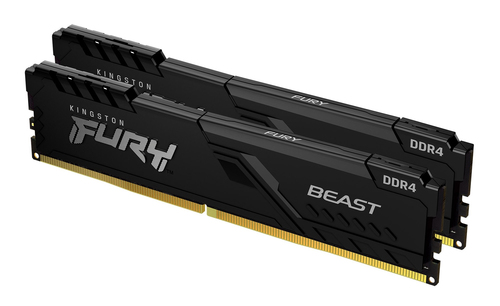
Kingston FURY Beast 32GB 3200MT/s DDR4 288-pin DIMM RAM — Excellent choice for gaming and productivity PCs.
-
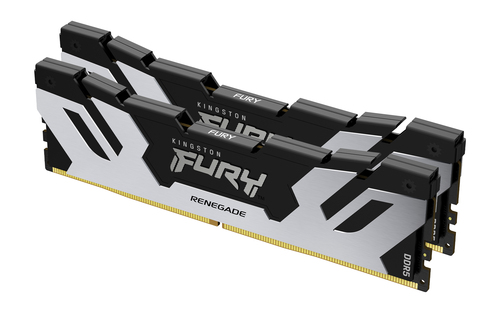
Kingston Technology FURY 48GB 8000MT/s DDR5 288-pin DIMM RAM — Ultra-fast DDR5 performance for enthusiasts.
-
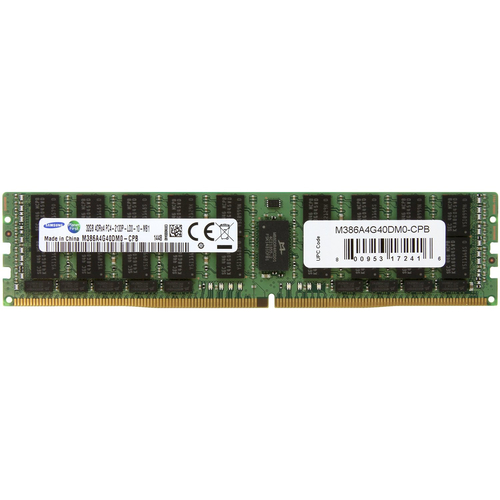
Samsung 32GB DDR4 2133MHz 288-pin DIMM RAM — Trusted brand offering dependable performance for server and desktop setups.
-
Samsung 32GB DDR4 2400 MHz 288-pin DIMM RAM — Balanced speed and capacity from a trusted mass-market RAM provider.
Choose the correct physical size for your system:
|
Type |
Use |
Best For |
Notes |
|
DIMM |
Desktops, Workstations |
High-capacity uses (e.g., servers, gaming PCs) |
Full-sized modules, usually faster and allow higher capacity per stick. |
|
SO-DIMM |
Laptops, Mini PCs |
Space-saving upgrades, compact systems |
Smaller size, commonly used in laptops and small form factor PCs. |
|
UDIMM |
Desktops & Workstations |
Standard home/office PCs |
Unbuffered DIMMs, most common type in consumer-grade desktops. |
|
RDIMM |
Servers |
Reliability-focused applications |
Registered DIMMs, offer stability and capacity/ |
6. Quick Decision Chart
|
User Type |
Recommended RAM |
Notes |
|
Basic Use |
4–8 GB DDR4 |
Budget-friendly |
|
Everyday Use |
8–16 GB |
Smooth multitasking |
|
Gaming / Professionals |
16 GB DDR4/DDR5 |
Speed and efficiency |
|
Content Creation / Heavy |
32 GB+ DDR4/DDR5 |
Handles large workloads |
7. Compatibility Check
Always verify before purchasing:
-
Check your motherboard’s supported DDR type, maximum RAM, and form factor.
-
Confirm speed compatibility (MHz).
-
Use RAM in matched pairs (dual-channel) for best performance.
Use tools like CPU-Z or your PC manual, and explore Pondesk to find compatible modules seamlessly. Memory category
Conclusion
The ideal RAM balances capacity, speed, and compatibility. For most users, 16 GB DDR4 offers the best value. For heavier use, consider 32 GB DDR4/DDR5. Always check your PC’s requirements before purchasing. Explore Pondesk’s Memory category to find the perfect RAM upgrade for your system.
FAQs
1. How do I know which RAM is compatible with my PC?
Check your motherboard’s specifications. Look at supported DDR type (DDR3, DDR4, DDR5), maximum RAM capacity, and speed (MHz). Tools like CPU-Z can also help.
2. Is upgrading RAM really worth it?
Yes. If your system slows down with multiple apps or browser tabs open, upgrading RAM is the fastest and most cost-effective way to improve performance.
3. What is the difference between DDR4 and DDR5 RAM?
DDR5 offers faster speeds (up to 8000+ MHz) and better power efficiency compared to DDR4. However, DDR5 is more expensive and requires a compatible motherboard.
4. How much RAM do I need for gaming?
For modern gaming, 16GB DDR4 or DDR5 is usually enough. For high-end gaming, streaming, or content creation, 32GB or more is recommended.
5. What is SO-DIMM vs DIMM RAM?
-
SO-DIMM RAM is smaller and used in laptops or compact PCs.
-
DIMM RAM is larger and used in desktops and servers.
6. Can I mix different RAM sizes or speeds?
It’s possible, but not recommended. Mixing different RAM modules can cause instability or limit performance. For best results, use matched pairs (same size, brand, and speed).
7. What is ECC RAM and do I need it?
ECC (Error-Correcting Code) RAM is designed for servers and workstations where stability is critical. Most home or gaming PCs don’t require it.
8. Where can I buy reliable RAM online?
You can explore Pondesk’s Memory category for a wide range of DDR3, DDR4, and DDR5 RAM modules for laptops, desktops, and servers.





Comments (1)