16GB RAM Laptops
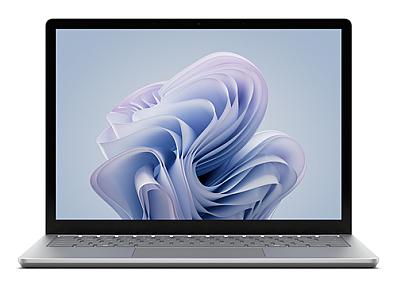
Product Code: LTHO-1022
Microsoft Surface Laptop 6 Intel Core Ultra 7 13.5" 2256 x 1504 64 GB, 1 T...
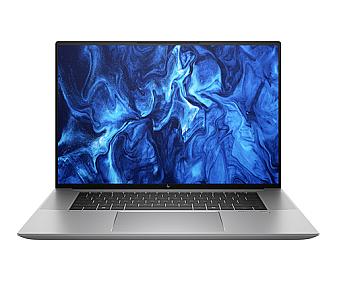
Product Code: LTHO-1049
HP ZBook Studio G11, Intel Core Ultra 9 16" 3840 x 2400 pixels 64 GB 1 TB...
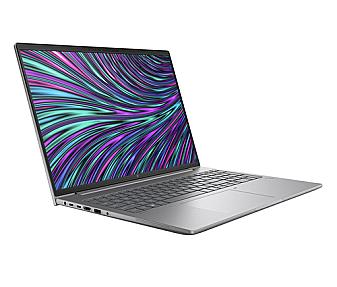
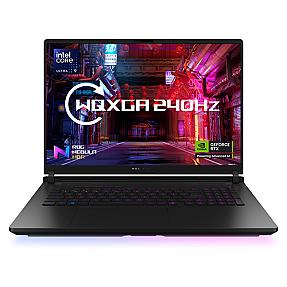
Product Code: LTHO-1165
ASUS ROG Strix SCAR 18 Intel Core Ultra 9, 18" 2560 x 1600 pixels 64 GB, 2...
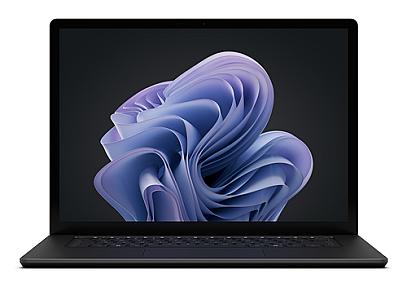
Product Code: LTHO-1244
Microsoft Surface Laptop 6 , Intel Core Ultra 7, 15", 2496 x 1664 64 GB, 1...
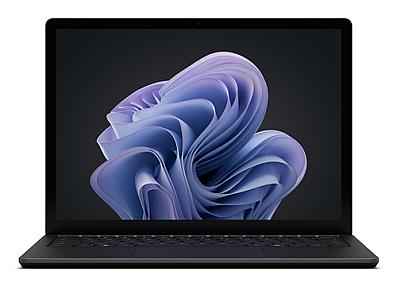
Product Code: LTHO-1264
Microsoft Surface Laptop 6 Intel Core Ultra 7, 13.5" 64 GB, 1 TB Windows 1...
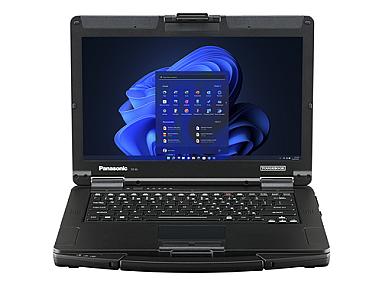
Product Code: LTHO-1284
Panasonic Toughbook FZ-55GZ040BE Intel Core i7 14" 64 GB 512 GB Windows 11...
Product Code: LTHO-1312
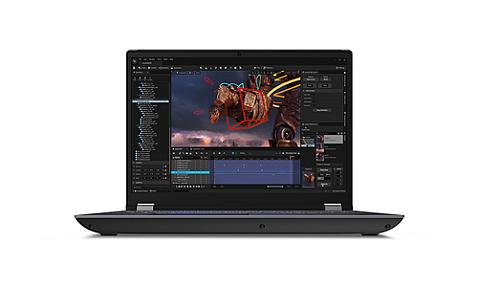
Lenovo ThinkPad P16s Gen 4 64 GB, 1 TB Copilot+ PC AMD Ryzen AI 9 HX PRO
$2,729.99
Product Code: LTHO-1316
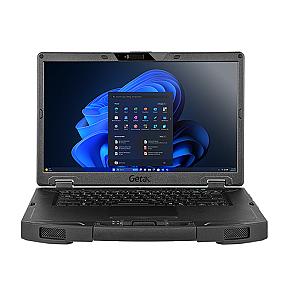
Lenovo ThinkPad P16 Gen 2 Intel Core i7 16" 3840 x 2400 64GB 2TB Windows 1...
Product Code: LTHO-1345
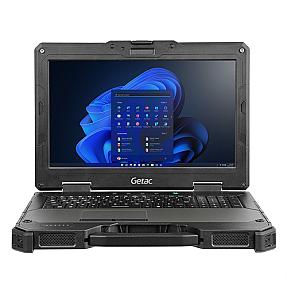
Getac S510 Intel Core Ultra 7 15.6" 1920 x 1080 pixels 64 GB 1TB Windows 1...
Product Code: LTHO-1363
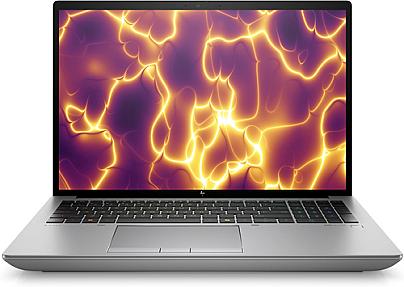
Getac X600 Intel® Core™ i7 15.6" 1920 x 1080 64 GB, 1 TB Windows 11 Pro la...
Product Code: LTHO-1449
HP ZBook Fury G11, Intel Core i9 16" 3840 x 2400 64GB/2TB Windows 11 Pro L...
If your current laptop grinds to a halt the moment you open a few extra browser tabs, run a video call alongside a spreadsheet, or try to edit a document while software updates in the background, the problem usually isn't your processor. It's memory. A laptop with too little RAM has to constantly swap data between slow storage and active memory, and that's where the stuttering, freezing, and long load times come from.
16GB of RAM has become the practical baseline for anyone who uses a laptop for real work rather than light browsing. It gives Windows and macOS enough headroom to run your operating system, your applications, and your background processes at the same time, without the constant juggling that causes lag. Whether you're comparing laptops for an office rollout, kitting out a technical team, or replacing an underpowered machine that can't keep up with modern software, this guide explains exactly what 16GB RAM laptops are good for, how to choose the right specification, and what to check before you buy.
What Is a 16GB RAM Laptop, and Who Is It For?
RAM (Random Access Memory) is short-term, high-speed memory that your laptop uses to hold data it's actively working with. Unlike your SSD or hard drive, which stores files permanently, RAM only holds information while it's in use. More RAM means your laptop can keep more programs, browser tabs, and background services loaded at once without having to offload data to slower storage.
A 16GB RAM laptop sits in the sweet spot between basic 8GB machines, which struggle once you move beyond email and web browsing, and 32GB-plus workstations built for specialist workloads like large-scale rendering or heavy virtualisation. For most business users, students, developers, and professionals working with standard productivity, design, or engineering software, 16GB is enough memory to keep things running smoothly for years, not just months.
Typical use cases include:
- Running multiple applications simultaneously, such as CRM software, spreadsheets, email clients, and video conferencing tools
- Web development and coding, where several browser tabs, a local server, and an IDE need to run at once
- Photo editing and moderate video editing in tools like Adobe Lightroom, Photoshop, or Premiere Pro
- CAD, GIS, or engineering software used in manufacturing, construction, and infrastructure environments
- Data analysis and reporting work involving large spreadsheets or business intelligence dashboards
- Everyday gaming and creative work that doesn't require workstation-grade specifications
If your work involves heavy 3D rendering, large dataset modelling, or running multiple virtual machines at once, you may want to look at 32GB or 64GB configurations instead. For nearly everyone else, 16GB delivers the performance you need without paying for capacity you won't use.
Key Features and Benefits of 16GB RAM Laptops
Smooth multitasking. You can keep dozens of browser tabs, several applications, and background processes running together without the system slowing down or apps crashing.
Better longevity. Software gets more demanding every year. A laptop with only 8GB of RAM often feels underpowered within two to three years, while 16GB machines tend to stay comfortable for considerably longer, protecting your investment.
Faster response under load. When your laptop doesn't have to constantly write temporary data to a swap file on the SSD, everything from switching between apps to opening large files feels noticeably quicker.
A wider range of usable software. Many professional applications, from CAD packages to video editing suites, list 16GB as their recommended minimum. Buying at this specification avoids the frustration of software that technically runs but performs poorly.
Balanced value. 16GB laptops sit at a genuine value point. You get a meaningful performance upgrade over 8GB models without paying the premium that 32GB or 64GB configurations typically command, which matters when you're purchasing in volume for a team or department.
Types and Variations Within the Category
Not every 16GB RAM laptop is built for the same job. When comparing models, it helps to understand the main variations you'll come across:
By Processor and Platform
Laptops in this category range from efficient ultrabook processors, ideal for office and mobile work, up to high-performance Intel Core Ultra 9, AMD Ryzen 9, and Apple Silicon chips designed for engineering, creative, and technical workloads. The right processor tier depends on the software you're running daily, not just the RAM figure on the spec sheet.
By RAM Type and Speed
DDR5 memory, now standard in most current-generation laptops, offers higher bandwidth and better power efficiency than older DDR4 modules. Some business and workstation-class laptops also support soldered LPDDR5X memory, which is faster but not user-upgradeable, so it's worth checking this before you buy if future upgrades matter to you.
By Storage Pairing
16GB RAM is most commonly paired with SSD storage ranging from 256GB up to 2TB. For business use involving large files, CAD drawings, or extensive local data, pairing 16GB RAM with at least a 512GB or 1TB SSD is worth the extra investment, since a fast, spacious drive complements the memory upgrade rather than becoming the new bottleneck.
By Form Factor
This category spans thin-and-light ultrabooks, 2-in-1 convertibles with touchscreens, business-focused laptops with enhanced security features, and mobile workstations built for rugged or field environments. The right form factor depends on where and how the laptop will actually be used.
By Operating System
Windows 11 Pro remains the standard choice for business procurement thanks to its device management, security, and domain integration features, while Windows 11 Home suits individual and light business use. macOS options are worth considering for creative teams already invested in the Apple ecosystem.
How to Choose the Right 16GB RAM Laptop
Choosing the right machine comes down to matching the specification to how it will actually be used, not just picking the highest number on the page.
1. Match the processor to your workload. RAM and processor performance work together. A capable Intel Core Ultra 7, AMD Ryzen 7, or equivalent chip paired with 16GB RAM will outperform a weaker processor with the same memory, particularly for demanding software.
2. Prioritise SSD speed and capacity. For business use, a minimum of 512GB is a sensible starting point, and NVMe SSDs offer significantly faster read and write speeds than older SATA-based drives.
3. Check whether the RAM is upgradeable. Many ultrabooks now use soldered memory that can't be expanded later. If future-proofing matters for your procurement plan, confirm this detail before purchase rather than assuming.
4. Consider display and portability needs. Field engineers and travelling sales teams typically need something lighter with strong battery life, while design and engineering teams may prioritise a larger, higher-resolution screen over portability.
5. Look at build quality and certifications. For industrial, construction, or field environments, MIL-STD-810H rugged certification and IP-rated chassis protection can be more important than raw specifications.
6. Factor in warranty and support. Business purchasing decisions should account for manufacturer warranty length, on-site support options, and the reliability of the supplier behind the sale, not just the unit price.
7. Confirm genuine specifications. RAM and storage capacities are sometimes misrepresented on marketplaces with unclear supply chains. Buying from a verified, transparent source protects you from receiving a laptop that doesn't match its listing.
Important Buying Considerations
Before finalising a purchase, particularly for business or bulk procurement, it's worth checking a few details that are easy to overlook:
- Warranty terms, including whether next-business-day or on-site support is included, which matters for minimising downtime in operational environments
- Windows edition, since Pro editions include remote management and security features that Home editions lack
- Port selection, especially Thunderbolt, USB-C with charging support, and HDMI, which affect compatibility with docking stations and existing peripherals
- Battery life under real workloads, since manufacturer-quoted figures are usually based on light use rather than sustained multitasking
- Compliance and security certifications relevant to regulated sectors, such as finance, medical, or defence-adjacent industries
- Total cost of ownership, weighing purchase price against expected lifespan, since a well-specified 16GB laptop often outlasts a cheaper 8GB model by several years
Common Use Cases
Office and administrative teams benefit from smoother multitasking across email, video calls, and cloud-based productivity suites, reducing the daily friction of a slow machine.
Software developers and IT teams use 16GB configurations to run local development environments, containers, and multiple browser instances without constant slowdown.
Engineering and manufacturing professionals rely on 16GB RAM laptops, often paired with dedicated or integrated graphics, to run CAD, simulation, and monitoring software reliably in the field or on the shop floor.
Creative professionals use this specification for photo editing and moderate video work, where 16GB provides enough headroom for common editing suites without the cost of a full workstation build.
Students and researchers get a machine capable of handling coursework, data analysis, and multitasking through several years of study without needing an upgrade.
16GB vs 8GB vs 32GB: Which Is Right for You?
8GB RAM is generally suitable only for light browsing, document editing, and basic email use. Most business and technical users outgrow this quickly.
16GB RAM is the current standard recommendation for professional, technical, and general business use. It comfortably handles multitasking, common creative software, and most day-to-day engineering and office applications.
32GB RAM and above is worth the extra cost for specialist workloads such as large-scale video editing, 3D rendering, running multiple virtual machines, or working with very large datasets. For most buyers, this is more capacity than is practically needed.
Why Buy 16GB RAM Laptops from Pondesk
Pondesk is a UK-based industrial technology platform built for organisations that need certainty in every purchasing decision, particularly in sectors where unclear supply chains and unverified products create real operational risk.
When you buy a 16GB RAM laptop through Pondesk, you're sourcing from a platform that verifies its technology through trusted channels rather than unclear third-party marketplaces, so the specification on the listing matches what arrives at your door. This matters more than it might seem: RAM and storage capacities are among the most commonly misrepresented details in the wider electronics market.
Pondesk supports customers across manufacturing, construction, energy, telecommunications, banking and fintech, medical and pharmaceutical, retail and logistics, and other regulated or performance-driven sectors, which means the platform is built around the kind of due diligence that business procurement teams actually require, not just consumer convenience. Whether you're sourcing a single laptop or configuring a batch order for a department rollout, Pondesk's focus on secure, compliant, and transparent sourcing is designed to protect your investment from the point of order through to long-term use.