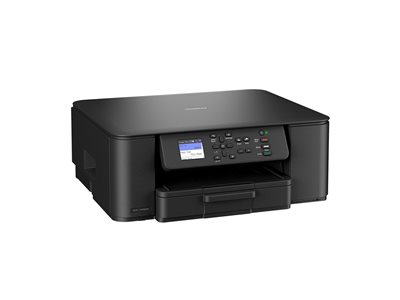
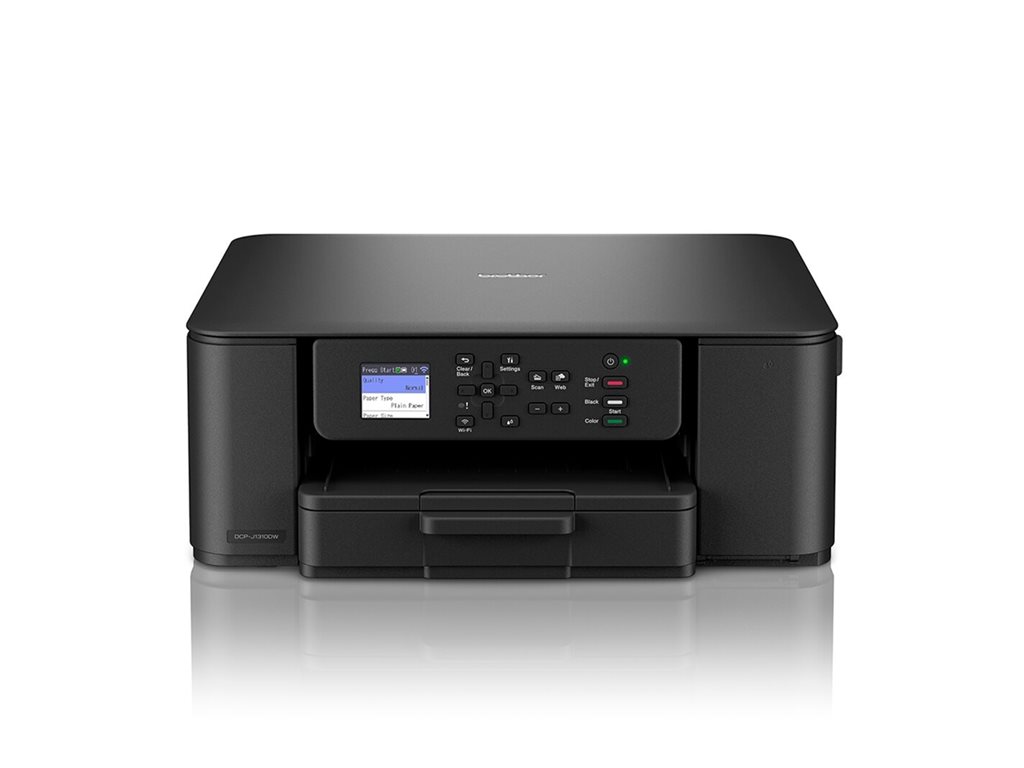
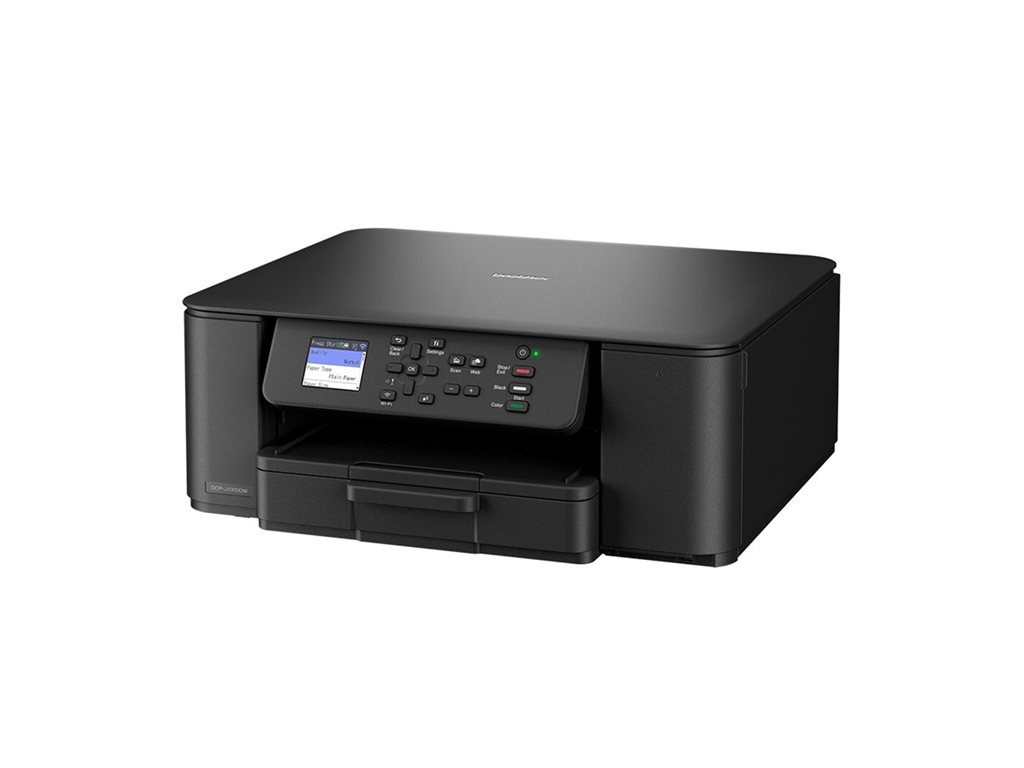
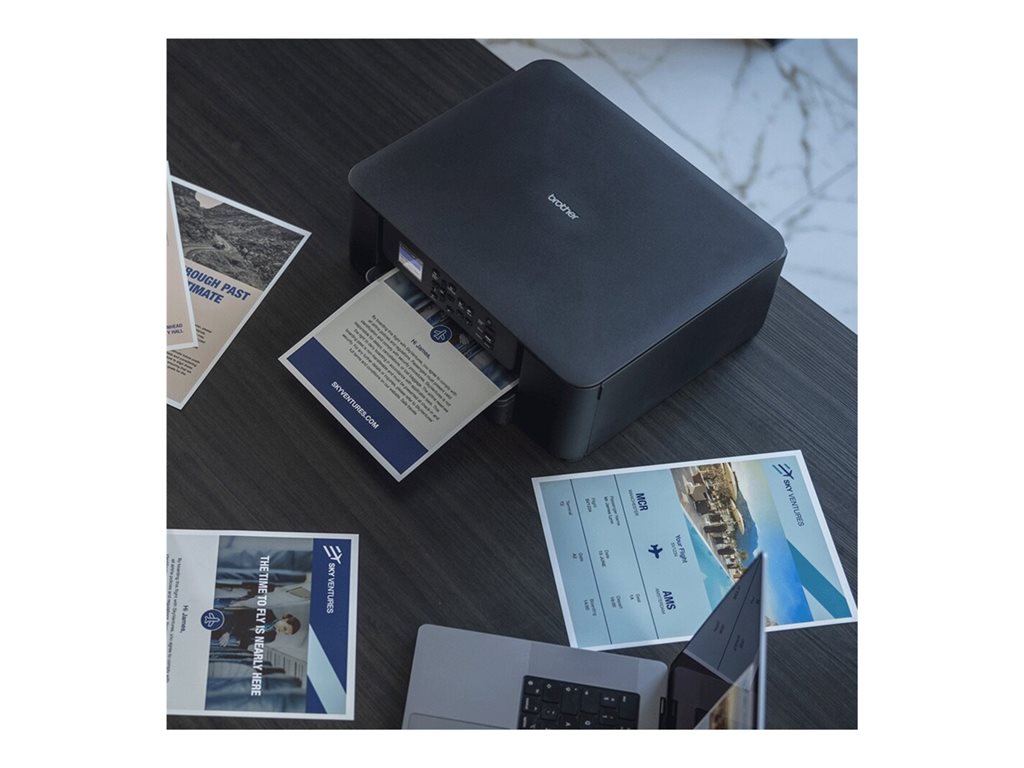
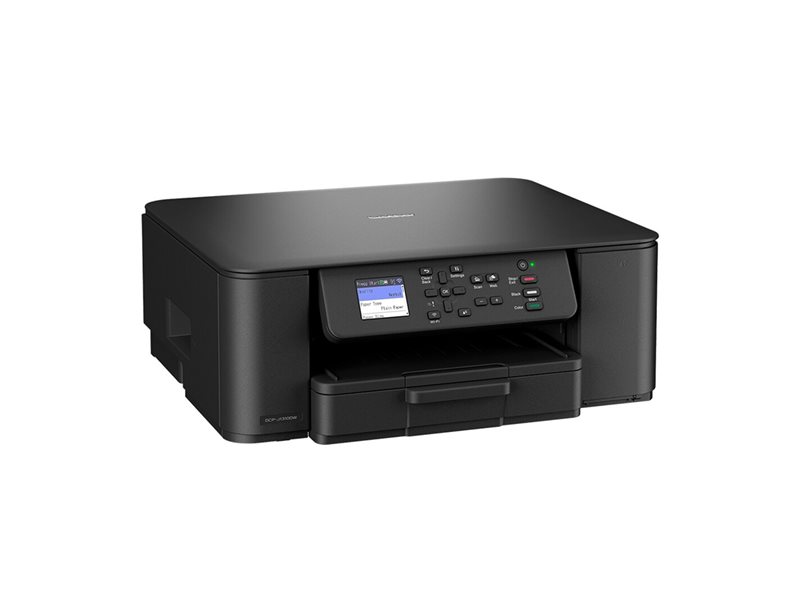
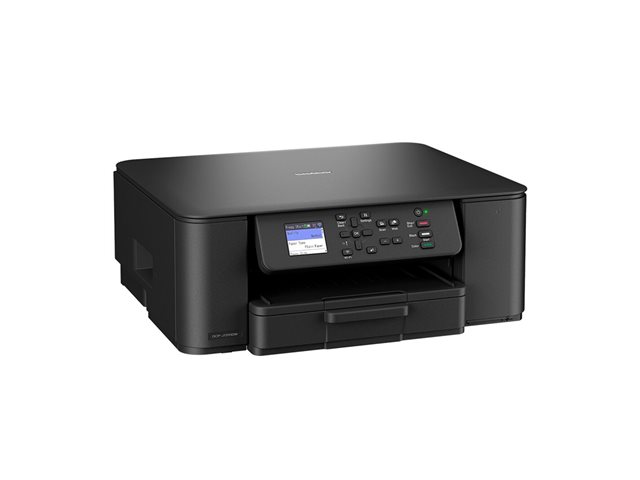
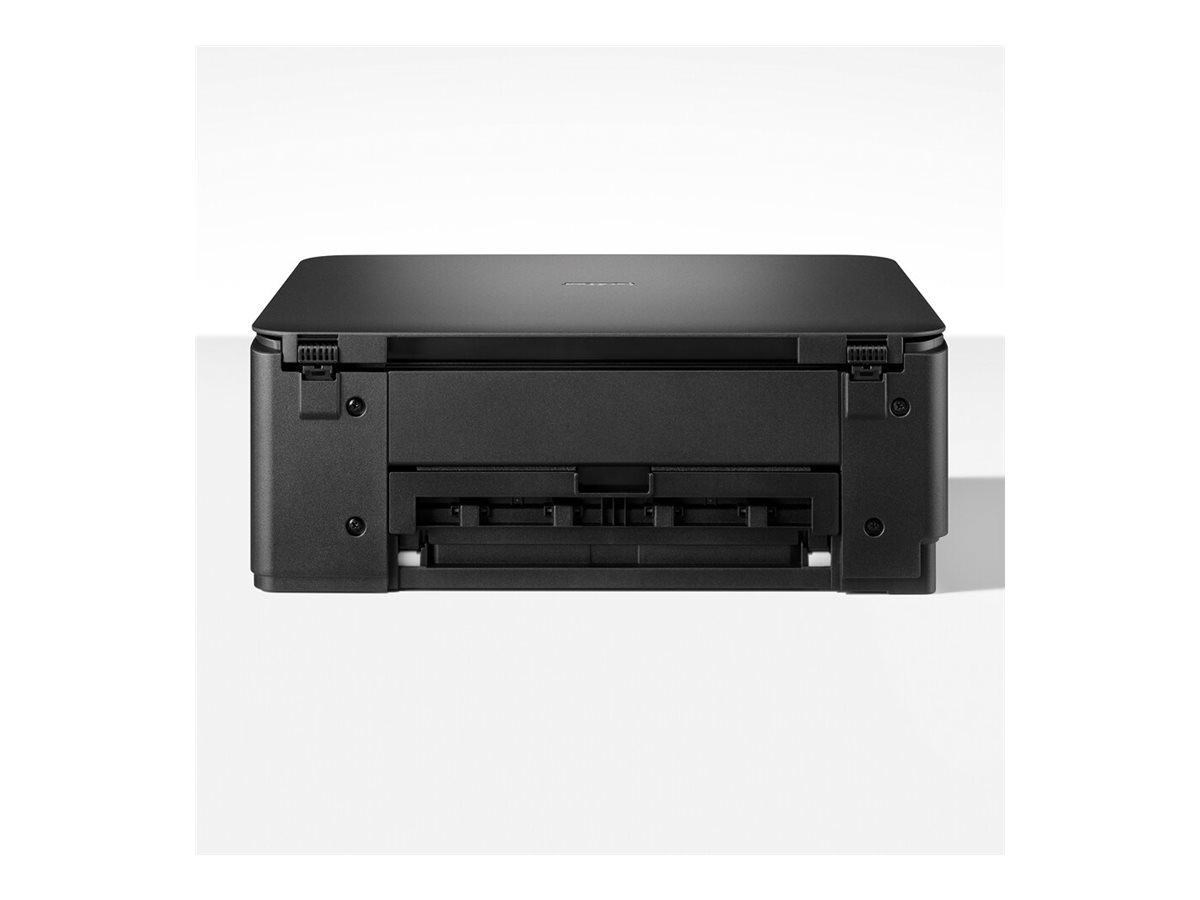
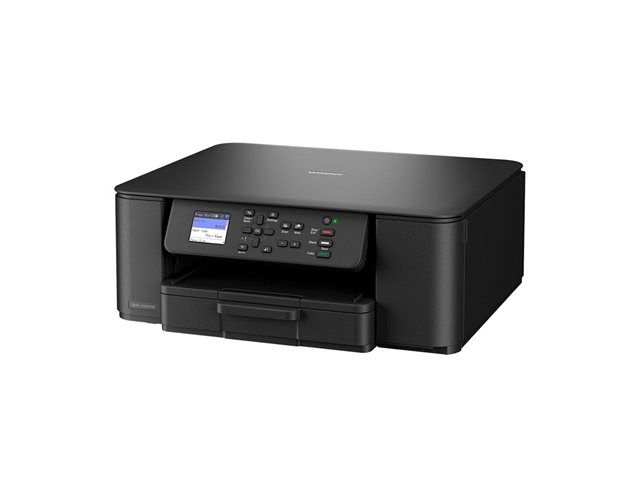
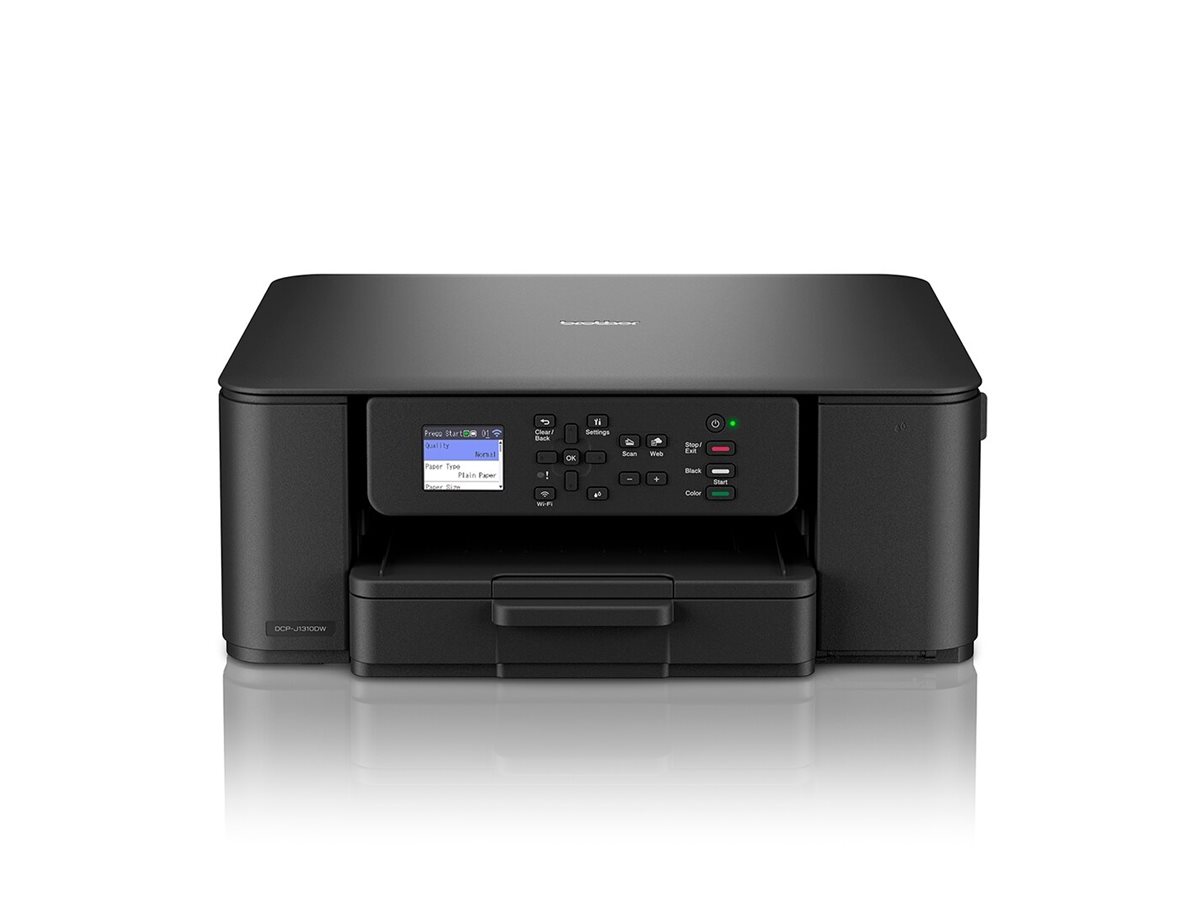
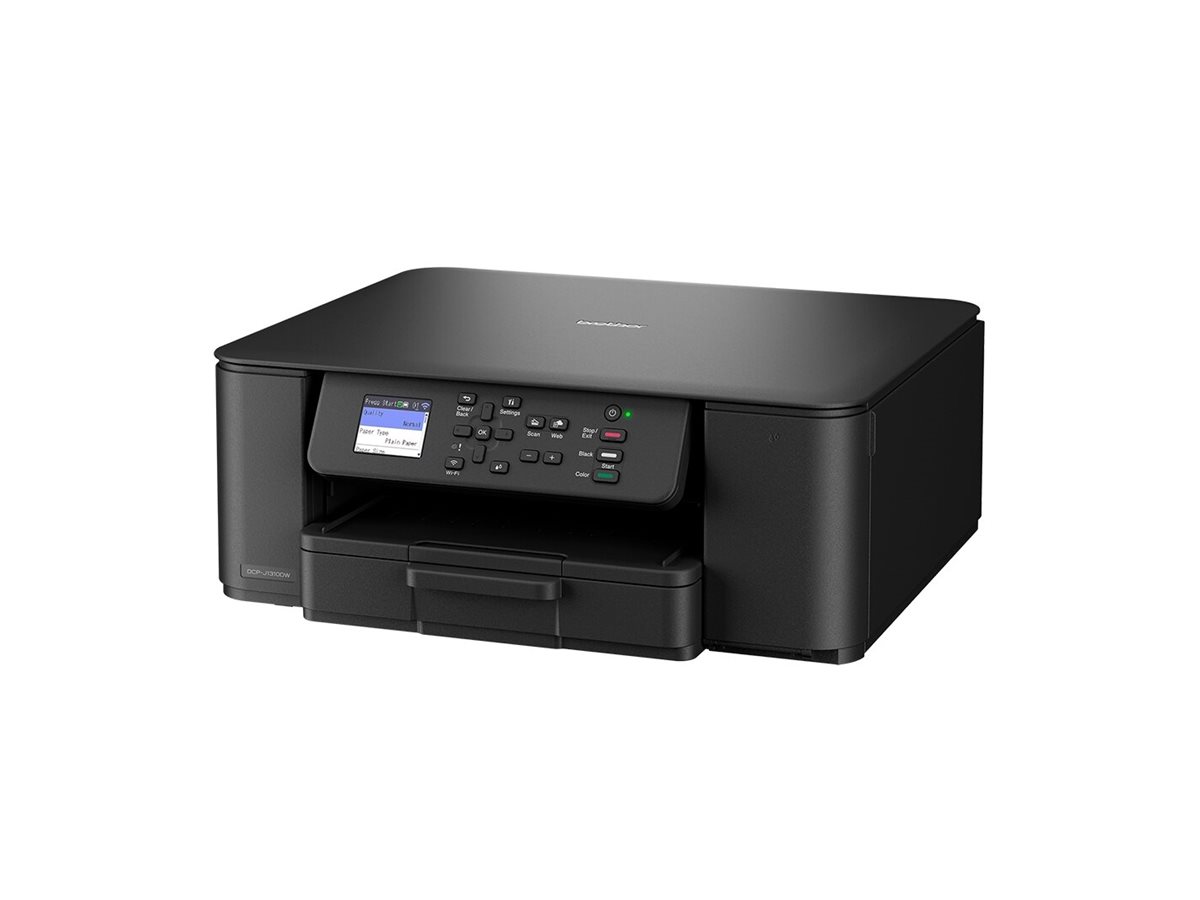
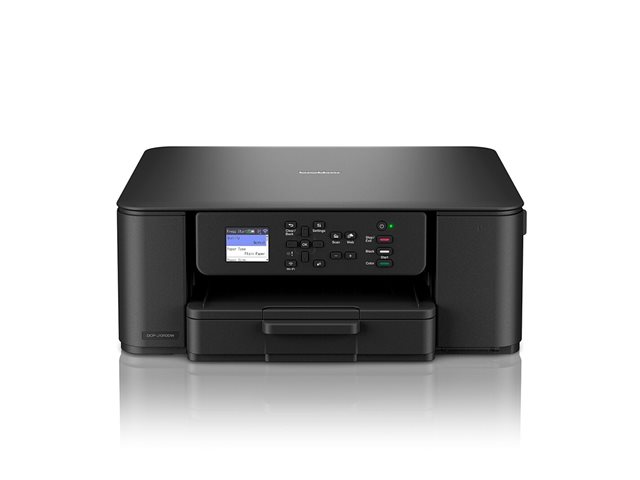
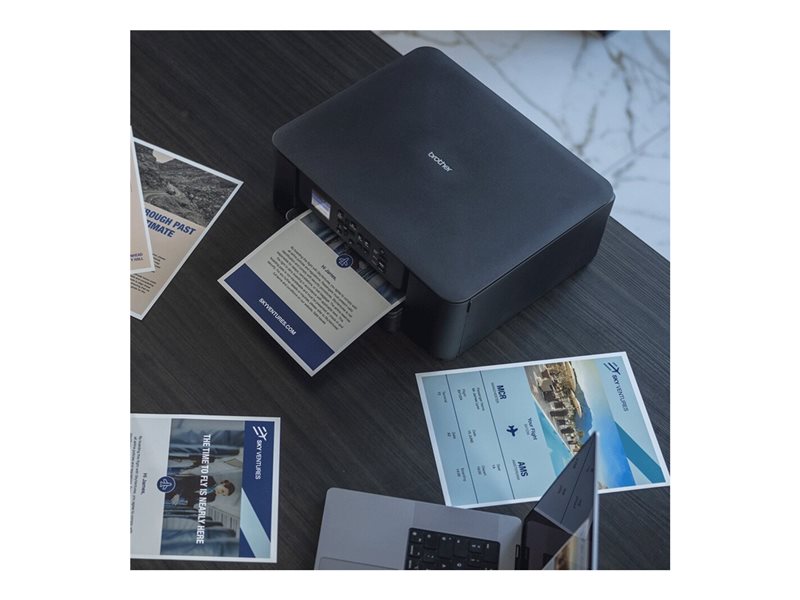
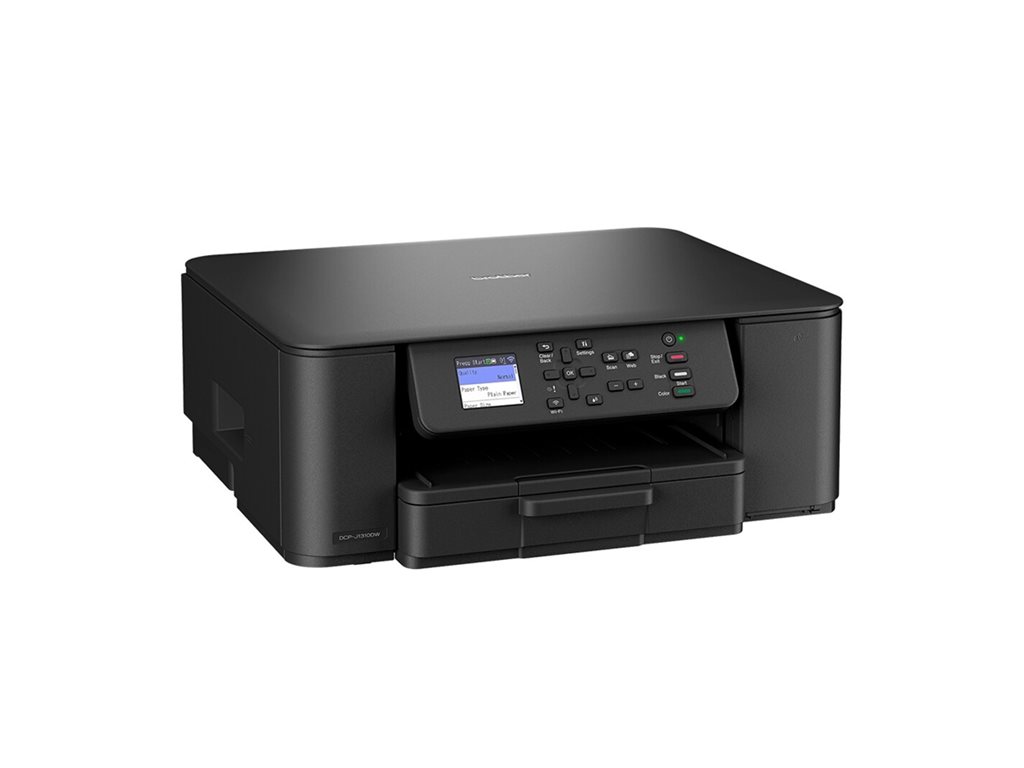
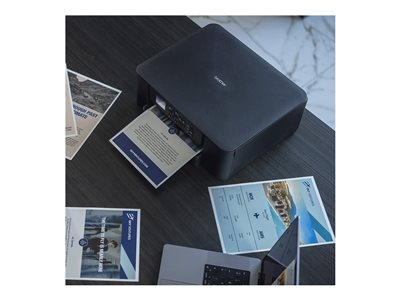
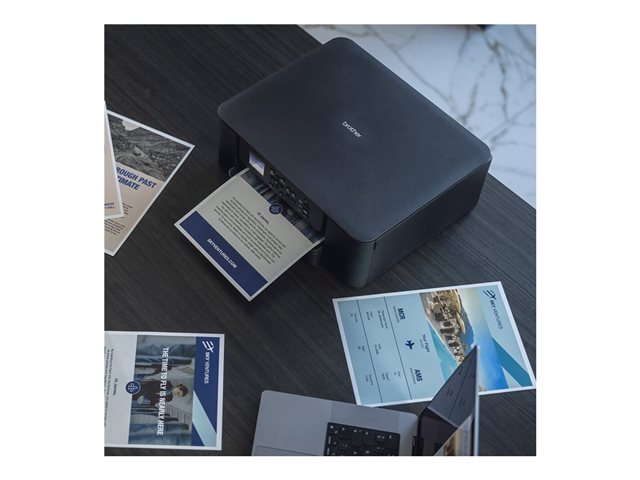
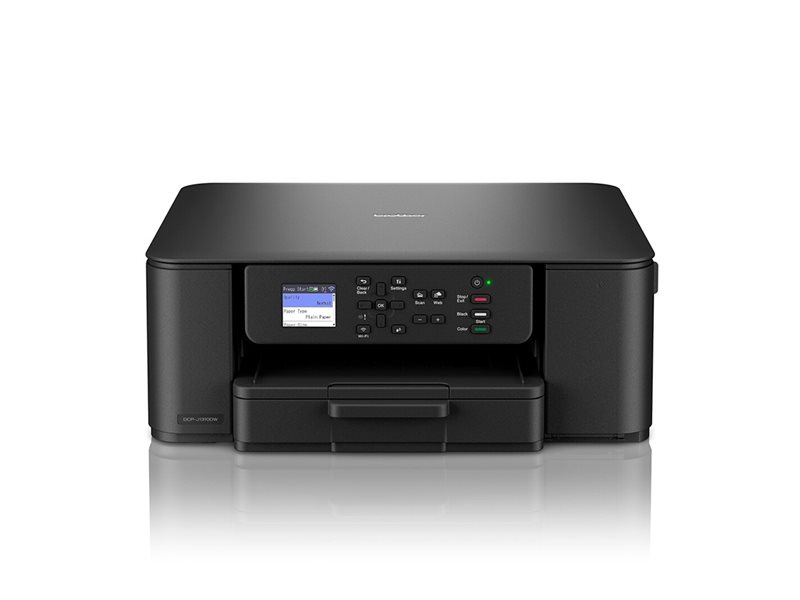
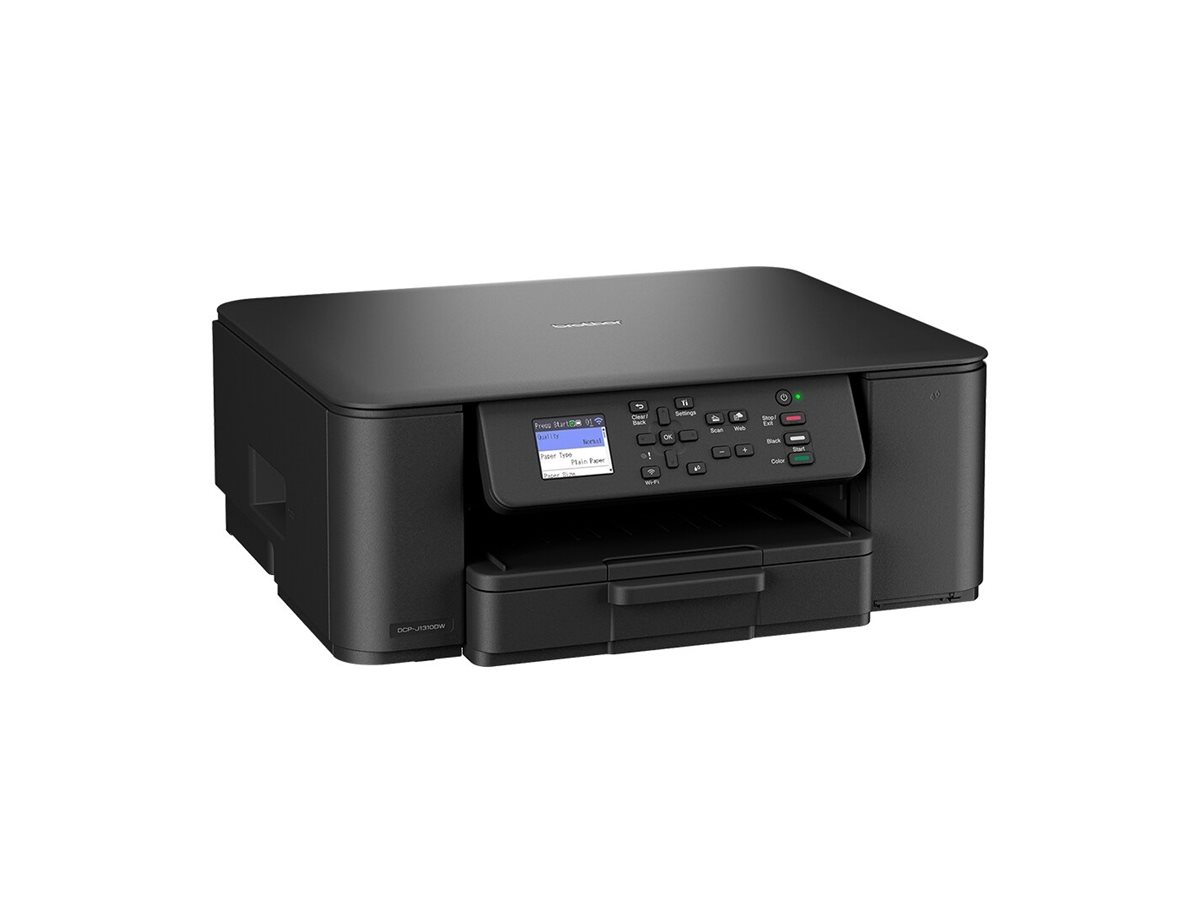
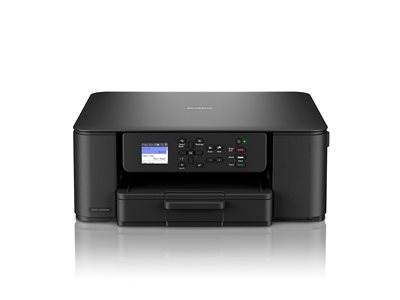
Tired of waiting for dull, low-quality prints that waste ink and time? The Brother DCP-J1310DW 1200x6000dpi 16ppm Printer is a compact all-in-one that prints sharp documents and vivid photos quickly, so you can finish projects without frustration.
If you run a home office, small business or study space, you need a reliable device that handles everyday printing, scanning and copying without breaking the bank. Many printers struggle with slow start-up, low-resolution output or limited wireless options, leaving you juggling multiple devices. This Brother printer combines speed, high resolution and simple Wi-Fi connectivity, fitting neatly into any modest workspace while meeting a monthly volume of up to 1 000 pages.
This printer is ideal for home offices, small businesses, and study rooms where you need fast, high-resolution prints for reports, marketing materials, photos and scanned copies. Its compact size and wireless features also make it perfect for shared workspaces and remote-learning environments.
| Printing |
| Printing / Max Resolution Color | 1200 x 6000 dpi |
| Printing / Nozzle Configuration | 210 nozzles (black), 3 x 70 nozzles (cyan, magenta, yellow) |
| Printing / First Print Out Time B/W | 6.2 sec |
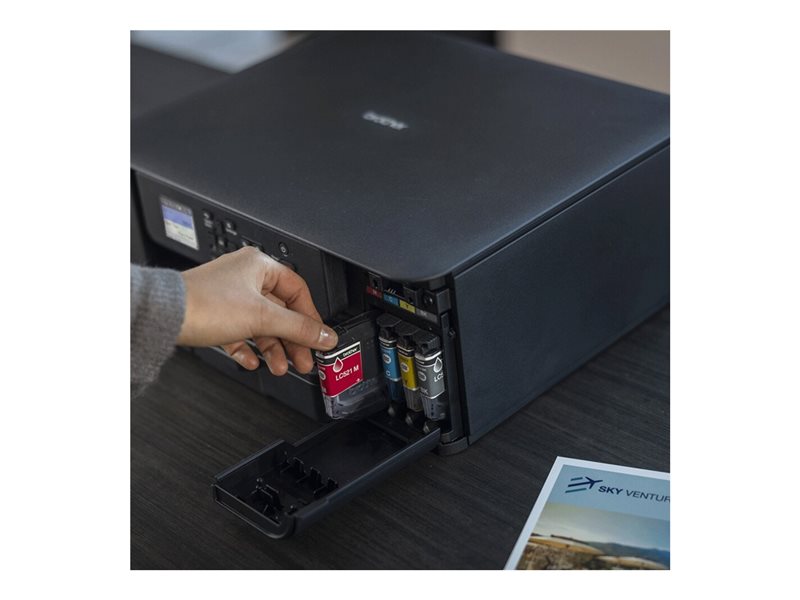
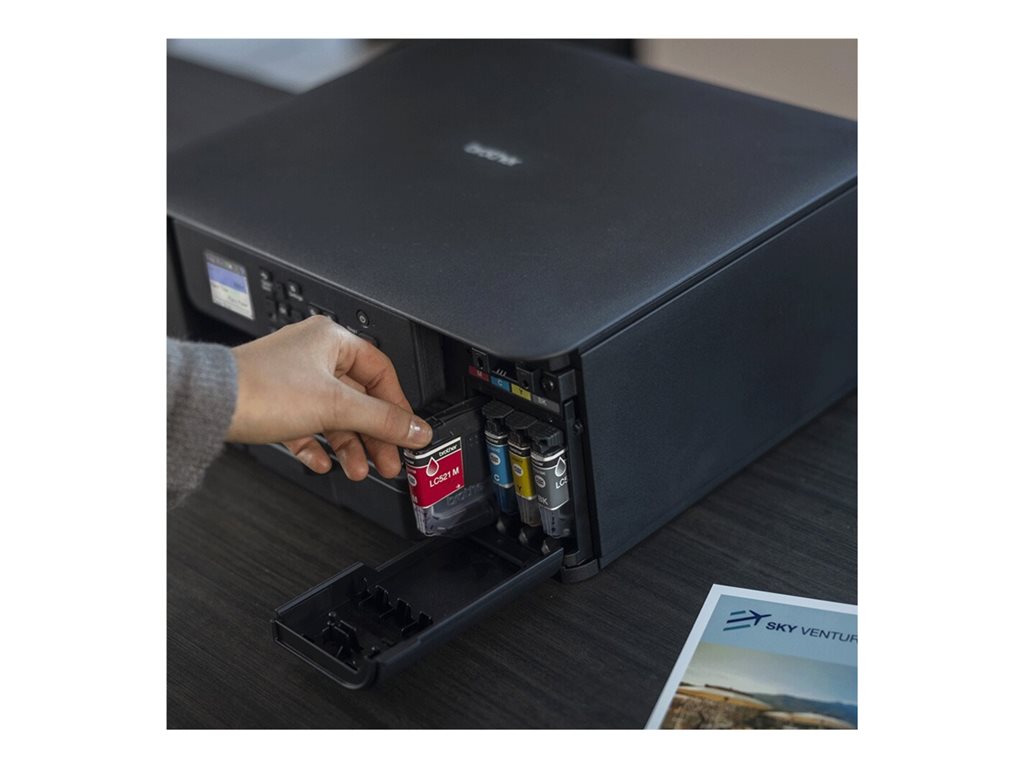
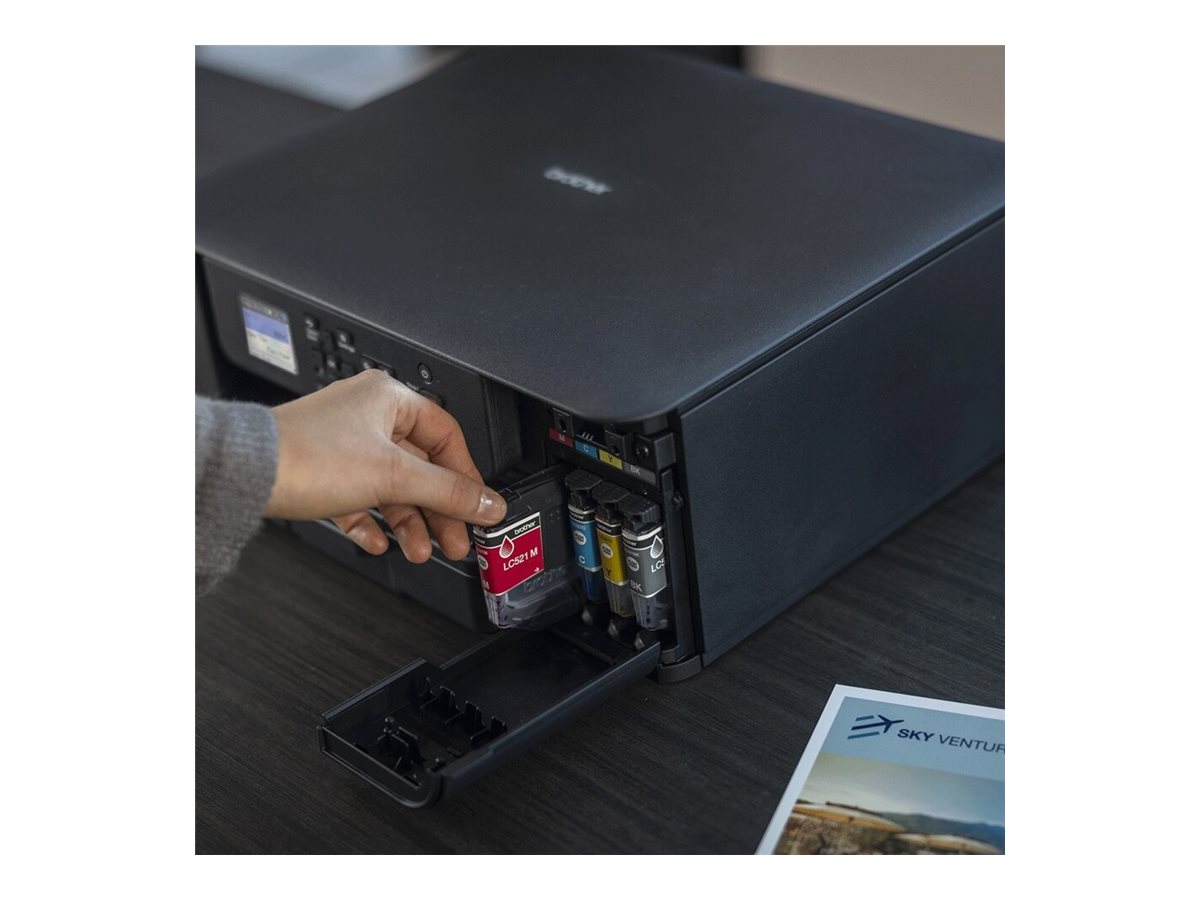
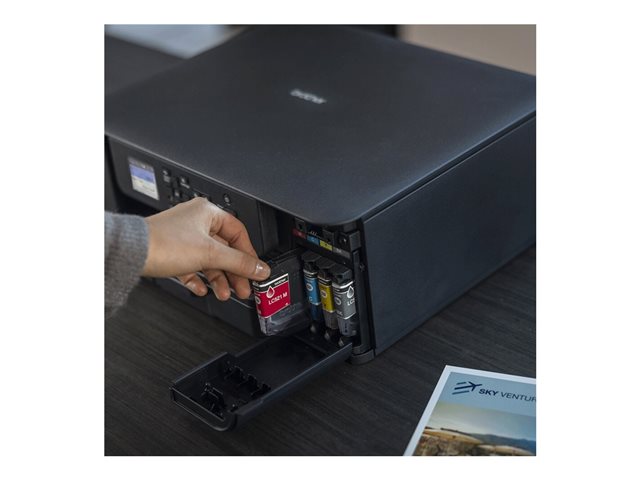
| Printing / Ink Cartridge Configuration | 4 cartridges (1 each: cyan, magenta, yellow, black) |
| Printing / Max Printing Speed | Up to 16 ppm (mono) / up to 9 ppm (color) |
| Printing / First Print Out Time Color | 9.6 sec |
| Printing / Max Printing Speed Color (ISO) | 9ppm |
| Printing / Max Printing Speed B/W (ISO) | 16ppm |
| Printing / Color | 4-ink |
| Printing / Max Resolution B/W | 1200 x 6000 dpi |
| Printing / Max Printing Resolution | Up to 1200 x 6000 dpi (mono) / up to 1200 x 6000 dpi (color) |
| Printing / Ink Palette Supported (Colors) | Cyan, magenta, yellow, black |
| Connections |
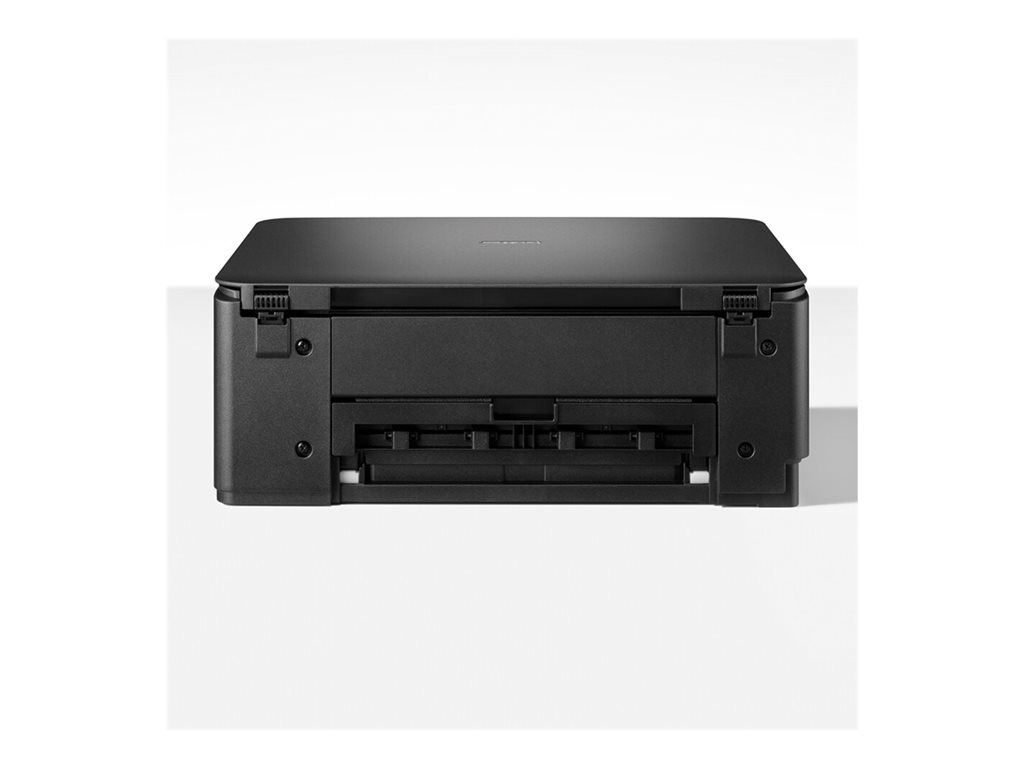
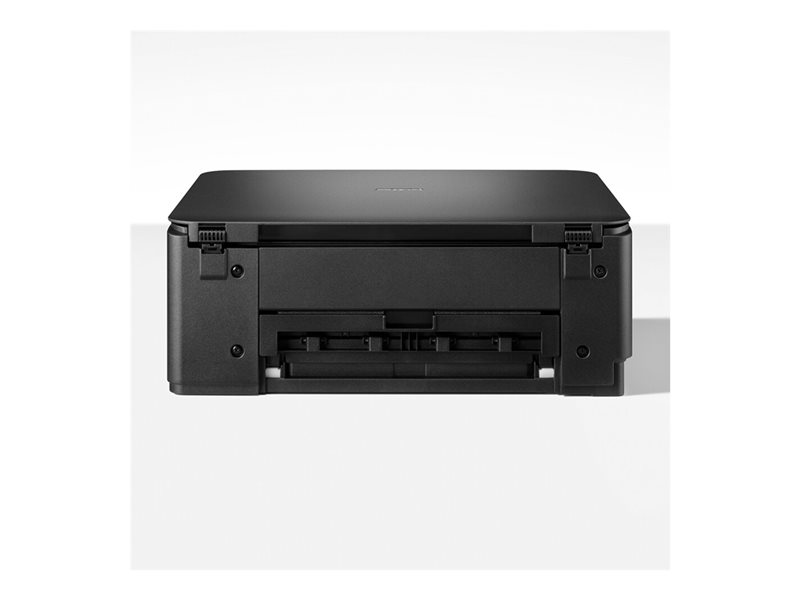
| Connections / Interfaces | 1 x USB 2.0 - 4 pin USB Type B |
| Connections / Operating System Support | Windows 10, Windows 11, MS Windows Server 2016, MS Windows Server 2019, MS Windows Server 2022, macOS 13, macOS 14 Sonoma, macOS 15 Sequoia, Chrome OS, Linux |
| Miscellaneous |
| Miscellaneous / Color Category | Black |
| Copying |
| Copying / Max Copying Speed | Up to 11 ppm (mono) / up to 3.5 ppm (color) |
| Copying / Max Copying Resolution | Up to 1200 x 1800 dpi (mono) / up to 1200 x 1800 dpi (color) |
| Copying / Maximum Copies | 99 |
| Copying / Max Copying Resolution Color | 1200 x 1800 dpi |
| Copying / Max Copying Resolution B/W | 1200 x 1800 dpi |
| Scanning |
| Scanning / Optical Resolution | 1200 x 2400 dpi |
| Dimensions & Weight |
| Dimensions & Weight / Height | 5.8in |
| Dimensions & Weight / Width | 15.4in |
| Dimensions & Weight / Depth | 13.5in |
| Dimensions & Weight / Weight | 13.89lbs |
| Memory |
| Memory / Standard Memory | 256 MB |
| Printing System |
| Printing System / Color | 4-ink |
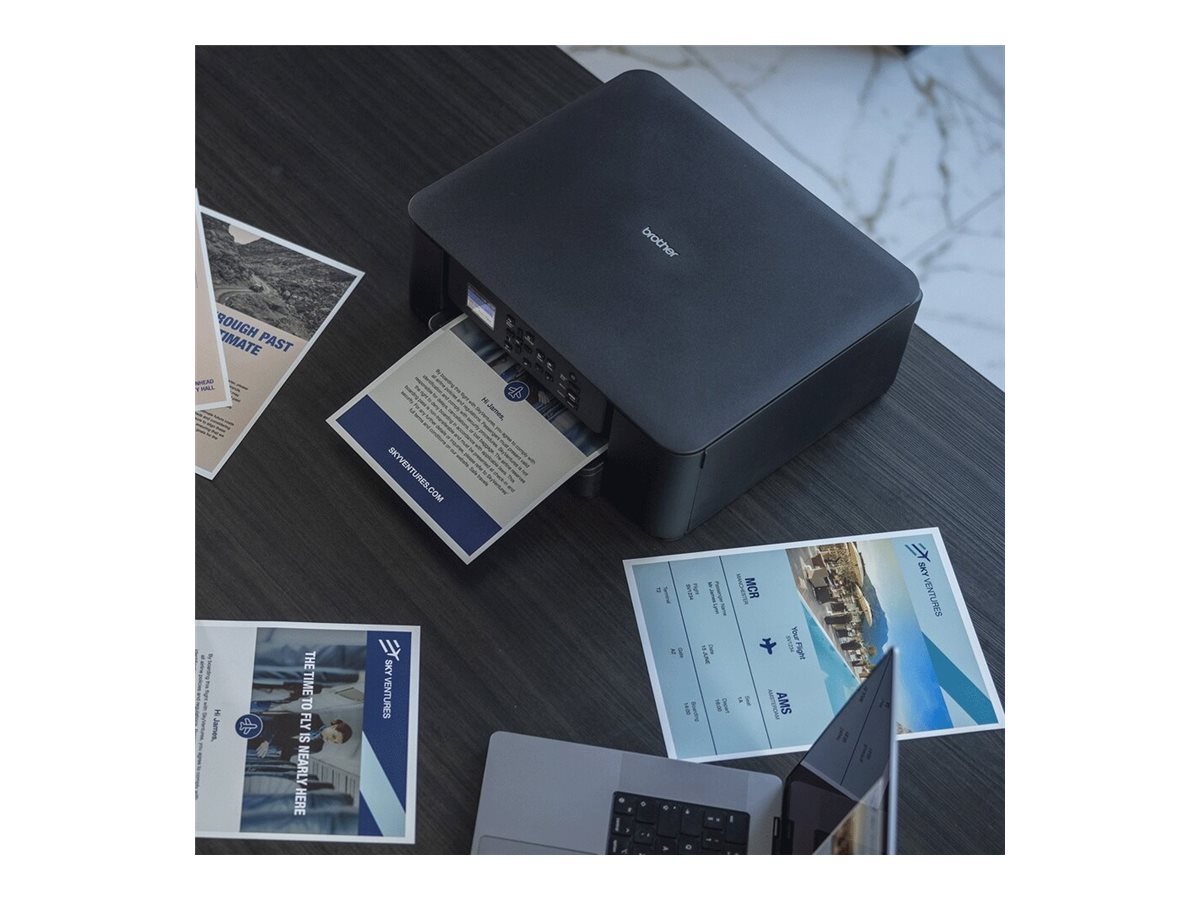
| Printing System / Photo Printing Capability | Yes |
| Dimensions & Weight (Shipping) |
| Dimensions & Weight (Shipping) / Shipping Weight | 16.98lbs |
| Dimensions & Weight (Shipping) / Shipping Depth | 8.6in |
| Dimensions & Weight (Shipping) / Shipping Width | 18.1in |
| Dimensions & Weight (Shipping) / Shipping Height | 18.1in |
| Office Machine |
| Office Machine / Printing Output Type | Color |
| Office Machine / Type | Printer / copier / scanner |
| Office Machine / Printing Technology | Ink-jet |
| Office Machine / Functions | Scanner |
| Header |
| Header / Model | DCP-J1310DW |
| Header / Product Line | Brother |
| Header / Packaged Quantity | 1 |
| Environmental Parameters |
| Environmental Parameters / Min Operating Temperature | 50 °F |
| Environmental Parameters / Max Operating Temperature | 95 °F |
| Environmental Parameters / Humidity Range Operating | 20 - 80% (non-condensing) |
| General |
| General / AirPrint Enabled | Yes |
| General / Office Machine Features | Scan to e-mail, scan to image |
| General / Display Features | LCD display |
| General / Interface | USB 2.0, Wi-Fi(n) |
| General / Device Type | Multifunction printer |
| General / Recommended Monthly Volume | Up to 1000 pages |
| General / Printing Technology | Ink-jet - color |
| General / Connection Availability | Yes |
| Connectivity |
| Connectivity / Connection Availability | Yes |
| Connectivity / Wireless Ready | Yes |
| Connectivity / Interface | Wi-Fi(n) |
| Connectivity / AirPrint Enabled | Yes |
| Connectivity / Mobile Printing Capability | Brother Mobile Connect |
| Document & Media Handling |
| Document & Media Handling / Media Type Class | Photo paper |
| Document & Media Handling / Output Trays Capacity | 50 sheets |
| Document & Media Handling / Standard Media Capacity | 150sheets |
| Document & Media Handling / Supported Media Sizes | Letter A Size (8.5 in x 11 in), Executive (7.25 in x 10.5 in), A4 (8.25 in x 11.7 in), A5 (5.83 in x 8.25 in), 8.46 in x 13.58 in, A6 (4.13 in x 5.83 in), Folio (8.5 in x 13 in), 3.95 in x 5.9 in, 5.12 in x 7.1 in, 3.5 in x 5.12 in, 5.12 in x 7.87 in |
| Document & Media Handling / Original Type | Sheets |
| Document & Media Handling / Max Media Size | A4 (8.25 in x 11.7 in) |
| Document & Media Handling / Max Media Weight | 220 g/m² |
| Document & Media Handling / Min Media Weight | 64 g/m² |
| Document & Media Handling / Supported Media Type | Envelopes, plain paper, recycled paper, coated paper, glossy paper, cards |
| Document & Media Handling / Document & Media Handling Details | Input tray - 150 sheets ¦ Output tray - 50 sheets |
| Document & Media Handling / Supported Envelope Sizes | International DL (4.33 in x 8.66 in), Com-10 (4.13 in x 9.5 in), International C5 (6.38 in x 9 in), Monarch (3.87 in x 7.5 in) |
| Document & Media Handling / Speed Details | Printing: up to 16 ppm (A4) - B/W (ISO/IEC 24734) ¦ Printing: up to 9 ppm (A4) - color (ISO/IEC 24734) ¦ Printing: up to 7 ppm (A4) - B/W duplex (ISO/IEC 24734) ¦ Printing: up to 5 ppm (A4) - color duplex (ISO/IEC 24734) ¦ Copying: up to 11 ppm - B/W ¦ Copying: up to 3.5 ppm - color |
| Document & Media Handling / Media Size Class | A4/Legal |
| Power |
| Power / Voltage Required | AC 230 V (50/60Hz) |
| Power / Power Consumption Standby | 2.5 Watt |
| Power / Power Consumption Sleep | 0.6 Watt |
| RAM |
| RAM / Installed Size | 256MB |