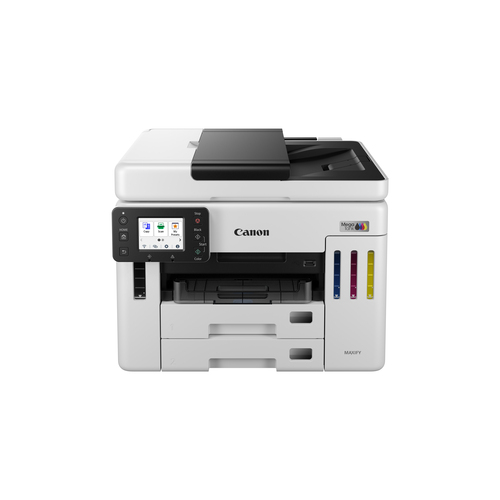
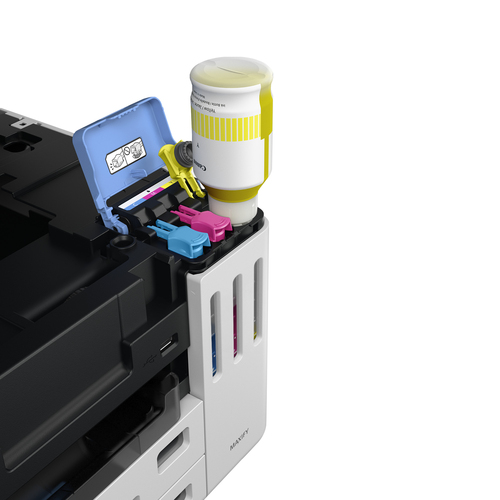
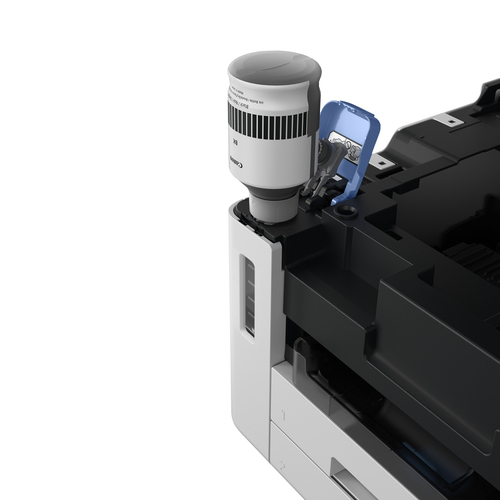
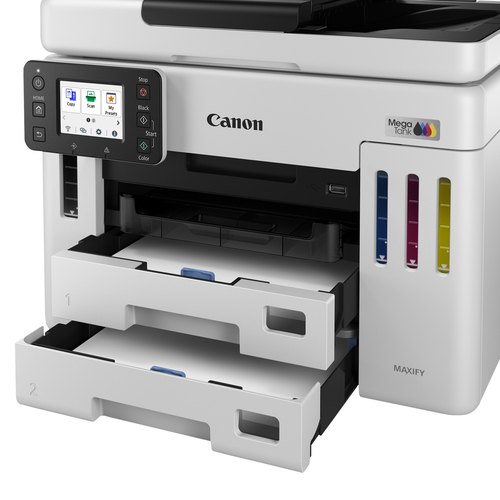
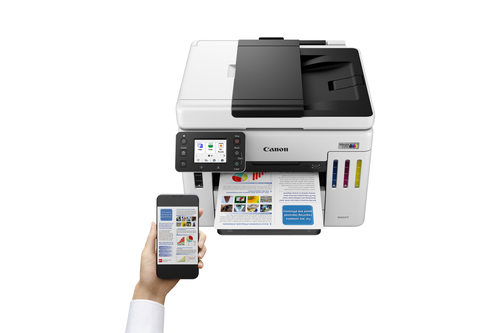
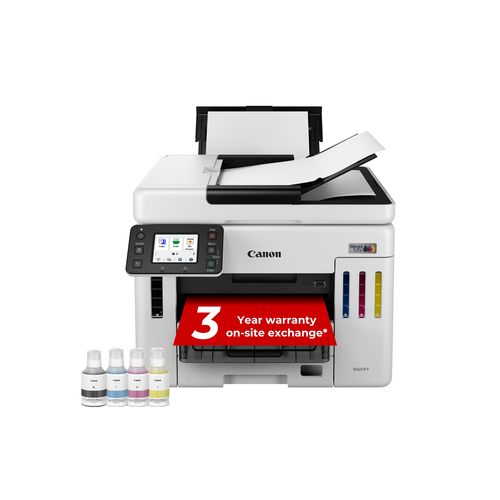
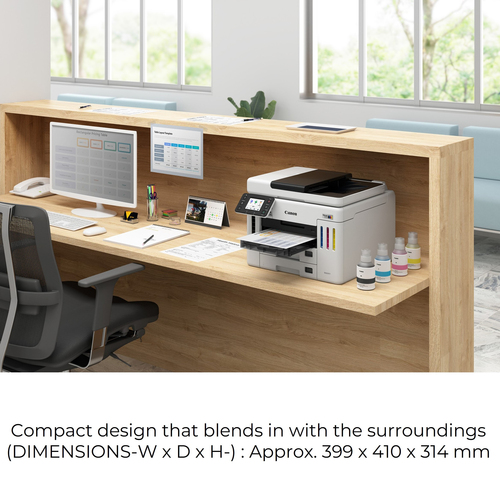
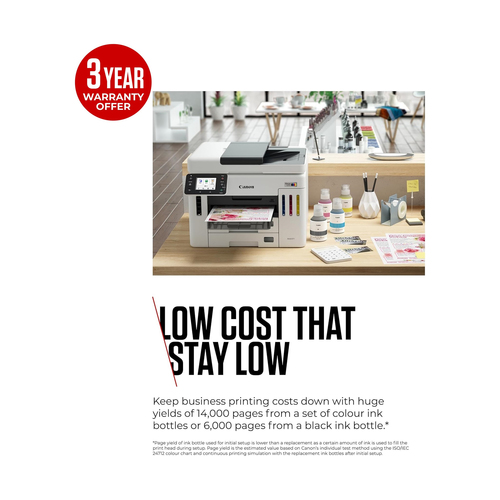
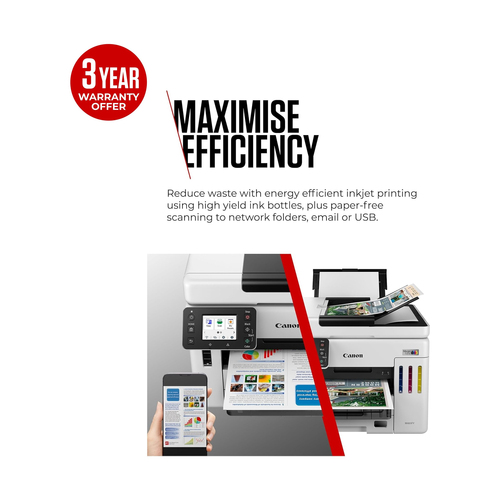
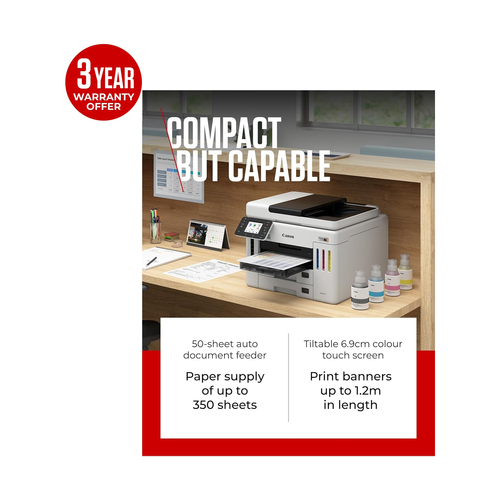
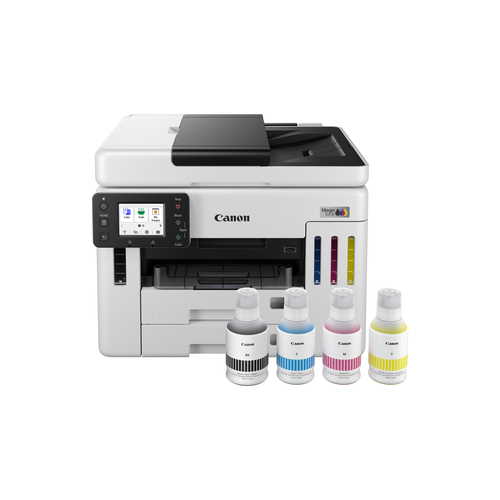
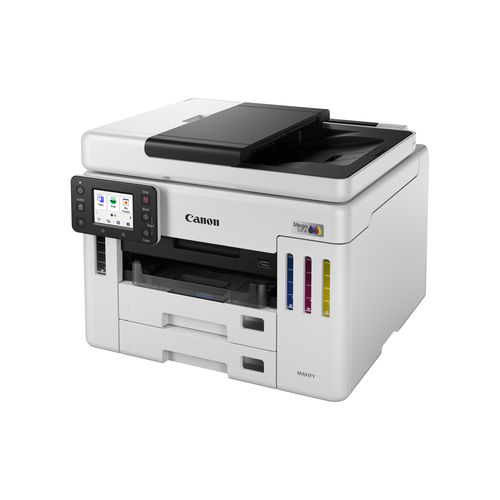
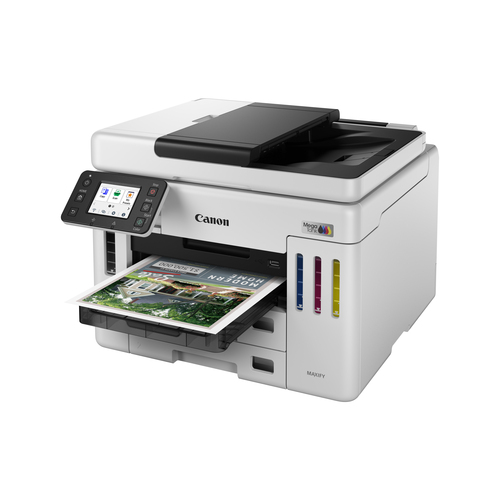
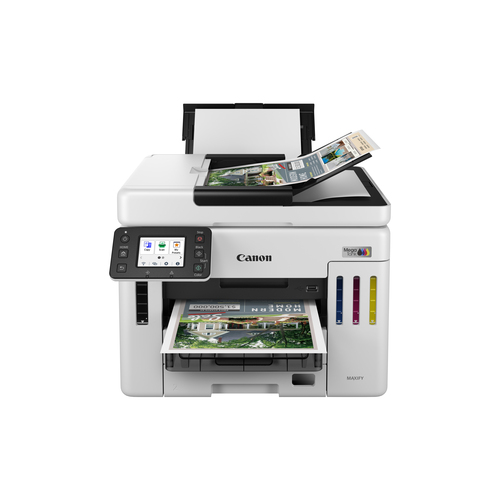
Running out of ink and waiting forever for prints can stall your business. The Canon MAXIFY GX7150 600x1200dpi 4-ink Inkjet Printer is a high-volume, refillable MegaTank device that delivers fast, colour-rich documents while keeping running costs low, so you stay productive without surprise expenses.
Every day feels smoother when the printer wakes up in seconds and delivers crisp pages without frequent cartridge changes. Its touch screen and wireless options let you print from any device, while the large paper capacity means you spend more time working and less time refilling trays.
This printer suits estate agents creating property portfolios, retail shops printing invoices and promotional material, private clinics handling patient records, and schools producing course handouts. Its speed, capacity and low running cost make it ideal for any environment that needs reliable, high-volume colour printing.
| Printing |
| Printing / Max Resolution Color | 600 x 1200 dpi |
| Printing / First Print Out Time B/W | 5.5 sec |
| Printing / Max Printing Speed | Up to 24 ipm (mono) / up to 15.5 ipm (color) |
| Printing / First Print Out Time Color | 7 sec |
| Printing / Inkjet Technology | Canon FINE (Full-lithography inkjet Nozzle Engineering) |
| Printing / Color | 4-ink |
| Printing / Max Resolution B/W | 600 x 1200 dpi |
| Printing / Max Printing Resolution | Up to 600 x 1200 dpi (mono) / up to 600 x 1200 dpi (color) |
| Printing / Ink Palette Supported (Colors) | Cyan, magenta, yellow, pigment black |
| Connections |
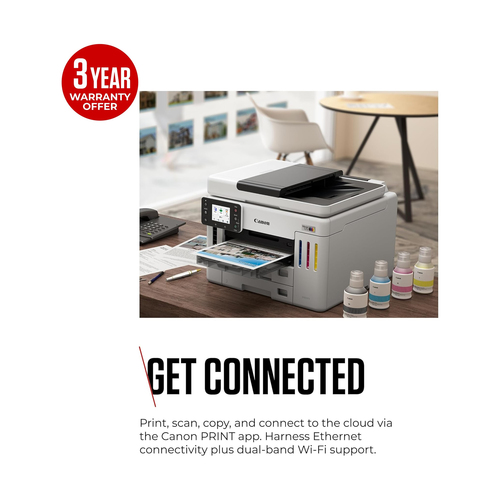
| Connections / Interfaces | 1 x USB 2.0 - 4 pin USB Type B ¦ 1 x LAN - RJ-45 |
| Connections / Operating System Support | Windows 10, Windows 8.1, MS Windows 7 SP1, macOS 10.12.6 - macOS 10.15, iOS, Android, Chrome OS |
| Miscellaneous |
| Miscellaneous / Color Category | White |
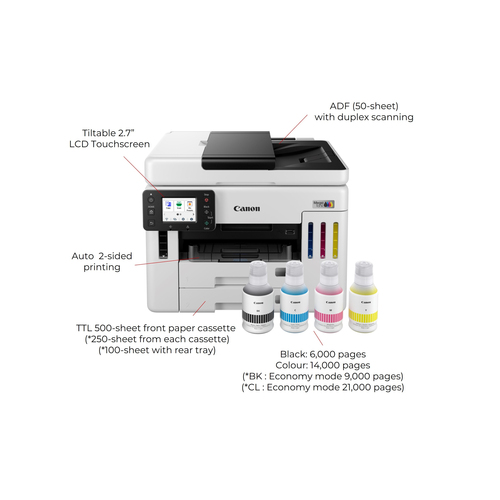
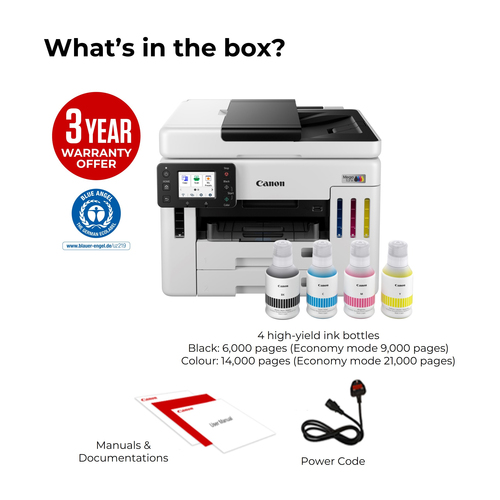
| Miscellaneous / Consumables Included | 1 x ink bottle (pigmented black) - up to 6000 pages ISO/IEC 24712 - Canon GI-56BK ¦ 1 x ink bottle (pigmented cyan) - up to 14000 pages ISO/IEC 24712 - Canon GI-56C ¦ 1 x ink bottle (pigmented magenta) - up to 14000 pages ISO/IEC 24712 - Canon GI-56M ¦ 1 x ink bottle (pigmented yellow) - up to 14000 pages ISO/IEC 24712 - Canon GI-56Y |
| Copying |
| Copying / Maximum Copies | 99 |
| Scanning |
| Scanning / Optical Resolution | 1200 x 1200 dpi |
| Dimensions & Weight |
| Dimensions & Weight / Height | 12.4in |
| Dimensions & Weight / Width | 15.7in |
| Dimensions & Weight / Depth | 16.1in |
| Dimensions & Weight / Weight | 28.88lbs |
| Printing System |
| Printing System / Color | 4-ink |
| Printing System / Photo Printing Capability | Yes |
| Dimensions & Weight (Shipping) |
| Dimensions & Weight (Shipping) / Shipping Weight | 37.48lbs |
| Office Machine |
| Office Machine / Printing Output Type | Color |
| Office Machine / Type | Fax / copier / printer / scanner |
| Office Machine / Monthly Duty Cycle (max) | 45000pages |
| Office Machine / Printing Technology | Ink-jet |
| Office Machine / Functions | Scanner |
| Header |
| Header / Model | GX7150 MegaTank |
| Header / Product Line | Canon MAXIFY |
| Header / Packaged Quantity | 1 |
| Environmental Parameters |
| Environmental Parameters / Min Operating Temperature | 41 °F |
| Environmental Parameters / Max Operating Temperature | 95 °F |
| Environmental Parameters / Humidity Range Operating | 10 - 90% RH |
| General |
| General / AirPrint Enabled | Yes |
| General / Office Machine Features | PIXMA Cloud Link |
| General / Display Features | Touch screen |
| General / Interface | USB 2.0, Wi-Fi(n), LAN |
| General / Device Type | Multifunction printer |
| General / Printing Technology | Ink-jet - color |
| General / Monthly Duty Cycle (max) | 45000 pages |
| General / Connection Availability | Yes |
| Connectivity |
| Connectivity / Connection Availability | Yes |
| Connectivity / Wireless Ready | Yes |
| Connectivity / Interface | Wi-Fi(n) |
| Connectivity / AirPrint Enabled | Yes |
| Connectivity / Mobile Printing Capability | Canon Print Service |
| Document & Media Handling |
| Document & Media Handling / Media Type Class | Photo paper |
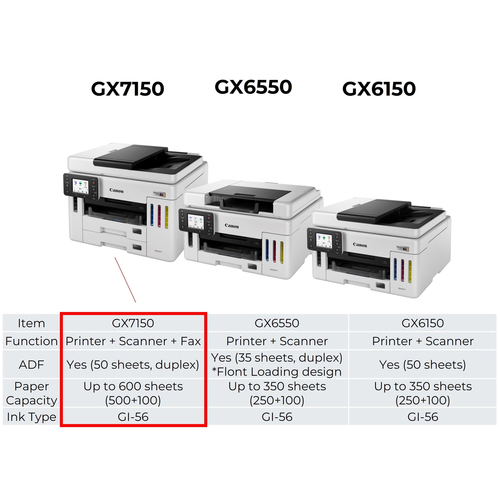
| Document & Media Handling / Standard Media Capacity | 600sheets |
| Document & Media Handling / Supported Media Sizes | 4 in x 6 in, 5 in x 5 in, 5 in x 7 in, 7 in x 10 in, 8 in x 10 in, Letter A Size (8.5 in x 11 in), Legal (8.5 in x 14 in), 3.5 in x 5 in, 8.5 in x 47 in |
| Document & Media Handling / Original Type | Sheets |
| Document & Media Handling / Max Media Size | 8.5 in x 47 in |
| Document & Media Handling / Max Media Weight | 265 g/m² |
| Document & Media Handling / Max Original Size | Legal (8.5 in x 14 in), A4 (8.25 in x 11.7 in) |
| Document & Media Handling / Min Media Weight | 64 g/m² |
| Document & Media Handling / Supported Media Type | Plain paper, high resolution paper, glossy photo paper, semi-gloss photo paper, luster paper, matte photo paper, magnetic photo paper, restickable photo paper, iron-on transfers, greeting cards, envelopes, recycled paper |
| Document & Media Handling / Document & Media Handling Details | 2 x paper cassette - 250 sheets - Legal (8.5 in x 14 in) weight: 64 g/m² - 105 g/m² ¦ Input tray - 100 sheets weight: 64 g/m² - 265 g/m² ¦ ADF - 50 sheets - Legal (8.5 in x 14 in)/A4 (8.25 in x 11.7 in) |
| Document & Media Handling / Supported Envelope Sizes | US No 10 (4.1 in x 9.5 in) |
| Document & Media Handling / Speed Details | Printing: up to 24 ipm - B/W ¦ Printing: up to 15.5 ipm - color ¦ Scanning: up to 22.2 ipm - B/W ¦ Scanning: up to 22.2 ipm - color |
| Document & Media Handling / Media Size Class | A4/Legal |
| Power |
| Power / Voltage Required | AC 100-240 V (50/60Hz) |
| Power / Power Consumption Standby | 0.9 Watt |
| Summary Details |
| Print technology | Inkjet |
| Printing | Colour printing |
| Maximum resolution | 600 x 1200 DPI |
| Copying | Colour copying |
| Scanning | Colour scanning |
| Optical scanning resolution | 1200 x 1200 DPI |
| Faxing | Colour faxing |
| Duplex functions | Copy |
| Maximum ISO A-series paper size | A4 |
| Product colour | Black |