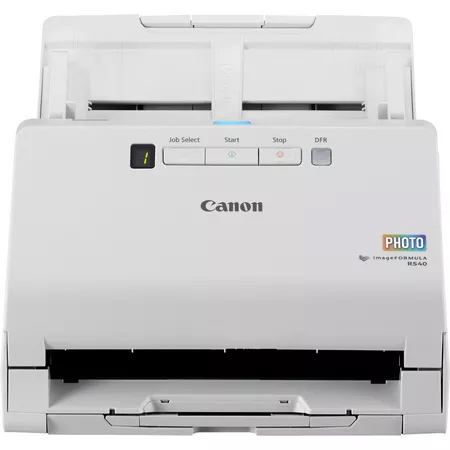
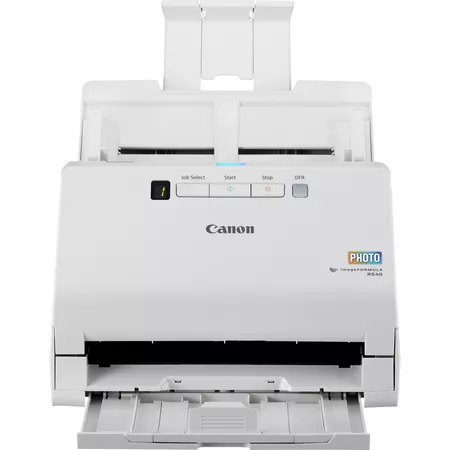
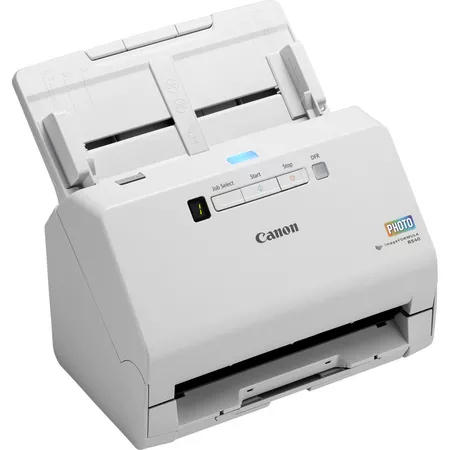
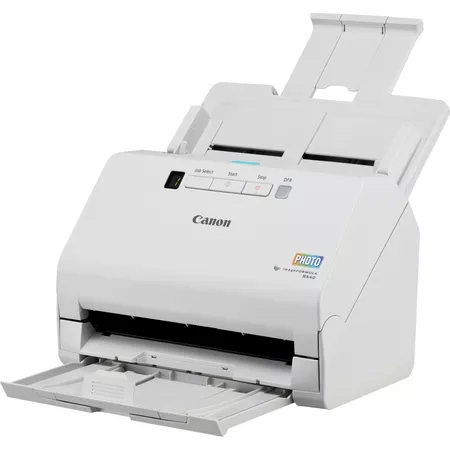
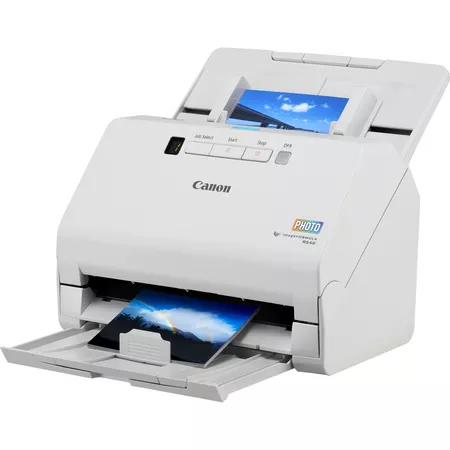
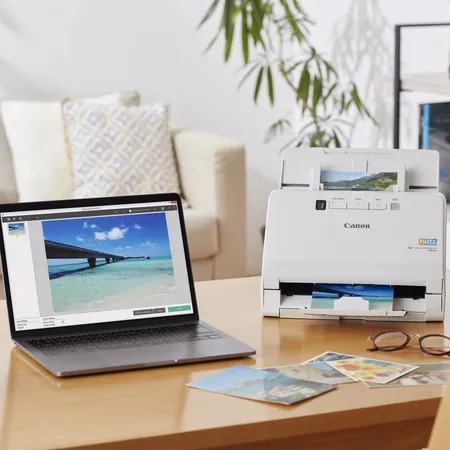
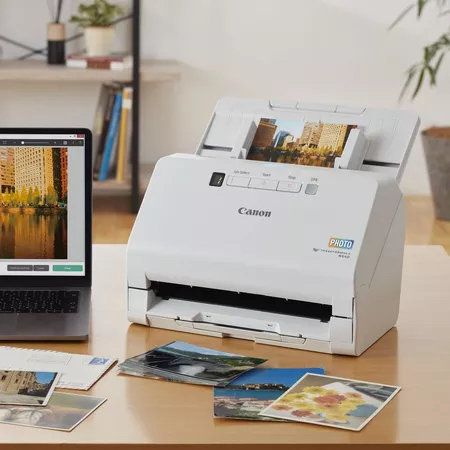
Tired of faded photos and piles of paperwork that never seem to disappear? The Canon RS40, 600x600 DPI 40 ppm Scanner lets you quickly digitise images, documents and cards so you can preserve memories and clear your desk in minutes, all with a single, easy-to-use machine.
Benefits of Canon Scanner
You enjoy crystal-clear scans that bring colour back to old pictures, while the fast 40 ppm speed means you spend less time waiting and more time organising. The built-in display guides you through each job, giving confidence even if you’re not tech-savvy. Energy-saving sleep mode keeps electricity costs low, and the compact white design fits neatly on any workspace, providing a tidy, long-lasting solution.
Key Features of a 600 x 600 DPI Scanner
- Optical scanning resolution: 600 x 600 DPI. Captures fine detail for sharp, true-to-life images.
- Colour scanning: Yes. Allows full-colour reproductions of photos and documents.
- Duplex scanning: Yes. Scans both sides of a page automatically, saving time.
- ADF scan speed (colour, A4): 30 ppm. Handles colour jobs quickly for busy days.
- ADF scan speed (b/w, A4): 40 ppm. Faster black-and-white scans for large batches.
- Auto document feeder capacity: 60 sheets. Lets you load many pages at once.
- Standard input capacity: 40 sheets. Perfect for smaller jobs without refilling.
- Light source: RGB LED. Provides consistent illumination for accurate colours.
- Sensor type: CMOS CIS. Delivers reliable performance with low power use.
- USB version: 2.0. Connects easily to most computers without extra drivers.
Usages of a 600 x 600 DPI Scanner
Scanning everyday paperwork becomes effortless:
- Digitising receipts for easy expense tracking.
- Converting family photos to digital albums for sharing.
- Archiving school projects and certificates for safekeeping.
- Scanning business cards directly into contact lists.
- Preparing multi-page reports for electronic filing.
Why Choose a Canon Scanner
Many buyers worry about image quality, speed and whether a scanner will fit on a crowded desk. They also fear complex software and high energy bills. The Canon RS40 addresses these concerns with high-resolution 600 x 600 DPI output, rapid 40 ppm performance, a compact white chassis and an intuitive built-in display. Its low-power consumption and USB 2.0 connectivity ensure it works smoothly with Windows or macOS, giving you confidence that the scanner will meet both home and office needs without hassle.
Specifications
| Scanning |
| Black/white scanning colour modes |
Grayscale, Monochrome |
| ADF scan speed (colour, A4) |
30 ppm |
| ADF scan speed (b/w, A4) |
40 ppm |
| Duplex scanning |
Yes |
| Colour scanning |
Yes |
| Optical scanning resolution |
600 x 600 DPI |
| Design |
| Product colour |
White |
| Built-in display |
Yes |
| Scanner type |
Sheet-fed scanner |
| Performance |
| Scan drivers |
TWAIN |
| Ultrasonic double sheet detection |
Yes |
| Light source |
RGB LED |
| Sensor type |
CMOS CIS |
| Input capacity |
| Auto document feeder (ADF) input capacity |
60 sheets |
| Standard input capacity |
40 sheets |
| Paper handling |
| Maximum scan length |
3 m |
| Maximum scan width |
21.6 cm |
| Card thickness (max) |
1.4 mm |
| Media thickness (min) |
0.04 mm |
| Long-paper mode |
Yes |
| Ports & interfaces |
| USB version |
2.0 |
| USB port |
Yes |
| Power |
| Power consumption (sleep) |
1.4 W |
| Input voltage |
100 - 240 V |
| AC input frequency |
50 - 60 Hz |
| Power consumption (off) |
0.1 W |
| Power consumption (typical) |
19 W |
| Power supply type |
AC |
| Weight & dimensions |
| Folded height |
24.5 cm |
| Folded depth |
25 cm |
| Folded width |
29.1 cm |
| Weight |
3 kg |
| Height |
382 mm |
| Depth |
600 mm |
| Width |
291 mm |
| Packaging data |
| Quantity per pack |
1 pc(s) |
| Packaging content |
| Bundled software |
TWAIN driver, CaptureOnTouch, Microsoft Windows 8.1 (32/64-bit) Microsoft Windows 10 (32/64-bit) Microsoft Windows 11 macOS 10,15 macOS 11 macOS 12 |
| Cables included |
AC, USB |
| System requirements |
| Mac operating systems supported |
Yes |
| Windows operating systems supported |
Windows 10, Windows 11, Windows 8.1 |