Why Choose an HP Multifunction Printer
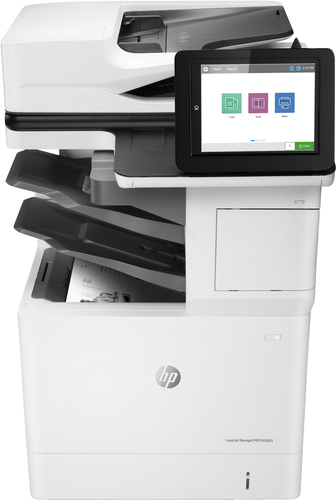
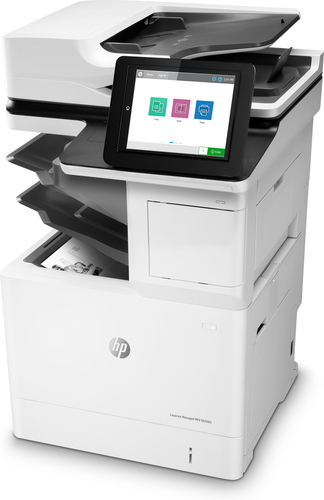
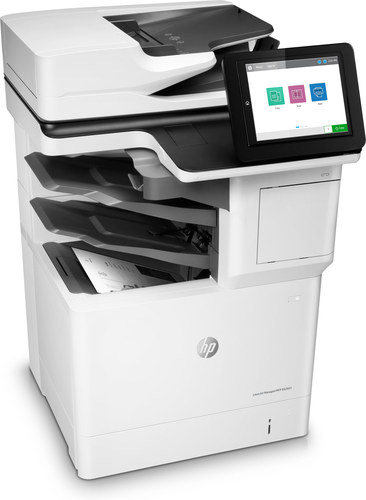
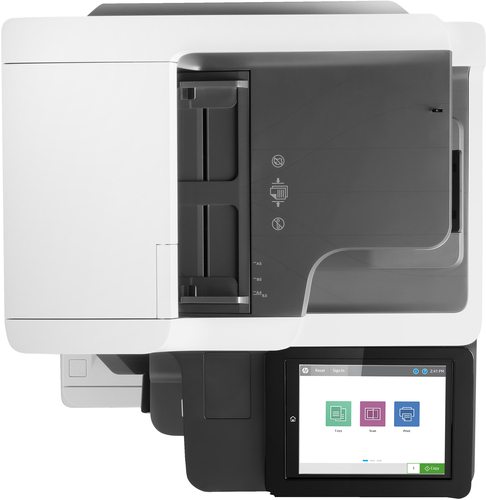
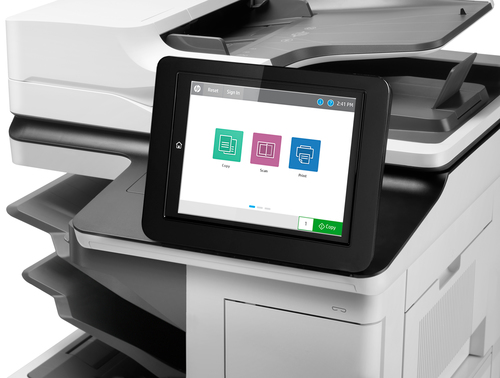
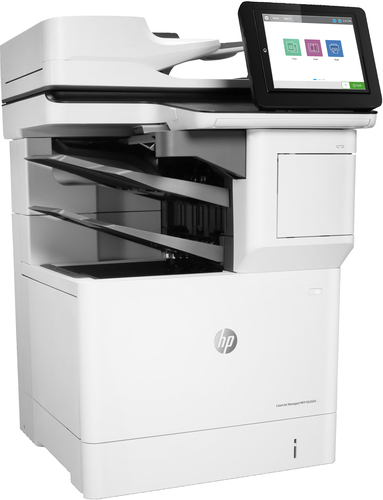
Are you fed up with waiting at a shared printer while your important papers sit in the queue? You need one machine that prints, copies and scans without slowing your day down. The HP LaserJet Managed MFP E62665hs, Laser Mono A4 Multifunction Printer brings all three jobs into one device, so you can finish your paperwork faster and keep work moving.
Usages of a 1200 x 1200 DPI Multifunction Printer
Your morning often starts with a stack of reports that must be printed before the team meeting. Later, a client sends a form that needs copying and returning the same day. In the afternoon, you scan receipts and reports so they can be filed away neatly. One machine covers every step of this routine.
Benefits of HP Multifunction Printers
- Energy efficiency: JetIntelligence helps the printer perform well without wasting power, which suits busy offices.
- Network protection: Built-in security guards your network against attacks, so your office data stays safer.
- Professional results: Your reports, letters and proposals look polished because the printer produces professional-quality documents.
- Double-sided printing: You can print on both sides of the page, which saves paper and reduces waste.
Why Choose an HP Multifunction Printer
A basic printer may seem like a cheaper choice, but it often leaves you with slow output, weak security and limited options. This model gives you a stronger all-round tool that handles printing, copying and scanning in one place. You get clear mono output for everyday text and colour scanning when you need to capture documents in more detail.
With this machine, you also gain peace of mind. Its design protects your network from attacks, and periodic firmware updates help keep those protections working. You spend less time troubleshooting and more time on the work that matters to you.
Key Features of a 1200 x 1200 DPI Multifunction Printer
- Print technology: Laser. Laser printing gives you a reliable way to produce documents quickly and consistently.
- Printing: Mono printing. Every page is printed in black and white, which suits text-heavy work.
- Maximum resolution: 1200 x 1200 DPI. High detail keeps your text and images sharp on the page.
- Copying: Mono copying. You can make black and white copies for files, forms and handouts.
- Maximum copy resolution: 600 x 600 DPI. Your copies stay clear enough for everyday office needs.
- Scanning: Color scanning. Documents and images can be captured in colour for digital records.
- Optical scanning resolution: 600 x 600 DPI. Scans keep enough detail to read small print with ease.
- Duplex functions: Print. Double-sided printing saves paper on longer documents.
- Maximum ISO A-series paper size: A4. It handles the standard A4 paper size used across most offices.
- Product color: White. Its clean white finish fits neatly into most office spaces.
Sources:
[HP LaserJet Managed MFP E62665hs supplied content]
Specifications
| Summary Details |
| Print technology | Laser |
| Printing | Mono printing |
| Maximum resolution | 1200 x 1200 DPI |
| Copying | Mono copying |
| Maximum copy resolution | 600 x 600 DPI |
| Scanning | Color scanning |
| Optical scanning resolution | 600 x 600 DPI |
| Duplex functions | Print |
| Maximum ISO A-series paper size | A4 |
| Product color | White |