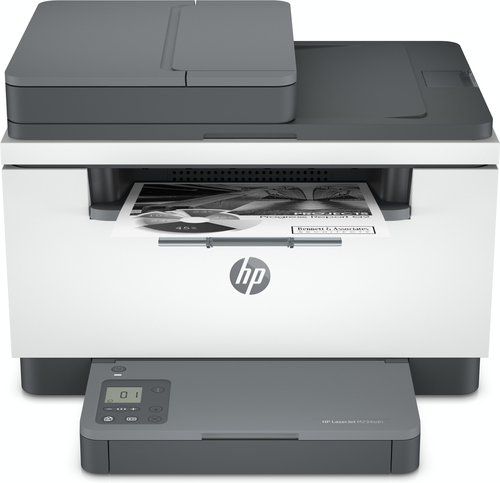
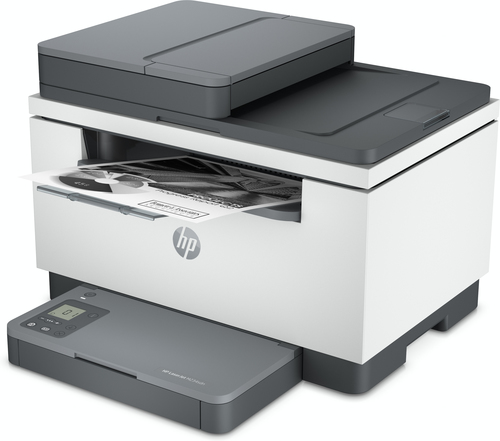
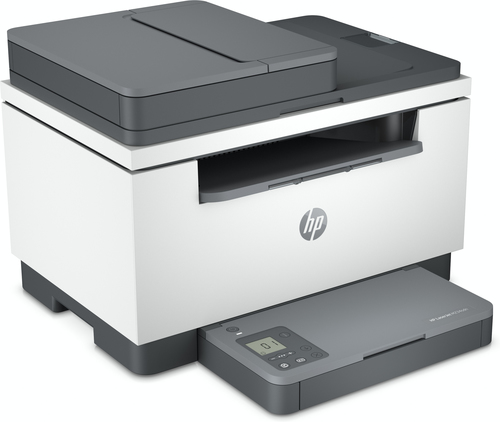
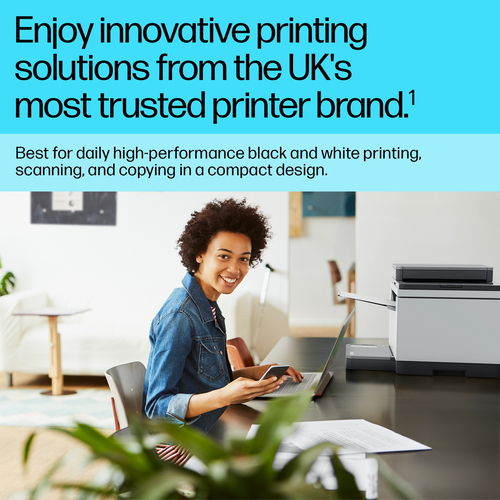
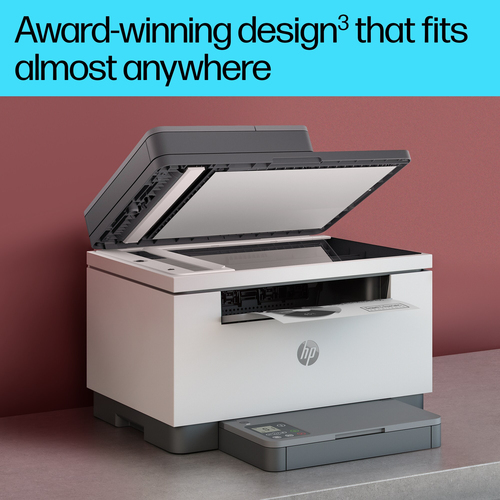
Tired of waiting for a slow printer while your work piles up? Lost time at the machine can eat into your whole day. This compact laser printer suits anyone who needs clear, dependable output without a lot of fuss. It prints, copies and scans, so you can handle most of your paperwork from one device. A reliable laser printer makes everyday tasks feel lighter.
Benefits of Owning an HP Laser Printer
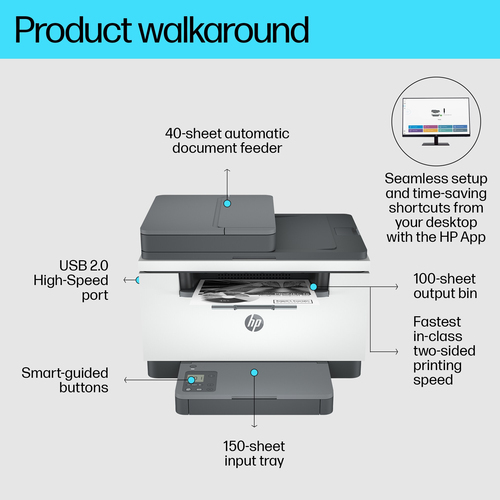
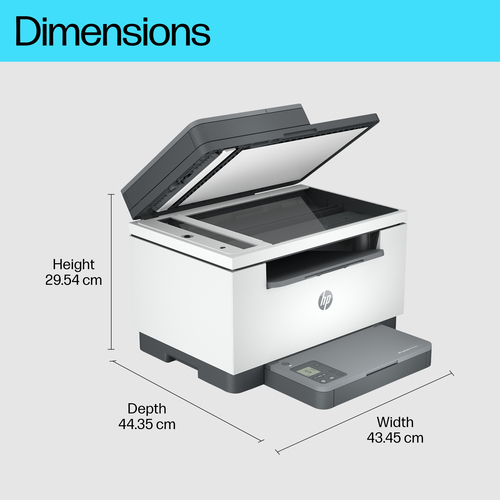
Setup should not feel like a chore, so this model keeps it simple from the start. You can count on it for everyday jobs, which brings real peace of mind. The HP Smart app helps you manage printing with less effort. Its compact body fits neatly into most spaces, keeping your workspace calm and tidy. With a steady routine, it can support your work for the long term.
Key Features of a 600 x 600 DPI Laser Printer
- Print technology: Laser. Laser printing gives your documents a clean, professional look.
- Printing: Mono printing. Pages come out in black and white, which suits text-heavy work.
- Maximum resolution: 600 x 600 DPI. Fine detail keeps small text and lines sharp.
- Copying: Mono copying. Copies come out in black and white, matching your printed pages.
- Maximum copy resolution: 600 x 600 DPI. Copies keep the same fine detail as your originals.
- Scanning: Colour scanning. Capture documents and photos in colour for digital storage.
- Optical scanning resolution: 600 x 600 DPI. Scans pick up fine detail for readable digital files.
- Duplex functions: Print. Two-sided printing helps you use fewer sheets per job.
- Maximum ISO A-series paper size: A4. Standard A4 paper is the largest size it handles.
- Product colour: Grey. A neutral finish blends easily into home and office spaces.
Everyday Uses for a 600 x 600 DPI Laser Printer
This machine fits neatly into a normal working day in a few clear ways:
- Printing study notes or homework at the kitchen table.
- Running off two-sided reports for a home office.
- Scanning signed forms in colour to save as digital files.
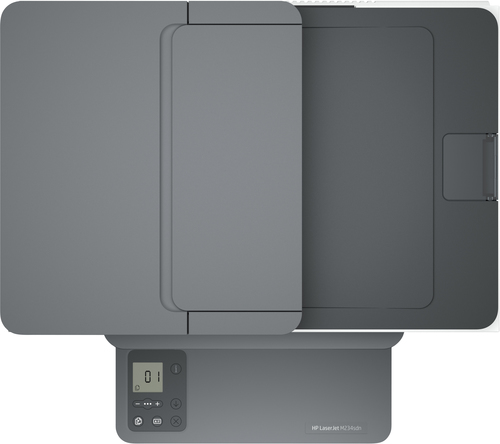
- Copying a stack of papers with the automatic feeder.
- Printing letters and forms for school, work or appointments.
Why Choose an HP Laser Printer
Many buyers worry that a small machine will struggle with real workloads, or that setup will eat up an evening. Others wish they had bought a model that also copies and scans, rather than one that only prints. These doubts are common, because a printer is a tool you use every day and it should suit your routine.
This model answers those concerns with clear facts. It offers the fastest two-sided printing in its class, so you can reduce paper waste. Its automatic feeder helps with bigger jobs, and simplified setup gets you started without a long wait. As a multifunction device, it prints, copies and scans, so you do not need separate machines for each task.
Specifications
| Summary Details |
| Print technology | Laser |
| Printing | Mono printing |
| Maximum resolution | 600 x 600 DPI |
| Copying | Mono copying |
| Maximum copy resolution | 600 x 600 DPI |
| Scanning | Colour scanning |
| Optical scanning resolution | 600 x 600 DPI |
| Duplex functions | Print |
| Maximum ISO A-series paper size | A4 |
| Product colour | Grey |