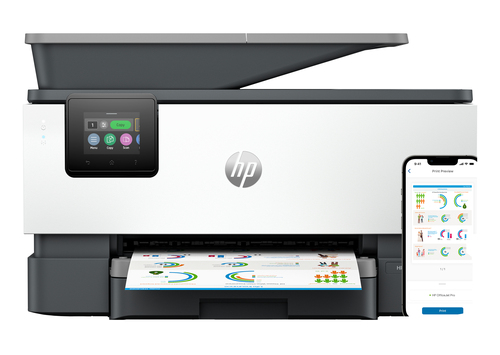
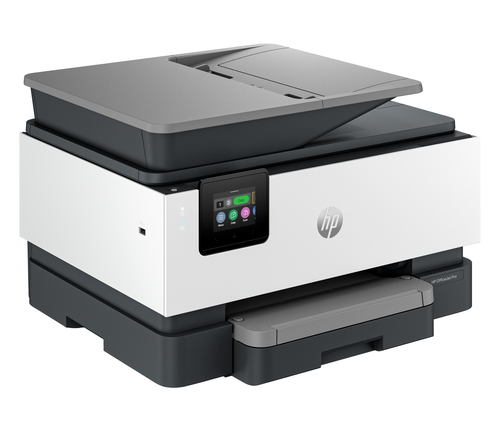
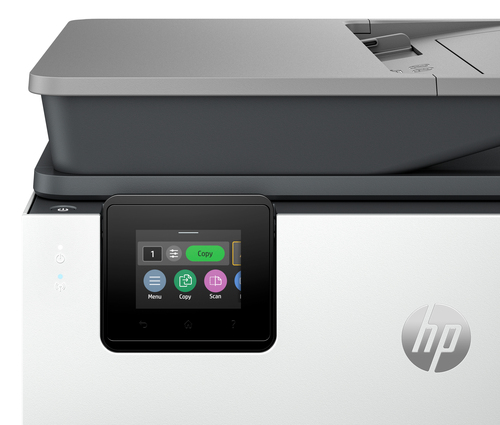
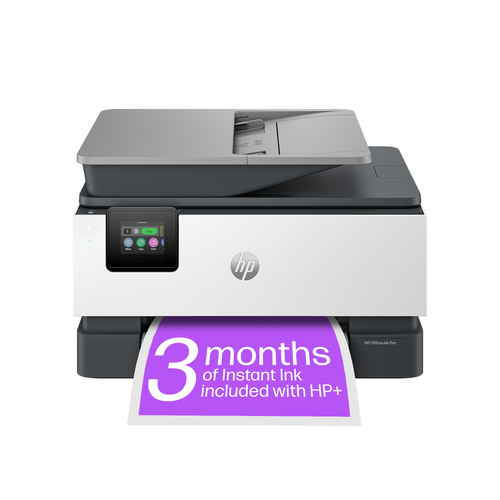
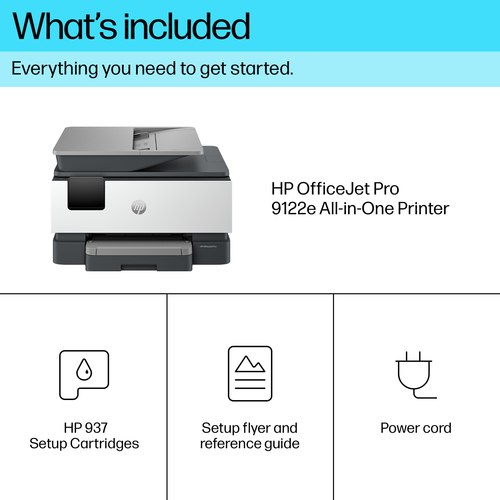
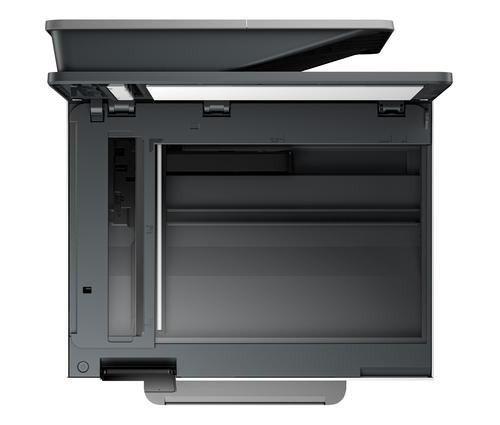
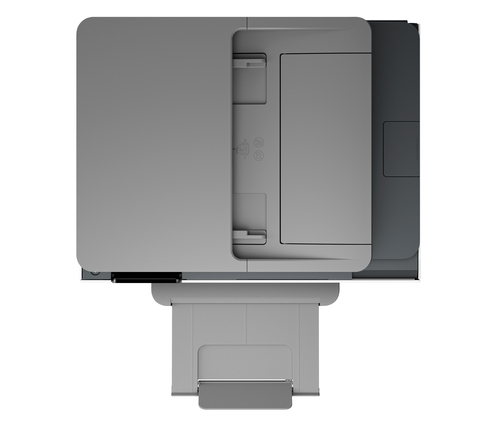
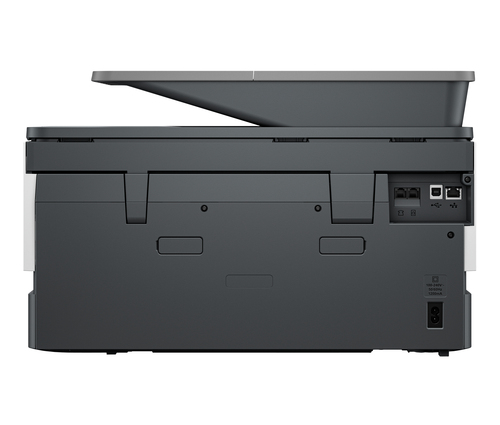
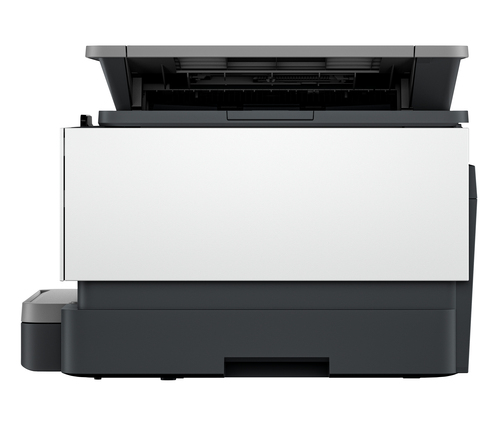
Solve Slow, Scattered Printing with HP OfficeJet Pro 9122e, Colour A4 Thermal Inkjet Printer
Waiting for a shared printer to finish one page can slow your whole team down. If you need clear colour documents without the delay, the HP OfficeJet Pro 9122e, Colour A4 Thermal Inkjet Printer is built for busy offices and growing businesses. It prints, copies, scans and faxes in colour from one machine, so you can handle daily paperwork in one place. It also works across multiple devices, so everyone in your team can print with ease.
Solve Slow, Scattered Printing with HP OfficeJet Pro 9122e, Colour A4 Thermal Inkjet Printer
Many small teams work from laptops, phones and tablets, then struggle to find a printer that works with all of them. Printing becomes a bottleneck when each person needs a different machine or has to walk to a shared device for every job.
This matters because slow printing eats into your working day. Missed deadlines and reprinted pages cost you time and money. A dependable printer that handles every job keeps your projects moving.
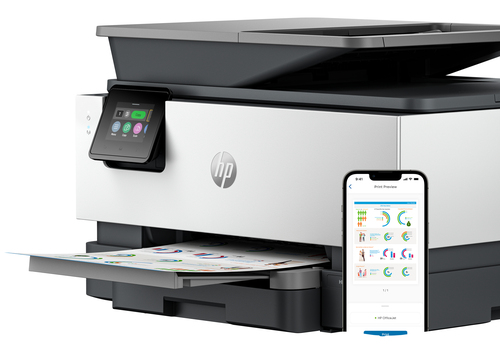
This model offers a clear answer. Cloud sharing lets your team send jobs from different devices, while colour printing, scanning, copying and faxing all sit in one machine.
Usages of HP OfficeJet Pro 9122e, Colour A4 Thermal Inkjet Printer
You can put this printer to work in many everyday settings:
- Sales teams printing colour proposals and quotes before client meetings
- Small admin or accounting offices handling invoices, budgets and reports
- Shared workspaces where several people print from their own devices
- Home offices that need colour copies and faxes on demand
Key Features of HP OfficeJet Pro 9122e, Colour A4 Thermal Inkjet Printer
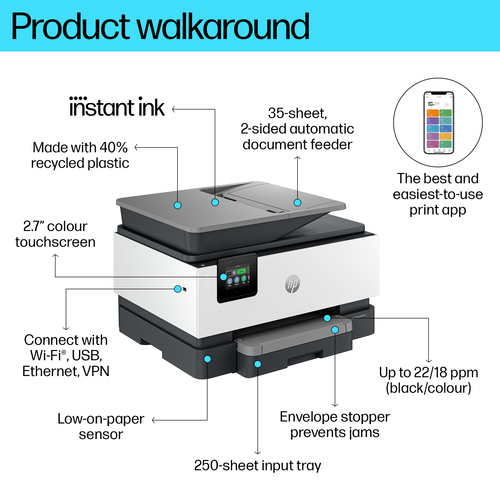
- Print technology: Thermal inkjet. The printer uses this method to put ink onto paper for everyday documents.
- Printing: Colour printing. Produce full colour pages for reports, presentations and marketing materials.
- Print speed (A4/US Letter): 18 ppm. Pages come out at a steady pace, so larger jobs take less waiting time.
- Copying: Colour copying. Make coloured copies without needing a separate machine.
- Scanning: Colour scanning. Turn paper documents into colour digital files you can save or send.
- Optical scanning resolution: 1200 x 1200 DPI. Captures fine detail in text, photos and diagrams.
- Faxing: Colour faxing. Send and receive colour faxes when your work still depends on them.
- Duplex functions: Print. Lets you print on both sides of a page, which helps reduce paper use.
- Product colour: Grey. A neutral finish that fits most office spaces.
- HP+: enabled. Choose HP+ at setup to unlock extra benefits. This needs an HP account, an internet connection and Original HP Ink cartridges.
Benefits of HP OfficeJet Pro 9122e, Colour A4 Thermal Inkjet Printer
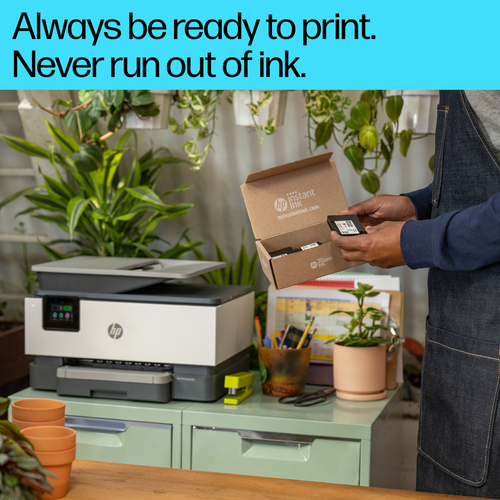
Having one machine for printing, copying, scanning and faxing means fewer gadgets on your desk and less time switching between them. Duplex printing helps you save paper on long reports, which makes your supplies last longer. Cloud sharing lets team members send jobs from wherever they are, so nobody is tied to one computer. Because the printer is HP Instant Ink eligible, you can explore that ink service as your print volume grows. The colour output also gives your documents a polished look that clients notice.
Sources:
- None (answered from the supplied product content only)
Specifications
| Summary Details |
| Print technology | Thermal inkjet |
| Printing | Colour printing |
| A4/US Letter) | 18 ppm |
| Copying | Colour copying |
| Scanning | Colour scanning |
| Optical scanning resolution | 1200 x 1200 DPI |
| Faxing | Colour faxing |
| Duplex functions | Print |
| Product colour | Grey |