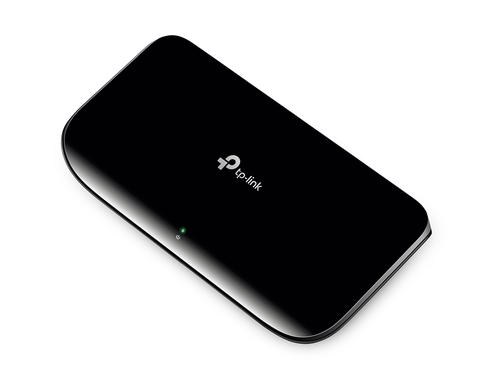
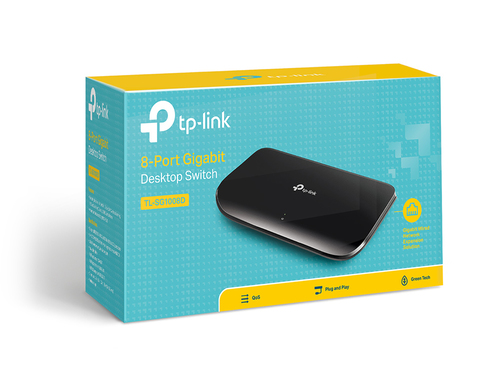
Is your home or office network slowing down every time someone sends a large video, design file or backup? Many people blame their internet plan, but the real bottleneck is often the old hub or basic switch that connects their devices. A network switch sits between your computers, printers and storage, and passes data to exactly the right device. Adding one to your setup can make local transfers much faster and keep your files moving smoothly.
Key Features of an 8-Port Network Switch
- Switch type: Unmanaged. There is no setup menu to learn, so you simply plug in your cables and start using it.
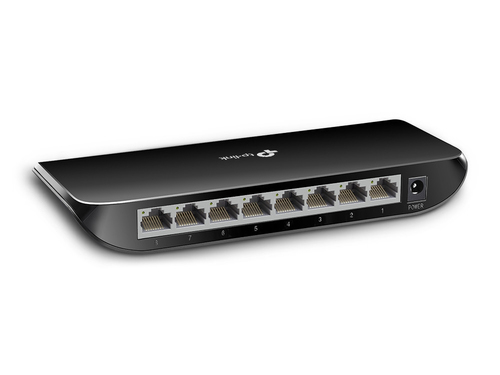
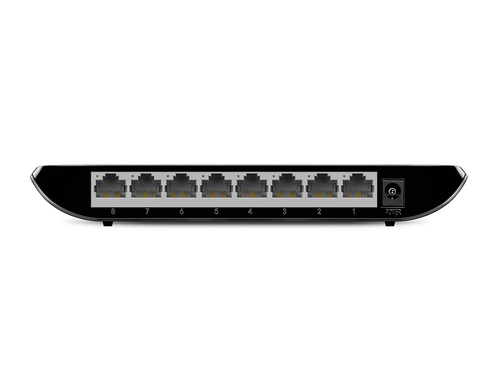
- RJ-45 Ethernet ports: 8. You get eight wired connections for computers, printers, storage drives and other devices.
- Port speed: 10/100/1000Mbps. Each port matches the speed of the device connected to it, so older and newer equipment work side by side.
- Switching capacity: 16 Gbit/s. This gives the switch enough headroom to handle heavy traffic across all eight ports.
- MAC address table: 4000 entries. The switch can keep track of up to 4000 device addresses, so data goes only to the port it needs.
- Networking standards: IEEE 802.1p. This standard helps the switch give priority to certain types of network traffic.
- DC input voltage: 9 V. It runs on a low voltage supply, which suits everyday home and office use.
- Power connector: DC-in jack. The power adapter connects through a simple, familiar socket.
- Power saving: up to 80%. The switch cuts power to idle ports and adjusts to cable length, so it uses far less electricity than a traditional switch.
Why Choose a TP-Link Network Switch
If you run a growing home office, a small business or a busy family network, you probably have more devices than free ports on your router. Many buyers either pick a cheap switch without checking its speed, or overspend on complex models they never configure. This product suits anyone who wants a simple and dependable way to add wired connections and gigabit speeds without any setup. It gives you more ports without the hassle of managing settings.
Benefits of TP-Link Network Switches
- Quick setup: You can plug it in and start using it straight away, with no software or configuration needed.
- Faster file sharing: Large videos, photos and backups move across your network far more quickly.
- Less wasted power: Idle ports use less electricity, which can help keep your running costs down.
- Fewer cable headaches: Auto MDI/MDIX means you can use ordinary cables without worrying about crossover types.
Usages of an 8-Port Network Switch
You can place this switch in a home office, where it links a desktop, a printer and a network drive. It also works well in a small office, a home media setup, a classroom or a creative studio that regularly moves large design files. Many people connect it behind a router to share a wired connection across a desk full of devices.
Specifications
| Summary Details |
| Switch type | Unmanaged |
| Basic switching RJ-45 Ethernet ports type | Gigabit Ethernet (10/100/1000) |
| Basic switching RJ-45 Ethernet ports quantity | 8 |
| MAC address table | 4000 entries |
| Switching capacity | 16 Gbit/s |
| Networking standards | IEEE 802.1p |
| DC input voltage | 9 V |
| Power connector | DC-in jack |