Samsung Laptops
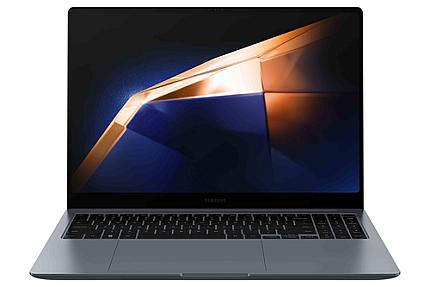
Product Code: LTHO-041
Samsung Galaxy Book4 Ultra NP964XGL-XG1UK, Intel Core Ultra 7, 16",32GB, 1...
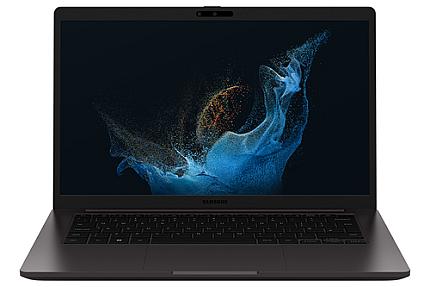
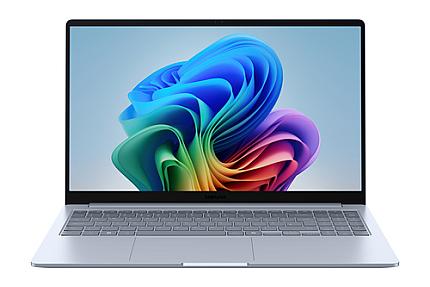
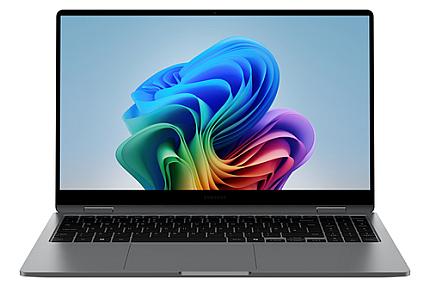
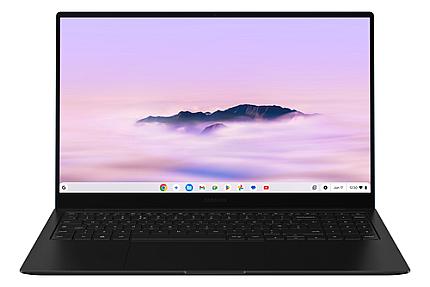
Product Code: LTHO-1583
Samsung Galaxy Chromebook Plus 15.6" 3 8GB 256GB, Intel Core 3, 4.7 GHz
$921.99
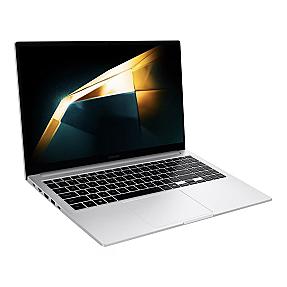
Product Code: LTHO-1817
Samsung Galaxy Book4 laptop 15.6" Full HD Intel Core i7 16GB 512GB M365 Fa...
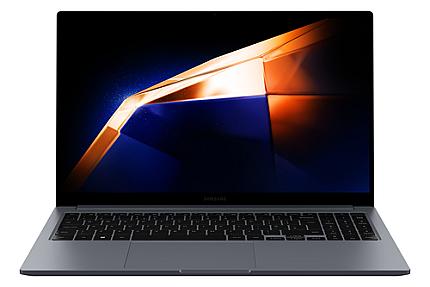
Product Code: LTHO-2039
Samsung Galaxy Book4, Intel Core 5, 8GB/256GB, 15.6" FHD Laptop - NP750XGK...
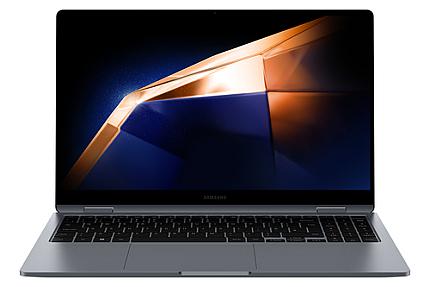
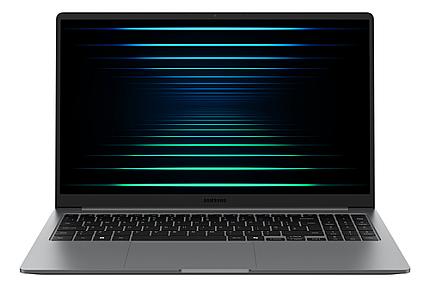
Product Code: LTHO-2078
Samsung Galaxy Book5,Intel Core Ultra 7,16GB/512GB, 15.6" Laptop,Windows 1...
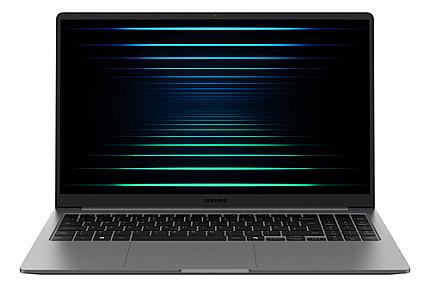
Product Code: LTHO-2082
Samsung Galaxy Book5, Intel Core Ultra 7, 16GB/1TB, 15.6" Laptop,Windows 1...
Product Code: LTHO-2085
Samsung Galaxy Book5, Intel Core Ultra 5, 8GB/256GB,15.6" Laptop,Windows 1...
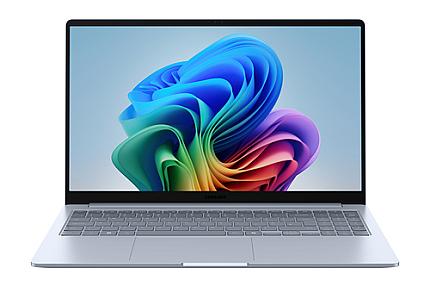
Product Code: LTHO-2094
Samsung Galaxy Book4 Edge, Snapdragon X26, 16GB/256GB, 15.6" , Windows 11...
Shopping for Samsung laptops means picking from one of the widest lineups on the market, everything from sub-$300 Chromebooks to 16-inch AMOLED laptops built for editing and design work. That's a lot of ground to cover, and it's easy to end up picking a model on price alone and regretting it a month later. This guide breaks down what each Samsung laptop series is actually built for, so you can match a model to your budget and workload instead of squinting at a spec sheet.
What Makes Samsung Laptops Different
Samsung builds two main types of laptops, and knowing the difference can help you choose the right one.
Galaxy Book laptops use Windows 11 and work well for people who need desktop software. You can use Microsoft Office, Adobe apps, coding tools, business programs, and many other Windows applications. Samsung offers the Book4, Book5, and Book6 lines, with Pro, Edge, and 360 variants for different needs.
Galaxy Chromebooks use ChromeOS instead of Windows. They are usually lighter, affordable, and quick to start. They work well with Google Workspace, web apps, and Android apps from the Play Store. A Chromebook can be a good choice for students, basic home use, or anyone who does most of their work online. However, it cannot run many Windows-only programs, including desktop versions of some professional software.
Both types of Samsung Laptops offer useful features such as bright displays, slim designs, and easy connections with Samsung Galaxy phones and tablets. Features such as Quick Share and phone notifications can make it easier to move files and stay connected between devices.
Picking the Right Samsung Laptop for Your Budget
Your budget matters, but you should also think about how you plan to use your laptop. A cheaper laptop may look attractive, but it may not offer enough performance for your daily work.
Entry-level and everyday use (under $700): A Galaxy Book4 with a Core i3 or Core i5 and 8GB of RAM can handle everyday tasks such as web browsing, email, streaming, Microsoft Office, and document work. If you mainly use websites and cloud-based services, a Galaxy Chromebook with an Intel Celeron or Core 3 chip can be a more affordable option. Some compact 11.6-inch models start well below $300.
Mid-range and student/work laptops ($700–$1,300): This price range offers a good balance of performance and value. A Galaxy Book4 or Book5 with Core i7 or Intel Core Ultra 5/7, 16GB of RAM, and 256GB-512GB of storage can handle multitasking, online meetings, spreadsheets, web browsing, and light photo editing.
The Book5 series also uses Intel Core Ultra processors with an NPU. This helps support AI features available in Windows and compatible applications.
Convertible and 2-in-1 use: If you want a laptop that can also work like a tablet, consider a 360 model such as the Galaxy Book4 360. Its 360-degree hinge lets you fold the screen back into tablet mode. Touchscreen support and S Pen compatibility also make it useful for taking notes, drawing, signing documents, or making quick sketches.
Creative work, gaming, and heavy multitasking ($1,500+): The Galaxy Book6 Pro is Samsung's top all-round pick for users who need more performance. It combines an Intel Core Ultra 7 processor with up to 32GB of RAM and a 16-inch AMOLED touchscreen.
This type of configuration works well for demanding tasks such as video editing, design work, large spreadsheets, and running several applications at the same time. If you work with large files or professional software, 32GB of RAM and a 512GB or larger SSD can give you more room to work.
Keep in mind that storage on Galaxy Books is soldered. You should choose enough storage when you buy the laptop because you may not be able to upgrade it later.
ARM-based and all-day battery life: Snapdragon-powered models such as the Galaxy Book4 Edge use Qualcomm processors instead of Intel chips. They focus on battery life and can run for many hours without needing a charger.
These Samsung Laptops can be a good fit if you mainly use Microsoft 365, Chrome, web apps, and other common programs. Keep app compatibility in mind because some older Windows applications designed for x86 processors may run through emulation.
Key Specs Worth Checking Before You Buy
- Processor: Intel Core i3 and i5 processors are suitable for basic everyday tasks. Core i7 and Core Ultra 5/7 processors offer more power for multitasking, work, and creative tasks. Core Ultra 9 and Snapdragon X Elite models target users who need higher performance or longer battery life.
- RAM: 8GB works for basic everyday use, while 16GB offers a better balance for most people. Choose 32GB if you edit videos, use virtual machines, work with large files, or regularly keep many apps and browser tabs open.
- Storage: A 256GB SSD can fill up quickly if you install many programs or store photos and videos. A 512GB SSD gives most users more comfortable storage. Choose 1TB if you keep a large amount of media and other files on your laptop.
- Display: AMOLED displays are available on models across the Book4, Book5, and Book6 lines. They provide deeper blacks, strong contrast, and rich colors compared with standard FHD LED displays. This can make a big difference for photo and video work. For email, documents, and spreadsheets, a standard FHD screen may be enough.
- Windows edition: Windows 11 Home works well for most personal users. Windows 11 Pro includes extra business features such as BitLocker device encryption and domain join. Check which version you need if you are buying Samsung Laptops for business use.
Samsung Galaxy Book vs. MacBook and Chromebooks
When you compare Samsung Laptops with other options, software and your existing devices can be just as important as hardware.
- Galaxy Book vs. MacBook: Both offer premium designs, quality displays, and strong performance. Galaxy Books use Windows, which gives you access to many Windows-only business applications, software, and PC games. They also offer ports such as USB-A and HDMI on selected models. MacBooks can provide excellent battery efficiency and access to macOS-specific apps. Your choice should depend on the software you use and the devices you already own.
- Galaxy Book vs. Samsung Chromebook: A Galaxy Book is a better choice if you need Windows software, desktop applications, more local storage, or stronger offline support. A Galaxy Chromebook makes more sense if you have a smaller budget and spend most of your time using Chrome, Google Workspace, web apps, and Android applications.
Why Buy Samsung Laptops from PonDesk
PonDesk sources Samsung Laptops through verified industry channels and offers competitive pricing for different configurations. You can check the processor, RAM, storage, and other specifications before choosing a model.
This makes it easier to compare Samsung laptops and find the configuration that matches your work or budget.
If you are buying Samsung Laptops for a business, school, or larger team, you may also need a specific processor, RAM, or storage configuration. If you cannot find the exact model you need, contact PonDesk and ask about sourcing options.
Are Samsung laptops any good?
Yes. Samsung Laptops can be a good choice for everyday use, business work, study, and more demanding tasks. The Galaxy Book range offers slim designs, good build quality, and strong display options, including AMOLED screens on selected models.
Samsung also offers different configurations across its laptop range, so you can choose a model based on your processor, RAM, storage, display, and performance needs.
As with other major laptop brands, the overall experience depends on the model and configuration you choose. A higher-end Galaxy Book will offer more performance and features than an entry-level model.
Which Samsung laptop should I buy?
The right Samsung laptop depends on what you plan to do with it.
Choose a Galaxy Book4 or entry Chromebook for basic browsing, streaming, documents, and everyday tasks. For work and multitasking, a Book5 with Core Ultra 5/7 and 16GB RAM offers a good balance of performance and value.
If you want a touchscreen laptop that can also work as a tablet, choose a 360 model with S Pen support. For demanding professional and creative work, the Book6 Pro offers more powerful hardware and a larger AMOLED display.
What's the difference between Galaxy Book4, Book5, and Book6?
The main difference comes down to the generation and processors used in each series.
Book4 models use Intel Core processors, including 12th/13th-gen-class chips. Book5 introduces Intel Core Ultra processors with a dedicated NPU for AI-related tasks and features. Book6 moves to newer Intel Core Ultra Series 3 processors, with improvements in performance, efficiency, and AI features in Windows 11.
The exact specifications can vary between individual models, so check the processor, RAM, storage, and display before buying.
Do Samsung laptops work well with Samsung phones?
Yes. Samsung designed Galaxy Books to work closely with Galaxy phones and tablets.
You can use features such as Quick Share to transfer files between compatible devices. You can also receive phone notifications on your laptop, and selected features let you work with calls and messages from your PC.
This connection can be especially useful if you already use other Samsung Galaxy devices.
Can I upgrade the RAM or storage later?
Generally no. Many current Galaxy Book models use soldered RAM and non-removable SSDs. This means you should choose the RAM and storage capacity you expect to need for the entire life of the laptop.
For example, if you regularly work with large files, photos, videos, or several applications, choosing 16GB or 32GB RAM and a 512GB or 1TB SSD at the time of purchase can save you from storage or performance limits later.
For most US buyers in 2026, a Galaxy Book5 with an Intel Core Ultra 5 or 7, 16GB of RAM, and 512GB of storage offers a strong balance of performance, features, and price. It can handle everyday work, multitasking, online meetings, and light creative tasks. If you need more power for professional creative work, the Galaxy Book6 Pro is a better option.