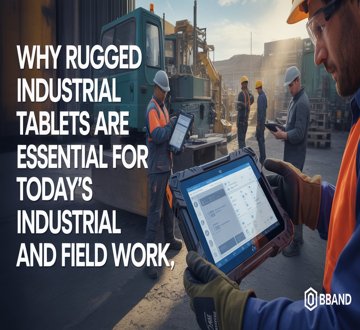
In many industries—from construction sites and warehouses to field service and logistics—normal consumer tablets just don’t cut it. Dust, moisture, drops, extreme heat or cold, and constant movement all conspire against delicate electronics. That’s where rugged tablets come in. Built with reinforced frames, specialized sealing, and hardened internals, these devices are engineered to survive and thrive in harsh environments.
Whether you're supervising on-site repairs, scanning inventory in a warehouse, or managing logistics on the road, a rugged tablet ensures you remain productive when others' devices fail. Below are some of the top rugged tablet options from Pondesk, each designed for different use cases and levels of durability, performance, and mobility.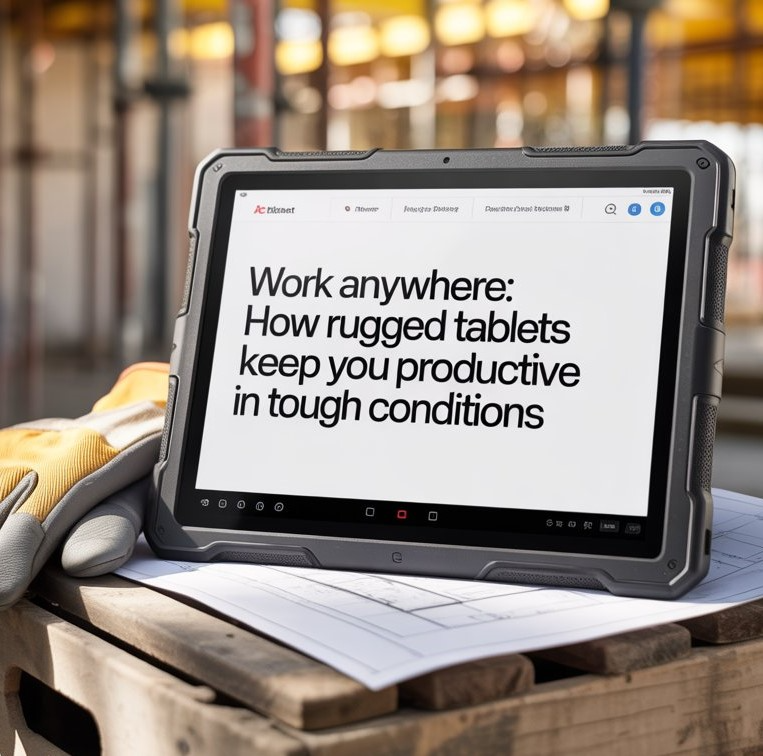
Why Rugged Tablets Are Essential in Today’s Work Environment
In industries where every second counts, downtime isn’t just an inconvenience—it’s costly. A standard consumer tablet might crack, overheat, or fail when exposed to dust, water, or impact, leaving your team stuck. Rugged tablets eliminate that risk.
-
Unmatched durability: Designed to withstand drops, shocks, dust, and water.
-
True mobility: Lightweight but tough, so workers can stay productive anywhere—from warehouses to remote sites.
-
Seamless compatibility: Runs on Android or Windows platforms to integrate smoothly with existing workflows.
-
Smarter investment: A rugged tablet lasts longer, saving you from the cycle of constantly replacing fragile devices.
In short, rugged tablets aren’t just about durability—they’re about keeping your people connected, your operations moving, and your business ahead of the curve.
Pondesk Rugged Tablet Picks
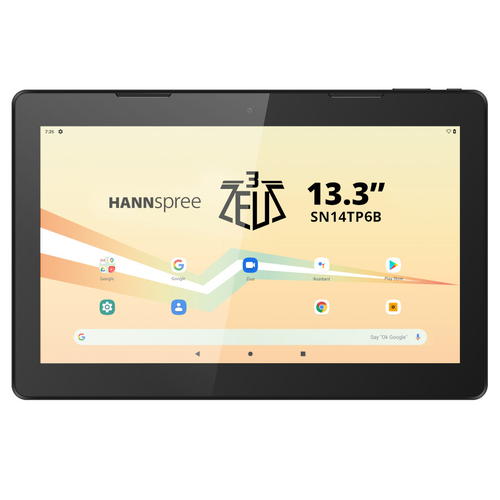
Pad Zeus 3 Rugged Tablet
What you get:
-
13.3-inch display for large, clear visuals in the field
-
Android 13 OS with modern software support
-
128 GB storage + 6 GB RAM—solid for data, apps, and multimedia
-
Sturdy build to handle drops, vibrations, and rough handling
Best for:
Supervisors, architects, or field engineers who need a large display to view plans, diagrams, or schematics while on-site.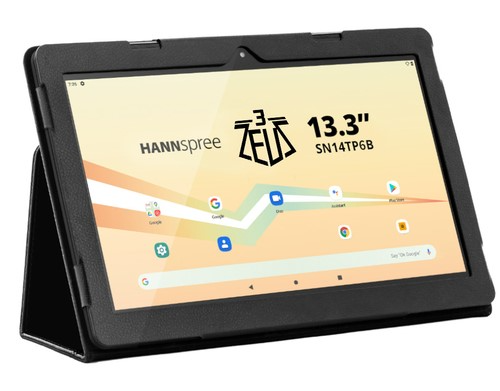
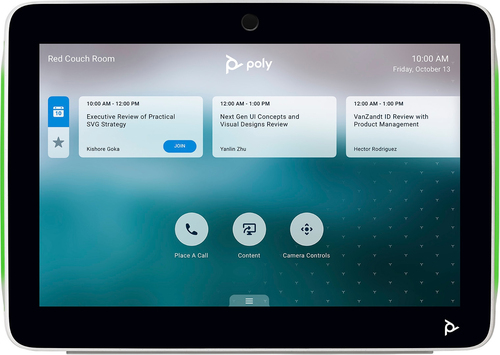
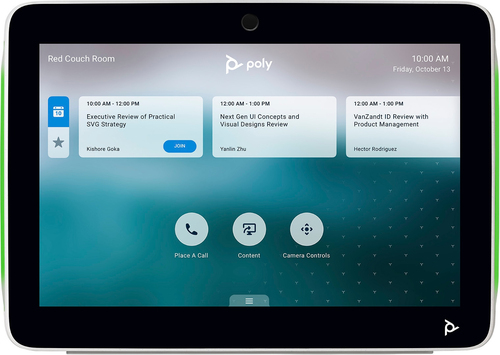
Poly TC10 Rugged Touch Controller Tablet
What you get:
-
10.1-inch rugged tablet built as a touch controller platform
-
1280 × 800 resolution, ample for control panels and interfaces
-
Compact and handheld for portability
-
Rugged features (shock, dust, water resistance) for industrial use
Best for:
Production line control, machinery interface, or kiosk-like deployment where a rugged front-end device is needed.
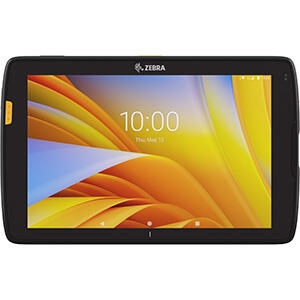
Zebra ET45 Rugged Tablet
What you get:
-
10.1-inch rugged tablet with a good balance of size and usability
-
Android 11 OS with enterprise-level support
-
64 GB storage + 4 GB RAM, sufficient for typical data and field apps
-
Durability features for industrial environments
Best for:
Retail, warehouse, logistics operations where scanning, mobile workflows, and on-site data entry are common.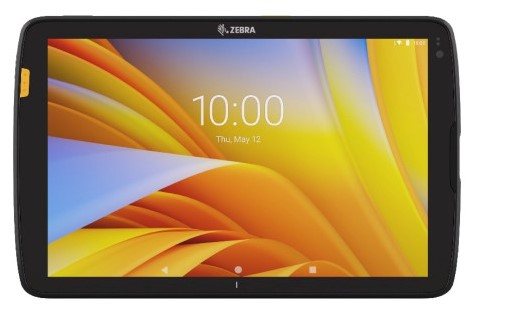
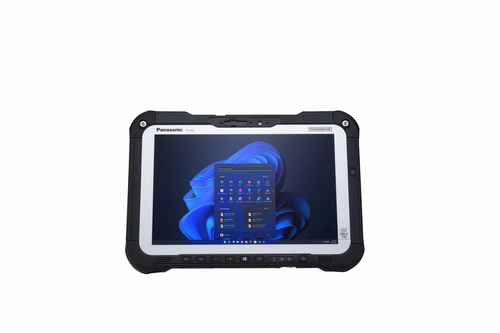
Panasonic Toughbook G2 MK3
What you get:
-
Modular and highly rugged Windows tablet
-
16 GB RAM + 512 GB SSD for heavy duty computing
-
Runs full Windows 11 Pro—compatible with desktop software
-
Military spec build, great shock resistance, sealed construction
Best for:
Field engineers, military, public safety, and environments where you need real desktop-level apps in a rugged tablet.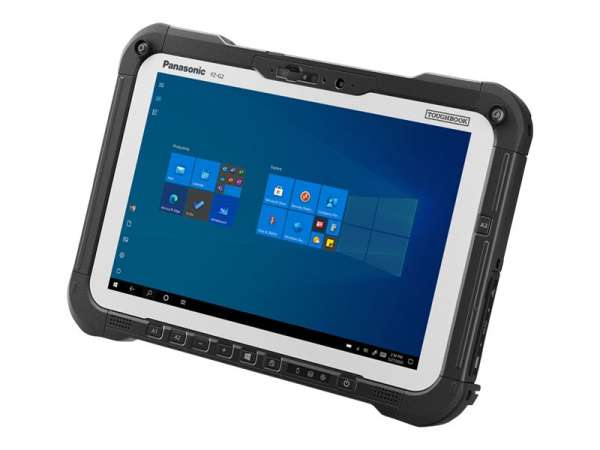
Honeywell EDA10A Rugged Tablet
What you get:
-
Competitive 10.1-inch rugged tablet platform
-
Android 12 for stable access to field apps and updates
-
64 GB + 4 GB, capable for scanning, data collection, and field workflows
-
Rugged build to take the daily abuse of field work
Best for:
Inventory, asset tracking, route delivery, or field data collection tasks where durability is a must.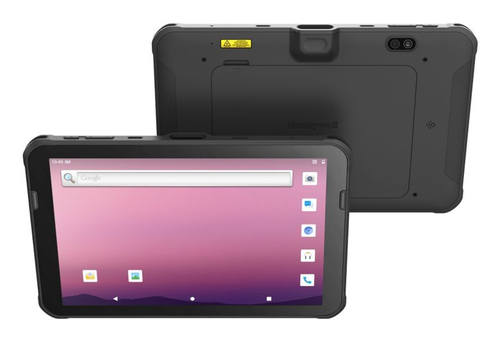
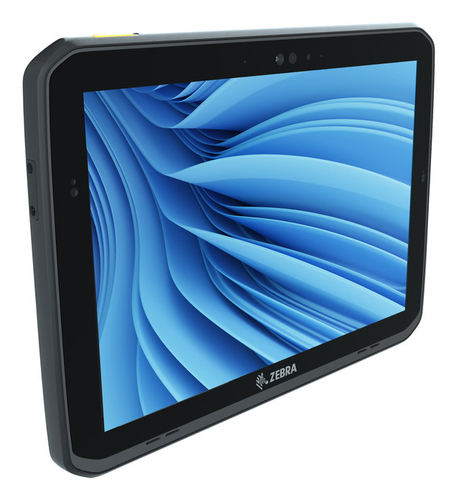
Zebra ET80 Rugged Tablet (12-in)
What you get:
-
Large 12-inch display for maximum visibility
-
Intel Core i7 (1180G7) + 16 GB RAM + 256 GB SSD — desktop-class performance
-
Rugged chassis with sealing and shock protection
-
Ideal for demanding tasks, visuals, and heavy software
Best for:
Mobile workstations, control room replacement, CAD/EDA tasks in the field, or roles where you don’t want to carry a laptop but need strong computing.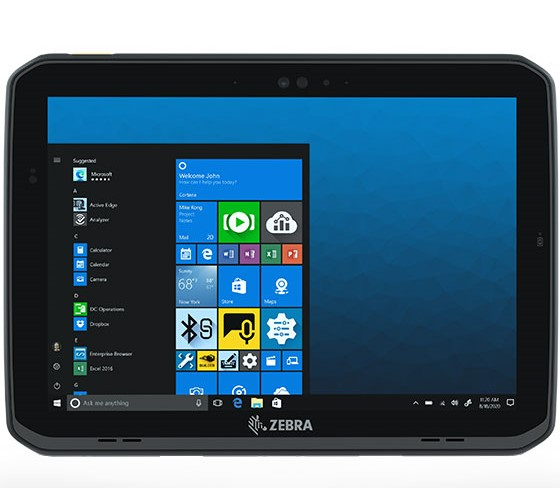
What to Look for When Choosing a Rugged Tablet
-
IP & MIL Spec Ratings — Look for dust, water, and shock protection ratings.
-
Operating System & Software Support — Windows vs Android can affect app compatibility.
-
Performance Specs — CPU, RAM, and storage to handle your workloads.
-
Size & Weight — Smaller tablets are easier to carry; larger ones offer better visibility.
-
Battery & Portability — Long battery life is critical in the field.
-
Modularity & Expansion — Ports, slots, or add-ons (barcode scanners, extra batteries) matter.
-
Warranty & Repairability — Industrial work demands reliable repair support.
Final Word
Rugged tablets deliver a blend of durability, portability, and performance that standard tablets simply can’t match. Whether you’re in field service, logistics, industrial inspection, or remote work, the right rugged tablet keeps you productive even when conditions are unforgiving.
Explore more options in the full Rugged Industrial Tablets Collection on Pondesk and find the device that works as hard as you do.
FAQs
Q1: Can rugged tablets replace laptops in industrial work?
Yes—when the right model is chosen. Many rugged tablets now run full desktop-class OS (like Windows 11 Pro) and come with powerful CPUs. They can run many of the same applications, especially those adapted for touch or mobile use. What you lose is sometimes screen size, but you gain durability, portability, and resistance to harsh conditions.
Q2: How durable are rugged tablets?
They’re built to survive: drop resistance (often up to 1–2 meters or more), sealed against dust and water (IP65 / IP67 or higher), and temperature tolerance (able to work in extreme heat or cold). The internal components are also reinforced to handle vibration and shock.
Q3: Which is better: Android or Windows rugged tablets?
-
Android models are great for mobile / field apps, scanning, workflows, and usually lighter weight and lower power.
-
Windows rugged tablets allow compatibility with full desktop software—ideal when your work depends on applications only available on Windows. The trade-off: slightly higher power use and sometimes thicker builds.
Q4: What battery life can I expect in harsh conditions?
Rugged tablets often aim for 8–12 hours under moderate workloads. Heavy computing, screen brightness, or extreme temperatures can reduce that. Many models support swappable batteries so you can carry a spare and continue working uninterrupted.
Q5: Can I upgrade a rugged tablet (RAM, SSD)?
It depends. Some rugged tablets have modules that can be upgraded (SSD or RAM), especially the higher-end or modular ones. But many are more sealed and may require specific repair or update procedures. Always check specs or documentation.
Q6: Are rugged tablets more expensive than regular ones?
Yes, typically. You’re paying for advanced engineering, durable materials, testing, and specialized certifications (drops, water, dust, temperature). But in industrial environments, avoiding device failure and downtime often justifies the higher cost.


Comments (0)