Most Expensive PC
Product Code: DTHO-076
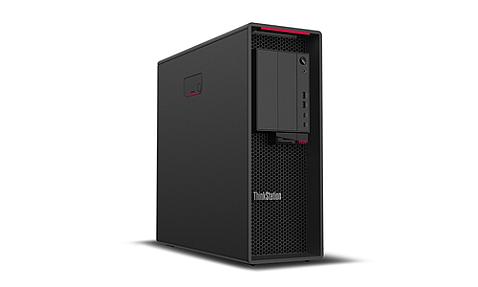
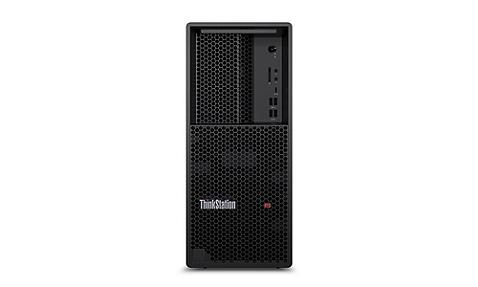
Lenovo ThinkStation P620, 3.8 GHz, 5965WX, 64GB/1TB W11 Pro Tower workstat...
Product Code: GMHO-001
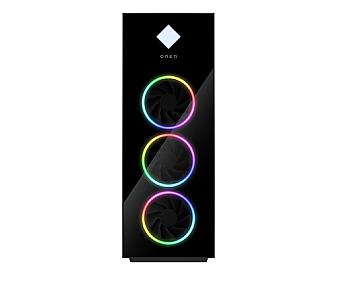
OMEN by HP 45L OMEN by Gaming Desktop GT22-3003na, Intel Core Ultra 9, 64G...
Product Code: PCHO-395
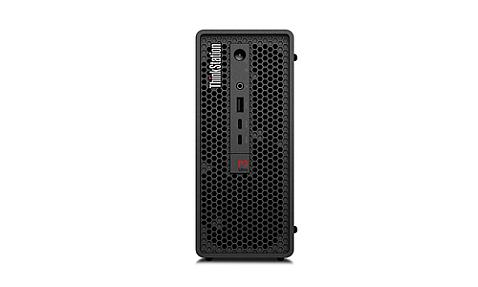
Lenovo ThinkStation P3 Ultra SFF Gen 2, Intel Core Ultra 7, 32GB/1TB Works...
Product Code: PCHO-396
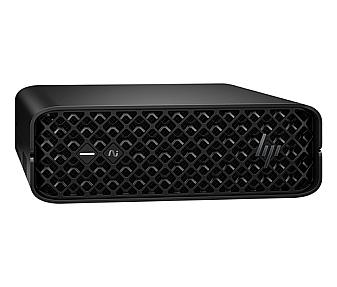
HP Z2 Mini G1i, Intel Core Ultra 9, DDR5-SDRAM, 64GB/1TB, W11 Pro Workstat...
$5,408.99
Product Code: PCHO-400
HP Z2 Mini G1i, Intel Core Ultra 9 DDR5-SDRAM 32GB/1TB, W11 Pro Workstatio...
Product Code: PCHO-404
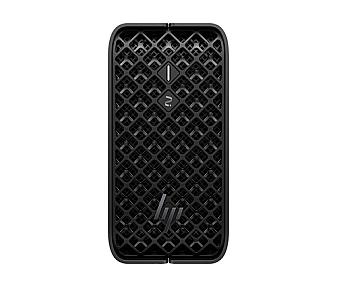
HP Z2 Mini G1a, AMD Ryzen AI Max+ PRO, 64 GB/1 TB, W11 Pro Workstation
$4,769.99
Product Code: PCHO-411
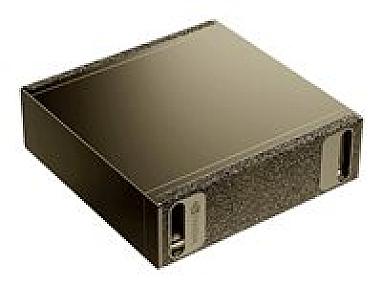
NVIDIA DGX Spark (940-54242-0009-000) Founder Edition UK Personal AI Super...
f you are searching for the most expensive PC you can buy in the UK, you are probably not shopping for a bargain. You want the most powerful machine that money can sensibly buy, and you want to know it will still be fast in three or four years.
This collection brings together the top-end PCs at PonDesk. AI workstations, Xeon and Threadripper towers, compact mini workstations and a flagship gaming desktop. Every system comes from a recognised manufacturer such as HP, Lenovo, Dell and NVIDIA, sourced as genuine, verified hardware.
What Makes a PC the Most Expensive PC You Can Buy?
Price at the top end comes down to a few components, and one of them dominates. On creative, gaming and AI builds, the graphics card usually takes 40% to 50% of the total budget. The rest of the bill is made up of processor class, memory capacity, storage speed, cooling and the power supply.
The very dearest PCs are also different in kind. They tend to use workstation processors such as Intel Xeon or AMD Threadripper PRO rather than standard desktop chips. They add ECC memory, which corrects errors during long renders or simulations. They run professional GPUs instead of gaming cards, and they need large power supplies and serious cooling to keep it all stable.
That is why a £1,500 gaming PC and a £10,000 workstation can look similar from the outside. The difference is in what happens after eight hours under full load.
Top 12 High-End PCs at PonDesk
This shortlist covers the highest-specification systems across our desktop workstation, AI workstation and gaming ranges. Prices change with configuration and stock, so use the links to see current availability or request a quote.
- HP Z2 Mini G1a, AMD Ryzen AI Max+ PRO, 64GB/1TB: A compact workstation with 64GB of memory and a 1TB SSD. It suits AI development and heavy creative work when desk space is limited.
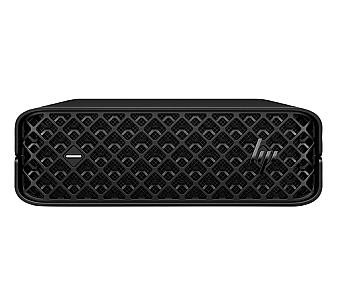
- HP Z2 Mini G1i, Intel Core Ultra 9, 64GB/1TB: Core Ultra 9 processing with 64GB of DDR5 in a mini chassis. A strong pick for 3D, data and video work.
- NVIDIA DGX Spark Founder Edition UK: NVIDIA's personal AI supercomputer, aimed at developers who want to build and test models locally.
- Lenovo ThinkStation P620, Threadripper PRO 5965WX, 64GB/1TB: A Threadripper PRO tower built for multi-threaded rendering, simulation and heavy multitasking.
- Lenovo ThinkStation P3 Tower, i9-14900K, 64GB/1TB: A full-size tower with a Core i9-14900K and 64GB of memory, with room to expand.
- OMEN by HP 45L GT22-3003na, Core Ultra 9, 64GB DDR5, 4TB: The flagship gaming desktop in the range, with 64GB of DDR5 and 4TB of storage.
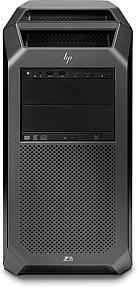
- HP Z8 G4 Workstation, Intel Xeon Silver: HP's Z8 platform is built around Xeon processors and a large chassis, aimed at professional workloads that outgrow a standard desktop.
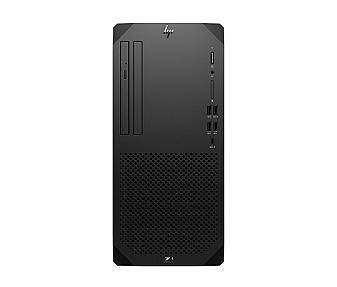
- HP Z1 G9 Tower, i9-14900, 32GB DDR5, 1TB: A Core i9 tower sold as an AI workstation, good for design and analysis work.
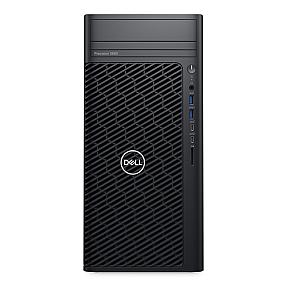
- Dell Precision 3680 Tower, i7-14700, 32GB, 1TB, RTX 2000 Ada: A professional tower with an NVIDIA RTX 2000 Ada graphics card, aimed at CAD and visualisation.
- Lenovo ThinkStation P3 Ultra SFF Gen 2, Core Ultra 7, 32GB/1TB: A small form factor workstation for offices that need pro-level performance without a full tower.
- HP Z2 Mini G1i, Intel Core Ultra 9, 32GB/1TB: The same compact chassis as above with 32GB of memory, for lighter but still demanding work.
- HP Z2 Mini G9, Intel Core i9, 32GB DDR5, 1TB: A proven mini workstation with a Core i9 and Windows 11 Pro.
Workstation or Gaming PC: Which Expensive PC Do You Need?
A high-end gaming PC and a workstation can cost the same and do very different jobs. A gaming desktop puts its money into a fast GPU and quick memory, and it is tuned for frame rates. A workstation puts its money into reliability, memory capacity and certified professional graphics, and it is tuned for long, heavy jobs.
If you edit 8K video, render 3D scenes, run simulations or train AI models, a workstation is the better buy. If you mainly play games at 4K, a top gaming desktop gives you most of the benefit for less. Past a certain point, extra spending on a gaming rig buys craftsmanship and exclusivity, not noticeably more frames.
How to Choose a High-End PC
Start with the work you do, not the spec sheet. A few checks save a lot of money.
Processor. Choose a Xeon or Threadripper PRO for many-core workloads such as rendering and simulation. A Core i9 or Core Ultra 9 is enough for most creative and engineering work.
Graphics. Professional cards, such as NVIDIA RTX Ada series, are certified for CAD and design software. Gaming cards are cheaper and faster for games, but less suited to certified workflows.
Memory. 32GB is a sensible floor for professional work. 64GB or more matters for large datasets, big scenes and local AI models. ECC memory adds error correction for long-running jobs.
Storage. Fast NVMe SSDs cut load and export times. Plan capacity for project files, not just the operating system.
Cooling and power. Powerful parts run hot. A well-cooled chassis and a properly sized power supply keep performance steady instead of throttling.
Form factor. Mini and small form factor workstations save desk space. Full towers give you more room for extra GPUs, drives and future upgrades.
Remember that UK prices include 20% VAT, so a headline figure from a US site will not match what you pay here.
Why Buy Your High-End PC From PonDesk
PonDesk supplies genuine, verified hardware from established manufacturers, and we offer these systems at a competitive, best-price level. Orders within the UK come with free delivery. If you are buying for a team or need a specific configuration, contact us for a quote and we will match the spec to your workload.
What Is the Most Expensive PC at PonDesk?
The most expensive PCs at PonDesk are the high-end workstations and AI systems in the desktop range, such as the Lenovo ThinkStation P620 and the HP Z2 Mini G1a with 64GB of memory. Exact prices depend on configuration and stock, so sort the collection by price, high to low, or request a quote for the current figure.
How much does the most expensive PC in the world cost?
The most expensive credible gaming PC is often cited as the Overclockers UK 8Pack OrionX2, launched at £32,999.99 as two PCs in one water-cooled case. Bespoke one-off builds can cost more, but their prices are rarely published or verifiable. For most buyers, a workstation in the four to five figure range is where real-world performance peaks.
What makes a PC so expensive?
The GPU is usually the biggest cost, followed by workstation-class processors, large amounts of ECC memory, fast NVMe storage and heavy-duty cooling and power supplies. Build quality, testing, warranty and support add to the price as well.
Is an expensive PC worth it?
It depends on the job. For professional work such as rendering, engineering or AI development, faster hardware saves paid hours and pays for itself. For gaming, spending far beyond a strong mid-to-high build mostly buys exclusivity rather than better performance.
Do I need a high-end PC for AI work?
For serious local AI work, yes. Training and running models needs lots of memory and a powerful GPU or AI accelerator. Systems such as the NVIDIA DGX Spark and the 64GB AI workstations in this collection are designed for that job. Light experimentation can run on far cheaper hardware.
Find Your Top-End PC
Browse the full range above, compare specifications and add your favourites to your quotation list. If you cannot see the configuration you need, contact the PonDesk team and we will source it for you.