Best Budget Laptop for Students UK: 2026 Buying Guide
Finding the best budget laptop for students in the UK doesn't mean settling for a machine that lags every time you open a tenth browser tab. Whether you're starting university this September or replacing a laptop that's finally given up on you mid-dissertation, the right pick comes down to a few things that actually matter day to day: enough RAM to keep lecture slides and essay drafts running smoothly, battery that survives a full timetable, and a screen you won't mind staring at for hours in the library. Here's what to check before you buy, and where PonDesk fits in.
What to Look for in a Budget Student Laptop
Before comparing specific models, it helps to know which specs are worth paying for and which are marketing noise.
- Processor: an Intel Core i5 or AMD Ryzen 5 handles everything from Word and browser tabs to light coding without breaking a sweat.
- RAM: 8GB is the bare minimum in 2026; 16GB is the safer bet if you plan on keeping the laptop for your whole degree.
- Storage: an SSD is non-negotiable. Skip anything still running on a traditional hard drive, since boot times and app launches will feel painfully slow by comparison.
- Screen: a Full HD (1920x1080) IPS panel is the sweet spot for viewing angles and colour accuracy. TN panels are cheaper but wash out badly off-centre.
- Weight: anything under 1.6kg is comfortable to carry between lecture halls without your bag feeling like it's full of bricks.
Not every student needs the same machine. Someone writing essays and reading PDFs all day has very different requirements to an engineering student running CAD software, so it's worth matching the spec to your course rather than just chasing the lowest price tag.
RAM and Storage: How Much Do You Actually Need
RAM is the spec students most often underbuy. If your course is mostly essays, research, and video calls, 8GB will get by, but it starts to feel tight the moment you're multitasking across a reference manager, a spreadsheet, and twenty browser tabs. Going for 16GB removes that ceiling entirely and means the laptop won't start slowing down in your second or third year.
Storage matters less than it used to, since most UK universities give students free cloud storage through OneDrive or Google Drive. A 256GB SSD is enough if you lean on the cloud, but 512GB gives more breathing room for offline files, software installs, and the inevitable folder of lecture recordings you never delete.
Battery Life and Portability
A laptop that can't survive a full day on campus becomes a laptop you're constantly hunting for a plug socket for. Manufacturer battery claims are usually optimistic, so aim for a machine rated at 10 hours or more, since real-world use with Wi-Fi on and the screen at a normal brightness typically knocks that down. Lighter 13 to 14-inch laptops are also easier to live with if you're carrying the machine to every lecture, while a 15-inch screen makes more sense if it mostly stays on a desk.
Display Quality for Long Study Sessions
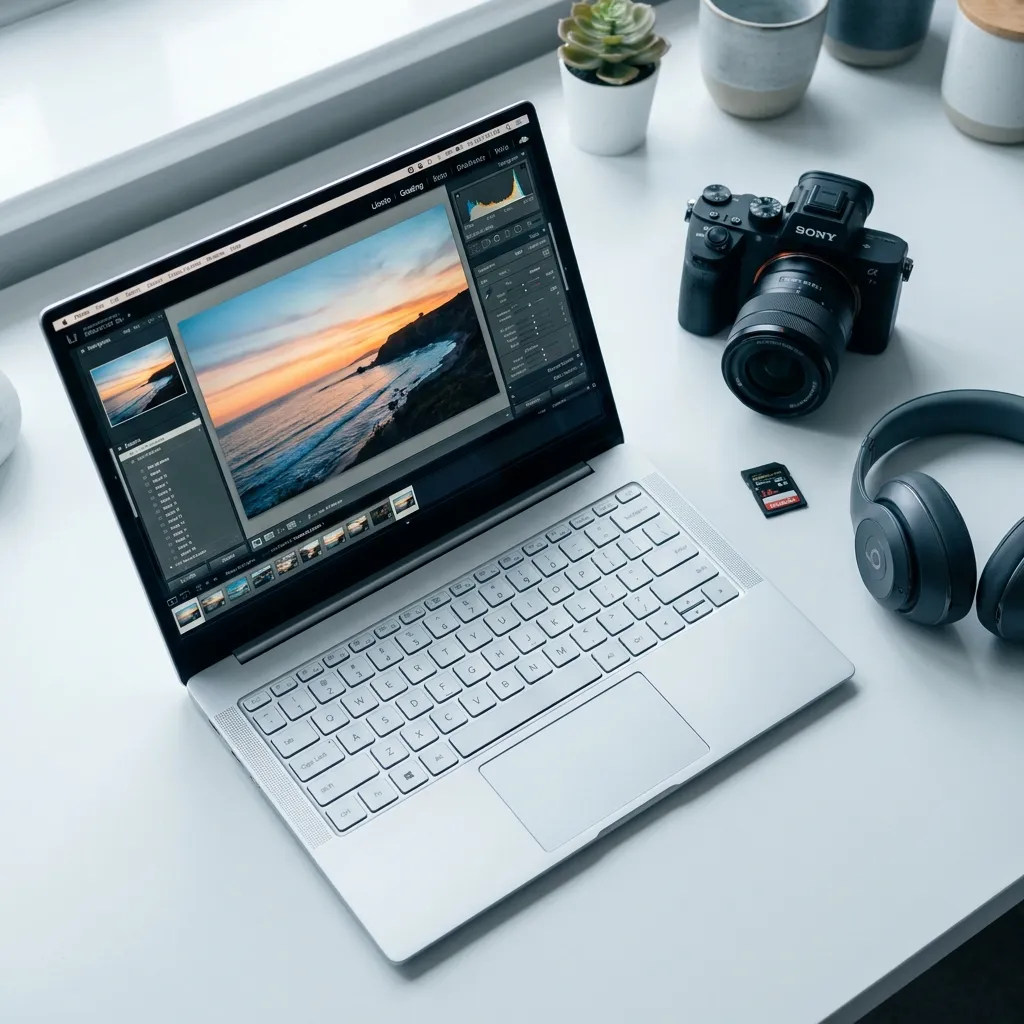
You'll spend more hours looking at this screen than almost anything else you own this year, so it's worth getting right. An IPS panel with Full HD resolution is the minimum for comfortable reading and note-taking. If your course involves design, photography, or video work, look for a screen with strong sRGB colour coverage, since a badly calibrated display can throw off how your work looks once it's printed or submitted elsewhere.
Windows vs Chromebook vs MacBook: Which Fits Your Course
- Windows laptops are the safest all-round choice, since most university software, from statistical packages to engineering tools, is built with Windows in mind first.
- Chromebooks are a genuinely good budget option if your university runs on Google Workspace and your coursework is mostly browser-based, though they struggle with specialist software like AutoCAD or SPSS.
- Refurbished MacBooks, particularly M1 models, remain excellent value secondhand and suit creative courses that lean on the Apple ecosystem, but always check your department's software requirements before committing to macOS.
It's also worth checking student discount schemes like UNiDAYS, StudentBeans, and the Apple Education Store before buying anywhere, since they can shave a meaningful amount off the sticker price on top of whatever deal you already find.
Why Buy Your Student Laptop from PonDesk
PonDesk sources student laptops with the same care as any specialist retailer, verifying condition and specs before they're listed rather than just relisting whatever comes in. You'll find the best budget laptop for students in the UK priced competitively against the wider market, backed by free UK delivery so there's no added cost tacked on at checkout. If you're weighing up a few options, browse the current collection or get in touch for guidance on which spec actually fits your course.
Is 8GB of RAM enough for a student laptop?
For essay writing, browsing, and video calls, yes, 8GB is workable. It gets tight once you're running several applications alongside a browser full of tabs, so 16GB is worth the small extra spend if your budget stretches to it.
Should I buy a Chromebook for university?
Only if your university uses Google Workspace and your coursework is mostly online. Chromebooks handle browser-based work brilliantly but can't run Windows-only specialist software, so check with your department first.
Is a refurbished MacBook worth buying for students?
Yes, particularly M1 models, which still perform well years after release and hold their value better than most Windows equivalents. Just confirm any required course software runs on macOS before switching over.
How much should I spend on a laptop for university?
Enough to cover an SSD, 8GB or more of RAM, and a Full HD IPS screen, without paying extra for gaming-grade specs you won't use. Most students find that balance well before the top of the market.
What's the Best Budget Laptop for Students Right Now?
The best budget laptop for students in the UK pairs an Intel Core i5 or AMD Ryzen 5 processor with at least 8GB of RAM, an SSD, and a Full HD IPS display, ideally in a body under 1.6kg for carrying between lectures. Beyond that baseline, the right choice depends on your course: Windows for compatibility, Chromebook for browser-based work, or a refurbished MacBook for creative degrees.
Browse PonDesk's current range to compare options at a competitive price, or get in touch if you'd like help matching a laptop to your course.


Comments (0)