Have you ever noticed your computer heating up like a mini oven during gaming or heavy workloads? That’s your CPU telling you it’s working hard, and if it gets too hot, it could slow down, or worse, shorten its lifespan.
The solution? Liquid cooling systems. These are not just cool gadgets, they’re your PC’s personal chillers. They efficiently manage heat, reduce noise, and even make your build look absolutely stunning. Whether you’re gaming, streaming, or working on heavy software, liquid cooling is a game-changer
Unlike traditional air coolers that rely on fans and heat sinks, liquid coolers use a closed-loop system to transfer heat away from your CPU or GPU to a radiator, where it's dissipated. This method offers superior cooling efficiency, quieter operation, and the ability to handle higher thermal loads, making it ideal for overclocking and high-performance tasks.
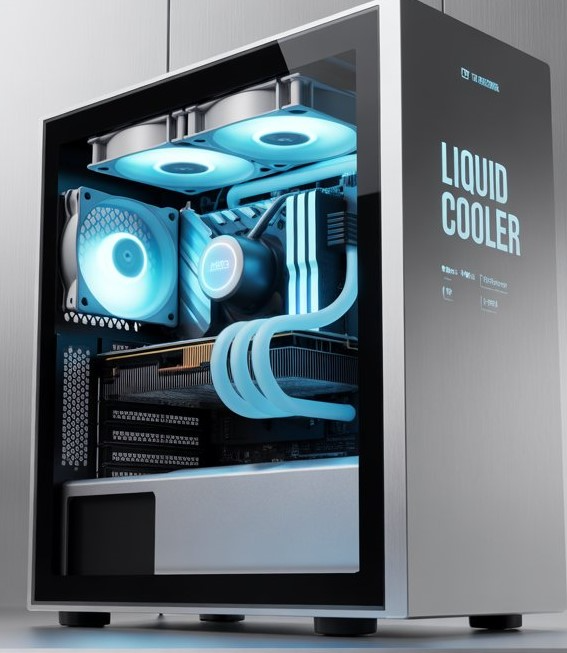
Why Liquid Cooling Systems Matter
1. Enhanced Cooling Efficiency
Liquid coolers are more efficient at dissipating heat compared to air coolers. Water has a higher thermal conductivity than air, allowing it to absorb and transfer heat more effectively. This means your components stay cooler, even under heavy loads.
2. Quieter Operation
Traditional air coolers often require high-speed fans to move enough air, which can be noisy. Liquid coolers, on the other hand, can achieve the same or better cooling performance with slower, quieter fans.
3. Overclocking Potential
If you're into overclocking, liquid cooling is a must. It keeps temperatures low, allowing you to push your hardware beyond its stock limits without risking instability or damage.
4. Aesthetic Appeal
Many modern liquid coolers come with RGB lighting or LCD screens, adding a touch of style to your build. Whether you prefer subtle elegance or vibrant displays, there's a cooler to match your aesthetic.
That's where Pondesk Recommended Liquid Coolers come in.
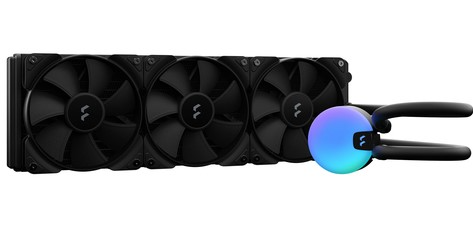
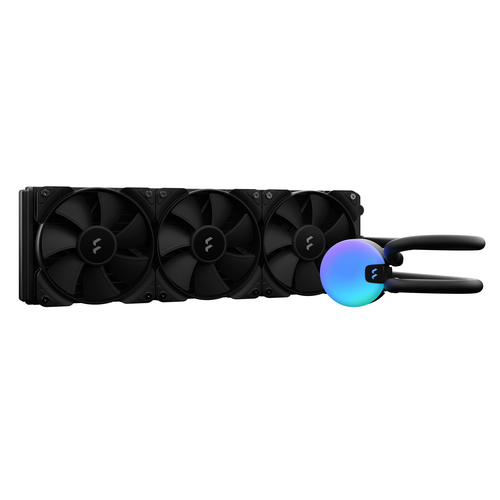
Fractal Design Lumen S36 V2 All-in-One Liquid Cooler
Why It Stands Out: Meet the Lumen S36 V2, The Fractal Design Lumen S36 V2 is a 360mm AIO cooler designed for high-performance systems. Its large radiator and PWM-controlled fans ensure efficient heat dissipation, while the pre-applied thermal paste and articulating elbow fittings make installation a breeze.
Key Features:
-
360mm radiator for maximum cooling
-
PWM-controlled fans for optimized airflow
-
Pre-applied thermal paste for easy setup
-
Articulating elbow fittings reduce tube tension
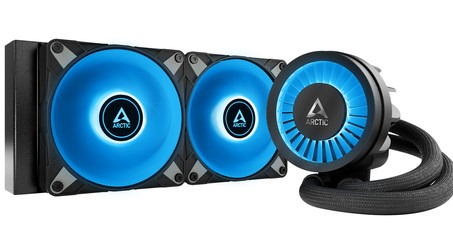
ARCTIC Liquid Freezer III 240 A-RGB
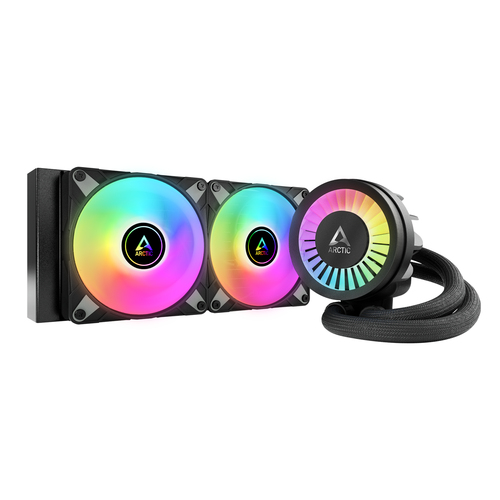
Why It Stands Out: If quiet and efficient cooling is your jam, check out The ARCTIC Liquid Freezer III 240 A-RGB, offers excellent cooling performance with its 240mm radiator and integrated ARGB lighting. Its low-noise pump and fans ensure quiet operation, making it suitable for both Intel and AMD platforms.
Key Features:
-
240mm radiator with high airflow
-
Integrated ARGB lighting for customization
-
Low-noise pump and fans
-
Compatible with Intel and AMD platforms
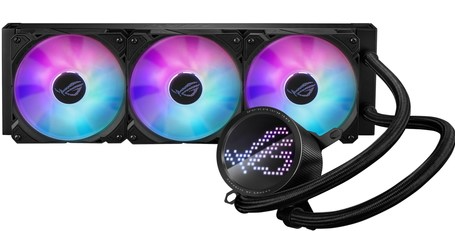
ASUS ROG Ryuo III 360 ARGB Liquid Cooling Kit
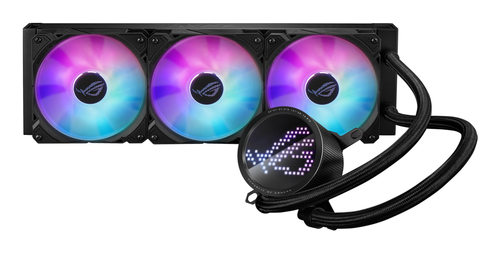
Why It Stands Out: Looking for power with a twist of personality? The ASUS ROG Ryuo III 360 has a live OLED display on the CPU block! It is a premium 360mm AIO cooler featuring customizable ARGB lighting and a high-performance pump. It's designed for gamers and creators who demand top-tier cooling and aesthetics.
Key Features:
-
360mm radiator for superior cooling
-
Customizable ARGB lighting
-
High-performance pump for reliability
-
Compatible with multiple CPU sockets
-
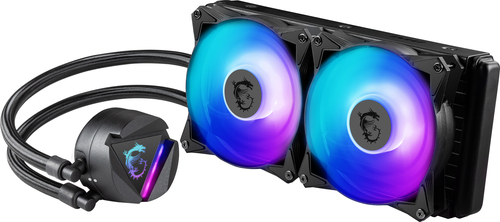
MSI MAG CoreLiquid 240R V2 Liquid CPU Cooler
Why It Stands Out: The MSI MAG CoreLiquid 240R V2 features a 240mm radiator and dual 120mm ARGB fans. Its PWM control ensures optimal fan speeds, while its ARGB lighting adds a touch of style to your build.
Key Features:
-
240mm radiator with dual 120mm ARGB fans
-
PWM-controlled fan speed for quiet operation
-
Compatible with Intel and AMD platforms
-
Customizable ARGB lighting
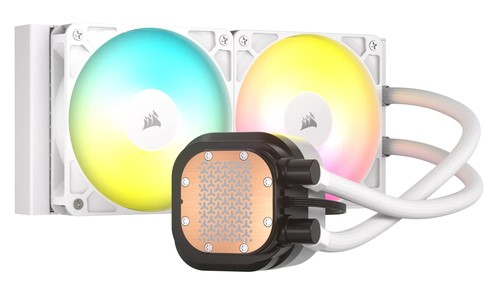
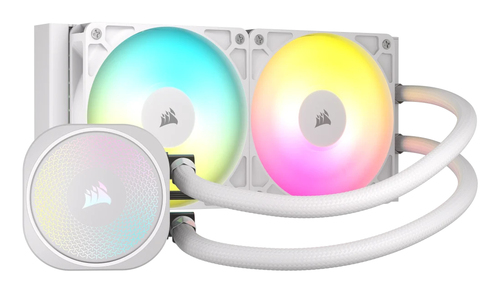
Corsair Nautilus 240 RS ARGB All-in-One Liquid Cooler
Why It Stands Out: The Corsair Nautilus 240 RS ARGB offers efficient cooling with its 240mm radiator and high-speed fans. Its ARGB lighting adds a vibrant touch to your system, making it a great choice for gamers and PC enthusiasts.
Key Features:
-
240mm radiator for efficient cooling
-
High-speed fans (up to 2100 RPM)
-
ARGB lighting for aesthetic customization
-
Reliable performance under load
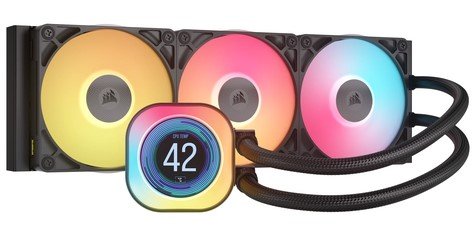
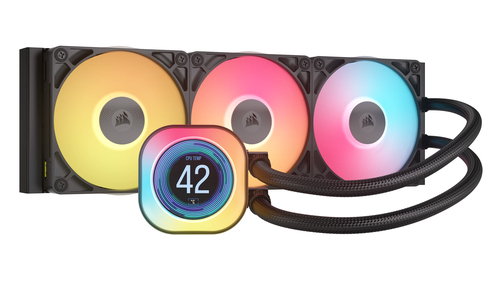
Corsair iCUE Link Titan 360 RX LCD Air Cooler
Why It Stands Out: Want your cooler to do more than just cool? The Corsair Titan 360 RX has an LCD screen that can show system stats, GIFs, or custom images, while keeping your CPU ice-cold. It is a premium 360mm cooler featuring an LCD display and customizable ARGB lighting. It's designed for high-end builds and offers real-time system monitoring through Corsair's iCUE software.
Key Features:
-
360mm radiator with high-performance fans
-
Integrated LCD display for system monitoring
-
Customizable ARGB lighting via iCUE software
-
Ideal for extreme builds and overclocking
Wrap-Up
Investing in a liquid cooler isn’t just about performance, it’s about peace of mind. With these PONDESK-recommended options Liquid Coolers. Whether you're building a budget-friendly system or a high-end powerhouse, there's a cooler to fit your needs. Your PC will stay cool, quiet, and stylish, letting you enjoy your games, creations, or work without worrying about overheating.
Frequently Asked Questions
Q1: Are liquid coolers better than air coolers?
Yes, liquid coolers are generally more efficient at dissipating heat compared to air coolers. Water has a higher thermal conductivity than air, allowing it to absorb and transfer heat more effectively. This means your components stay cooler, even under heavy loads.
Q2: How do I choose the right radiator size?
The radiator size depends on your case and cooling needs. A 240mm radiator is suitable for most systems, while a 360mm radiator provides additional cooling for high-performance setups or overclocking.
Q3: Are liquid coolers difficult to install?
Modern AIO (All-In-One) liquid coolers are designed for easy installation. They come with pre-applied thermal paste and mounting kits compatible with most Intel and AMD sockets. However, always follow the manufacturer's instructions for a safe and proper installation.
Q4: Do I need to maintain my liquid cooler?
Most AIO liquid coolers are maintenance-free. However, it's a good idea to check the coolant levels and ensure the fans are functioning properly every few months. Custom loops may require periodic maintenance, such as coolant replacement and leak checks.
Q5: Does RGB or LCD lighting affect cooling performance?
No, RGB and LCD lighting are purely aesthetic features and do not impact the cooling performance of the system. Modern coolers integrate these features without compromising airflow or heat dissipation.

Comments (0)