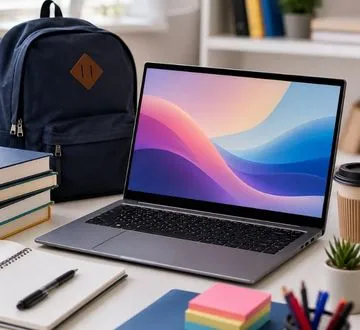
Picture this: You’re heading to campus or a meeting, juggling a backpack, books, and notes. You pull out a laptop that not only fits effortlessly into your bag but also catches the eye with its sleek, elegant design. That’s the charm of the MacBook Air. Lightweight yet powerful, it’s more than just a laptop, it’s a reliable companion for your daily life.
For students, the MacBook Air makes attending lectures, writing assignments, and doing research a smooth, enjoyable experience. Its portability means you can take it anywhere—libraries, cafés, study groups—without feeling weighed down. For professionals, it’s equally impressive: whether presenting in a boardroom, working remotely, or managing multiple projects, the MacBook Air blends style and efficiency, making a subtle statement of professionalism.
Add to that its long battery life, crisp Retina display, and premium build, and you have a device that’s perfectly balanced for work, study, and everyday life. The MacBook Air is not just a tool—it’s part of your lifestyle, helping you stay productive, organized, and stylish.
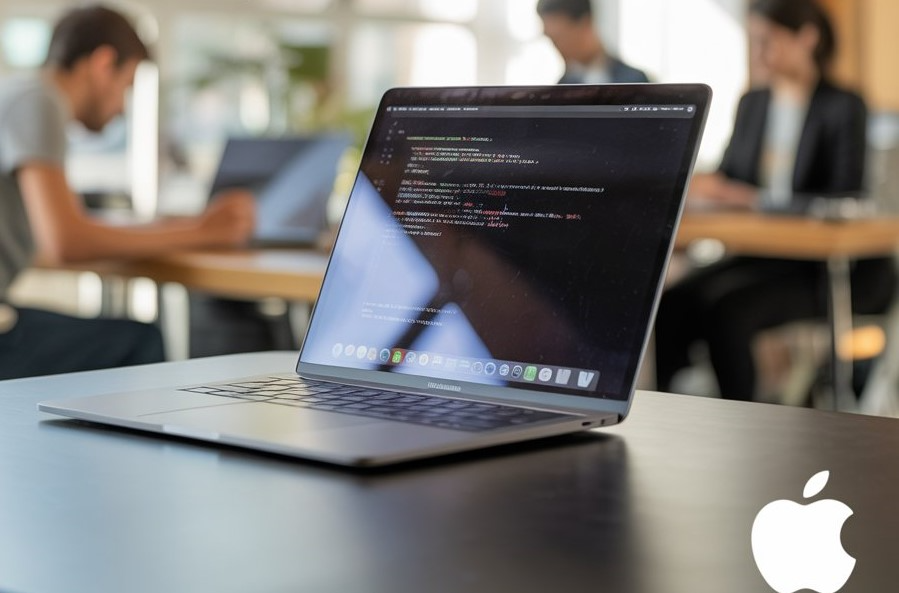
The Perfect Balance of Portability and Performance
The MacBook Air’s design is more than just good looks. Weighing just over 2.7 pounds, it slips effortlessly into backpacks and briefcases. Yet despite its slim form, it packs Apple’s efficient M-series processors, which handle everyday tasks, creative projects, and even light professional workloads with ease. For students, this means smooth note-taking, research, and multitasking. For professionals, it’s capable of handling presentations, reports, and virtual collaboration without breaking a sweat.
Why Sleek Design Matters
-
Ergonomics and Comfort: Lightweight and thin, the MacBook Air is easy to hold on your lap or at a café table for hours.
-
Professional Aesthetics: The clean aluminum chassis projects confidence and sophistication—perfect for interviews, client meetings, and online presentations.
-
Enhanced Portability: Carrying a laptop shouldn’t feel like a workout. Its compact design means more freedom, whether traveling to campus or commuting to the office.
Key Benefits for Students and Professionals
-
Long Battery Life: Apple’s M-series chips are highly energy-efficient, providing all-day battery life—essential for lectures, libraries, or long workdays.
-
Silent Operation: No loud fans interrupt your study sessions or meetings; the MacBook Air is whisper-quiet.
-
High-Resolution Retina Display: Ideal for reading, research, video conferencing, or even light design work.
-
Seamless Multitasking: macOS supports multiple apps and workflows smoothly, helping students and professionals stay organized.
-
Eco-Friendly Materials: Constructed with recycled aluminum, the MacBook Air aligns with sustainability goals—important for socially-conscious users.
Buyer Tips
-
Storage Needs: Students focusing on documents and media may opt for 256GB, while professionals handling large files or software might consider 512GB or higher.
-
RAM Consideration: 8GB works for general tasks, but 16GB ensures smoother performance for multitasking or light creative work.
-
Accessory Support: A protective sleeve, external drives, and USB-C hubs can enhance portability without adding bulk.
-
Software Compatibility: Most educational and professional apps run natively on macOS, but check compatibility for specialized tools.
Pondesk Recommendations
Here are some top MacBook Air models available at Pondesk for students and professionals:
Apple MacBook Air, Apple M, 2880 x 1864 pixels, 16 GB, 256 GB, macOS Sequoia
A perfect blend of portability and performance, this MacBook Air is ideal for students and professionals looking for a compact yet powerful device.
Key Points:
-
16 GB RAM for smooth multitasking
-
256 GB SSD storage for essential files and apps
High-resolution 2880 x 1864 pixels display -
Powered by Apple M chip
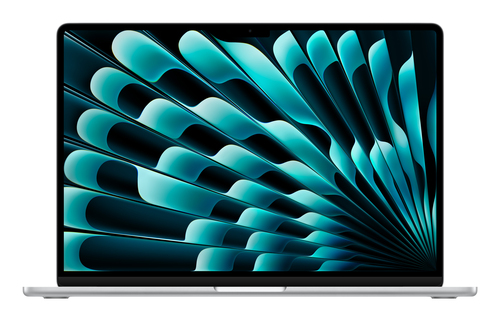
Apple MacBook Air 13-inch, 24GB RAM, 512GB SSD, Sky Blue, macOS Sequoia
This stylish Sky Blue MacBook Air is perfect for students and professionals who need extra memory and storage.
Key Points:
-
24 GB RAM for heavy multitasking
-
512 GB SSD for storing larger files
-
Vibrant Sky Blue color
-
Compact 13-inch display for portability
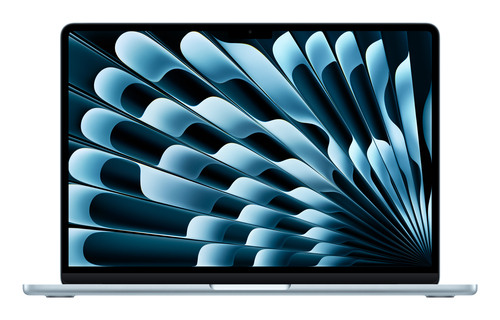
Apple MacBook Air, 2880 x 1864 pixels, 16 GB, 512 GB, macOS Sequoia
High-storage MacBook Air for users who need extra room for files and projects.
Key Points:
-
512 GB SSD for ample storage
-
16 GB RAM for smooth workflow
-
Retina display 2880 x 1864 pixels
-
Apple M chip for responsive performance
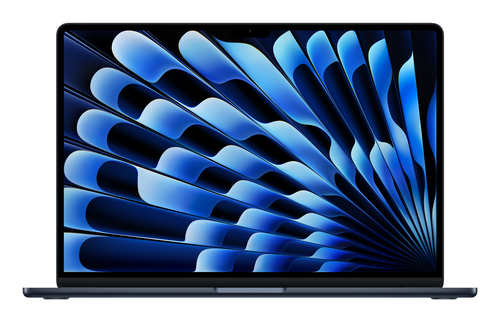
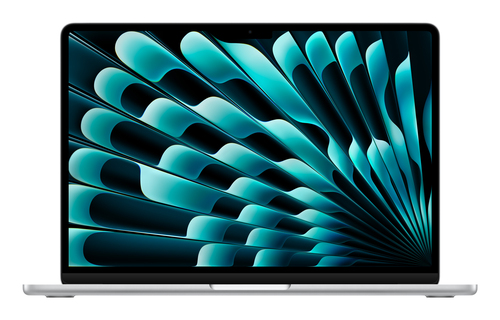
Apple MacBook Air 13-inch, 24GB RAM, 512GB SSD, Silver, macOS Sequoia
Ideal for professionals wanting high performance in a sleek silver finish.
Key Points:
-
24 GB RAM for multitasking
-
512 GB SSD for professional storage
-
2560 x 1664 pixels Retina display
-
Lightweight 13-inch design
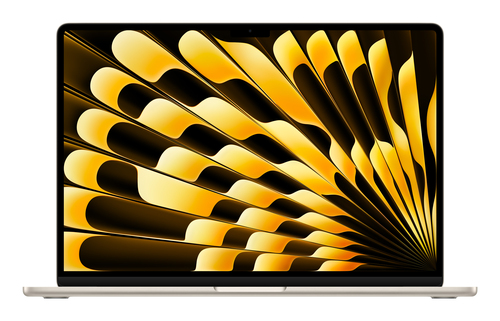
Apple MacBook Air, 16 GB RAM, 256 GB, 2880 x 1864 pixels, macOS Sequoia
Reliable MacBook Air for students and professionals who want balanced performance and storage.
Key Points:
-
16 GB RAM for multitasking
-
256 GB SSD for daily use
-
High-resolution Retina display
-
Sleek, portable, and lightweight
Conclusion
The MacBook Air is an excellent choice for students and professionals due to its sleek design, powerful M4 chip, portability, and long battery life. It’s perfect for everyday tasks, productivity, and learning.
For more MacBook Air options, check out Pondesk’s latest Apple laptops.
FAQs
Q1: Is the MacBook Air suitable for students?
A: Absolutely! Its lightweight design makes it easy to carry across campus, while the long battery life ensures you can attend lectures, study sessions, or library hours without worrying about charging. The Retina display is perfect for reading textbooks, writing assignments, or streaming educational videos, and the M4 chip handles daily applications smoothly.
Q2: Can professionals rely on it for work?
A: Yes, the MacBook Air is ideal for professional use. It can easily handle office software, video calls, presentations, and multitasking between multiple applications. Its sleek design also makes it look professional in meetings, and the battery life allows full-day usage without plugging in.
Q3: How long does the battery last?
A: The MacBook Air offers up to 18 hours of battery life. This means students can spend an entire day in classes or study sessions, and professionals can work full office days or travel without worrying about charging frequently.
Q4: Is the MacBook Air durable?
A: Yes! Apple’s unibody aluminum design makes it strong and resistant to everyday wear. Whether you’re moving between classrooms, offices, or cafés, the MacBook Air feels solid and premium, providing long-lasting reliability.
Q5: Should I choose MacBook Air over MacBook Pro?
A: If portability, lightweight design, and everyday performance are your priorities, the MacBook Air is perfect. For tasks that require heavy graphics rendering or specialized software, the MacBook Pro may be a better choice.



Comments (0)