TerraMaster NAS Storage


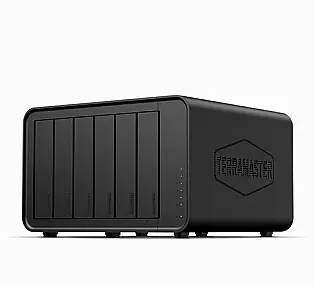
Product Code: NAHO-285
TerraMaster F6-424 Max, Intel Core i5 1235U, 8GB 6-Bay Dual 10GbE Slots, N...
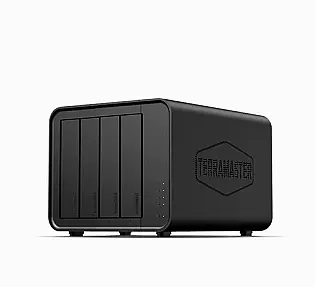
Product Code: NAHO-286
TerraMaster F4-424 Max, Intel Core i5‑1235U, 8GB 4-Bay Dual 10GbE ports NA...
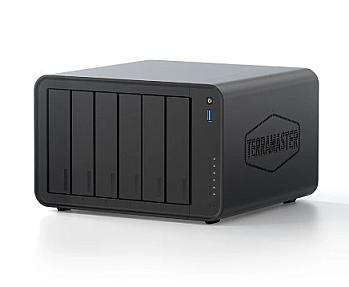
Product Code: NAHO-287
TerraMaster F6-425 Pro, Intel Core i3-1315U, 8GB Dual 10GbE ports 6-Bay AI...
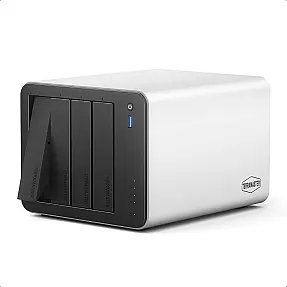
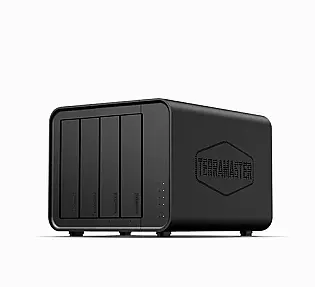
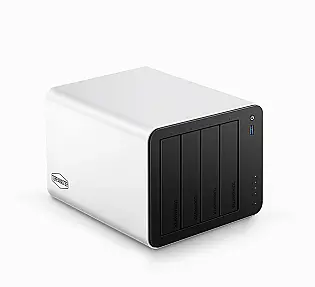
Product Code: NAHO-290
TerraMaster F4-425 Plus Intel N95, 16GB Dual 5GbE ports, 3+4 Bay Hybrid NA...
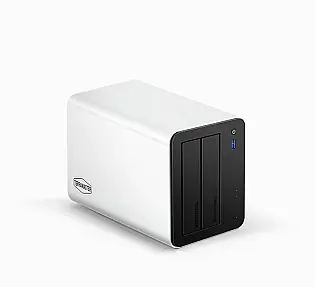
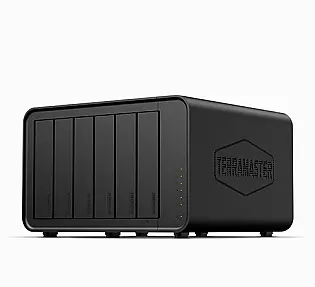
Product Code: NAHO-292
TerraMaster F6-424, 8GB Dual 2.5G Ethernet ports 6-Bay High Performance NA...
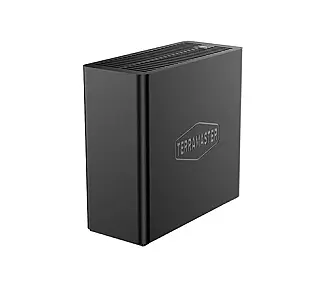
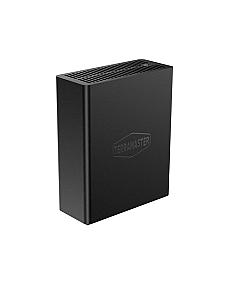
If you are looking for a TerraMaster NAS, you are probably tired of scattered files, monthly cloud fees, or a laptop drive that is nearly full. A TerraMaster NAS puts your data on a box you own, on your own network, with no subscription attached to the storage itself. This collection covers the current TerraMaster range, from compact 2-bay units for family photos to 4-bay and 6-bay models built for video work, virtual machines and small offices. Below you will find how to pick the right model, what TOS 7 changes, and how TerraMaster compares with Synology.
What Is TerraMaster?
TerraMaster is a storage company founded in 2010 and based in Shenzhen, China. It makes network attached storage (NAS), direct attached storage (DAS) and its own operating system, TOS. The brand became popular by putting relatively modern hardware into affordable boxes: Intel processors, 2.5GbE and 5GbE networking, and M.2 NVMe slots at prices that larger brands often match only on their higher tiers.
That value is the main reason people buy TerraMaster. The trade-off is software polish, which we cover further down.
TerraMaster NAS Range: Which Model Fits You?
TerraMaster sorts its home and small office line into four tiers. The right one depends on how many people use the NAS and what you plan to run on it.
| Tier | Example models | Best for |
| Entry-level | F2-425, F4-425, F4-212 | Personal backup, file sharing, light media streaming |
| Advanced | F2-425 Plus, F4-425 Plus, F4-424, F6-424 | Power home users, small offices, Docker and virtualisation |
| Performance Edition | F4-424 Pro, F8 SSD Plus | Content creators, 4K transcoding, heavy multitasking |
| Supreme | F4-424 Max, F6-424 Max | Professional users who want 10GbE and top-end processors |
The newest addition is the F4-425 Pro, launched with TOS 7. It uses an 8-core Intel N350 processor, 16GB of DDR5 memory, dual 5GbE ports and supports four 3.5" SATA drives plus three M.2 SSDs, for up to 152TB of capacity. Check the collection for the models currently listed, as availability changes.
How to Choose a TerraMaster NAS
Pick the number of bays first. A 2-bay NAS is enough for mirrored backup of photos and documents. A 4-bay gives you room for RAID 5 or TRAID, which protects your files if one drive fails and lets you add capacity later. Six and eight bay units suit studios and small businesses that keep growing.
Look at the processor and memory. Basic file storage needs very little. If you want Plex or Jellyfin with 4K hardware transcoding, Docker containers or virtual machines, choose a model with an Intel N150, N350 or better, and 16GB of RAM. Several current models ship with 16GB of DDR5 and can be upgraded to 32GB.
Check the network ports. Many entry models have 2.5GbE. The F4-425 Plus and F4-425 Pro have dual 5GbE ports, which can reach roughly 1,000MB/s with link aggregation if your switch and PC support it. The Max models go up to 10GbE. Faster ports only help if the rest of your network can keep up, so check your router and switch before paying for speed you will not use.
Plan your M.2 slots. Models with hybrid bays let you add NVMe SSDs for read and write caching, or build a small all-flash pool for databases and active projects. The F8 SSD Plus goes further and holds eight M.2 drives in a very small case.
Choose the right drives. TerraMaster supports 3.5" SATA drives of up to 30TB each. Use drives made for NAS use rather than desktop drives, since they are built to run around the clock.
TOS 7: TerraMaster's AI-Native Operating System
TOS 7 is the software that ships on the latest TerraMaster NAS units, and TerraMaster describes it as the first AI-native NAS operating system. The full version was released worldwide on 23 June 2026.
The headline feature is OpenClaw, an open-source, local-first AI agent built into the system. Instead of digging through menus, you can type or say what you want, such as creating a shared folder with set permissions, checking disk health, or deploying a Docker container. TerraMaster also says you can connect your own language model, either a cloud service or a local one, and that its security policies stop the agent writing uncontrolled data into the system root.
A sensible note here: independent reviewers have called the OpenClaw integration interesting but said it needs careful permission settings. If you try it, review what the agent is allowed to do before giving it wide access.
TOS 7 also brings changes that matter whether or not you use AI:
- A redesigned interface, with about 90% of icons replaced
- A rebuilt search index that TerraMaster says is up to 10 times faster, with 120% better accuracy than TOS 6
- Btrfs snapshots and volume-level TFSS protection against accidental deletion and ransomware
- TRAID, TerraMaster's flexible RAID, which lets you mix drives of different sizes and expand without rebuilding
- A local AI photo app that recognises faces, pets and scenes on the NAS itself, without uploading images to the cloud
- A Developer Mode with root access, native virtual machines and Docker support
TerraMaster vs Synology: Who Is Each For?
This is the comparison most buyers make, so here is a direct answer. TerraMaster usually gives you stronger hardware for the money. Recent comparisons show TerraMaster models with newer Intel chips, DDR5 memory, dual 2.5GbE or 5GbE ports and extra M.2 slots at a lower price than Synology's nearest equivalents.
Synology wins on software maturity. Its DSM system has deeper backup tools, a larger app ecosystem and more community documentation. Reviewers also note that TerraMaster has a smaller community and less long-term reliability data.
So the practical split looks like this. Choose Synology if you want minimal setup and a polished backup workflow, and you are happy to pay more. Choose TerraMaster if you want more hardware per pound, you are comfortable spending some time on setup, and you plan to run containers, media servers or virtual machines. Whichever brand you buy, keep a second copy of anything important. RAID protects against a failed drive, not against theft, fire or a bad update.
What Can You Run on a TerraMaster NAS?
- Media server: Plex, Emby and Jellyfin all run natively, and models with Intel graphics handle 4K hardware transcoding for TVs and phones.
- Backup: Back up PCs and Macs over the network, sync with cloud storage, and keep snapshot history to roll back mistakes.
- Photo library: Replace paid cloud photo storage with a private library that sorts by face and scene locally.
- Small office file server: Set user and folder permissions, share files across a team, and edit Office documents online.
- Developer and homelab use: Run Docker containers and virtual machines, or automate builds through the API. TOS 7 exposes over 500 modular REST APIs for scripts and third-party tools.
Why Buy TerraMaster from PONDESK
PONDESK supplies genuine, verified products sourced through the industry, so what arrives is what the manufacturer made. We price TerraMaster NAS units competitively, and we aim to offer the best price we can on each model. Delivery within the UK is free. If you are unsure which capacity or bay count suits your setup, or you need several units for a business, get in touch before you order.
What is the best TerraMaster NAS for home use?
For most households, a 4-bay hybrid model such as the F4-425 Plus is a sensible middle ground. It has four drive bays, three M.2 slots, 16GB of DDR5 memory and dual 5GbE ports. If you only need backup and file sharing, a 2-bay F2-425 costs less and does the job.
Is TerraMaster a good NAS brand?
TerraMaster is a solid choice for value-focused buyers. Reviewers generally rate its hardware highly for the price, and it has been making NAS units since 2010. Its software ecosystem is smaller than Synology's, so it suits people willing to learn the system.
Can a TerraMaster NAS run Plex?
Yes. TerraMaster NAS units support Plex, Emby and Jellyfin. Models with an Intel processor and integrated graphics can hardware-transcode 4K video, which keeps streaming smooth on TVs and mobile devices.
How much storage can a TerraMaster NAS hold?
It depends on the model. TerraMaster supports 3.5" SATA drives up to 30TB, so a 2-bay unit can reach 60TB and a 4-bay unit 120TB from hard drives alone. Models with M.2 slots add more. The F4-425 Plus is rated to 144TB and the F4-425 Pro to 152TB.
Find Your TerraMaster NAS
Browse the TerraMaster collection above to compare bay counts, processors and network speeds. If you would like help matching a model to your files, drives and budget, contact the PonDesk team and we will point you to the right unit.